What good Webflow website development looks like
Development
•
X min
•
Published on
13.09.2026
•
Updated on
08.10.2026

Good Webflow website development is not just turning a design file into a live page. It is the process of translating a business goal, content model, SEO requirements, visual system and maintenance workflow into a Webflow site that performs well and stays manageable after launch.
For a CEO, CMO, founder or marketing manager, the important question is not whether the site looks finished on launch day. The real question is whether the site supports campaigns, content updates, lead generation and future iteration without creating technical debt.
If you are still clarifying the platform itself, this guide pairs well with a clear explanation of what Webflow is. If you already know the platform and need to evaluate execution quality, the sections below give you a practical way to judge the work.
A good Webflow website development workflow connects strategy, design, build quality and post-launch ownership.
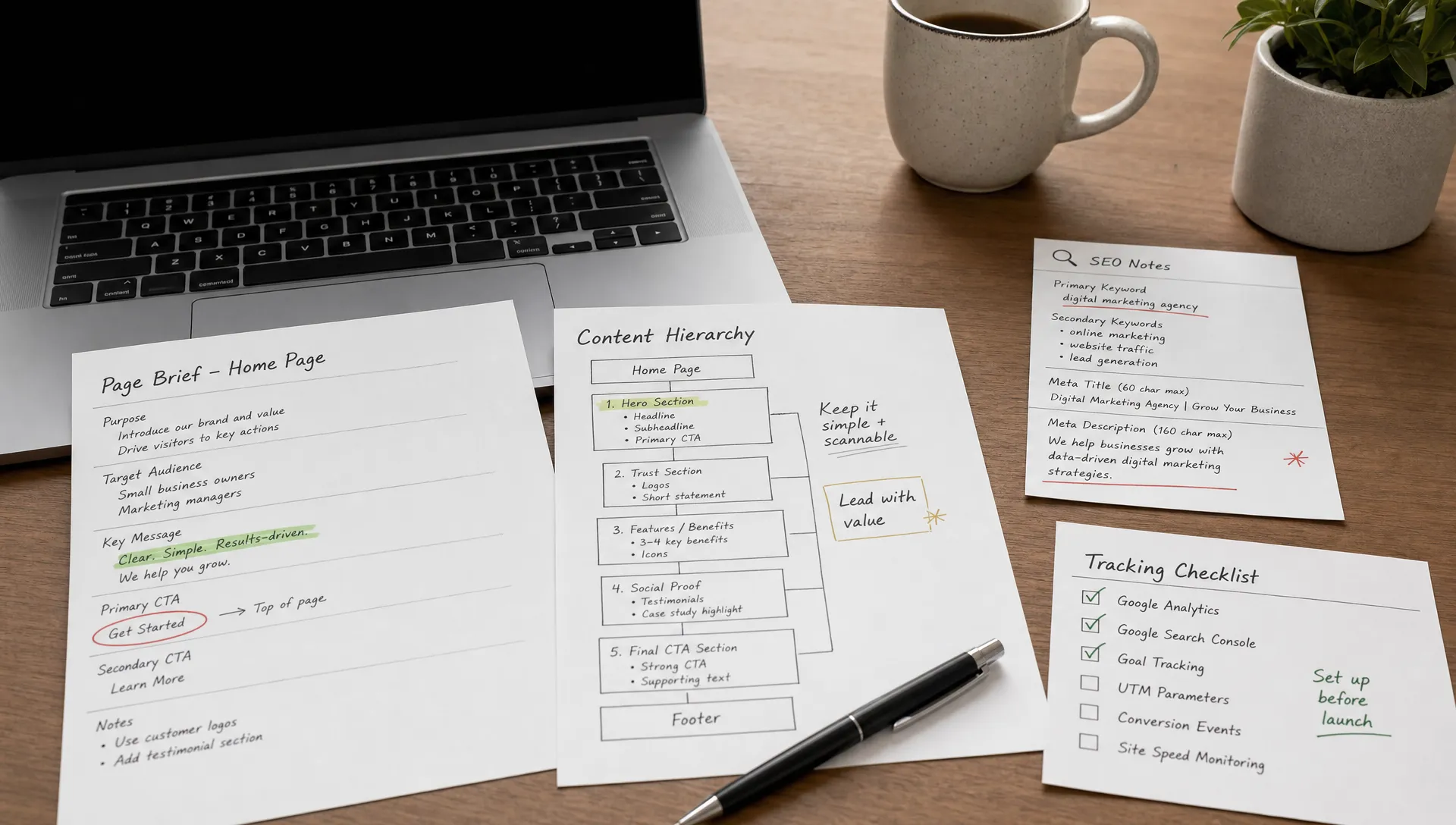
It starts before Webflow is opened. The team should understand the offer, target audience, conversion paths, content needs, SEO priorities and internal editing requirements. Without that context, development becomes a visual assembly task rather than a commercial asset.
It also continues after the first publish. A clean Webflow build should be easy to edit, extend and measure. Your team should know which pages are static, which content types live in the CMS, how redirects are managed and what should be tested before future changes go live.
Use this framework to assess whether the project is being developed with enough structure.
The first layer is platform fit. Webflow is often a strong choice for marketing websites, CMS-driven content, landing pages and brand-led sites where design control and speed of iteration matter.
That does not mean it fits every use case. If your project depends on complex product logic, heavy ecommerce workflows or advanced user permissions, the team should validate the architecture early. For a broader view, see how to decide why Webflow is a good fit for certain websites.
The second layer is page structure. Good Webflow website development becomes easier when the sitemap, wireframes, sections, component logic and content hierarchy are clear before implementation.
This is where many projects either gain speed or lose control. If every page is improvised during the build, you usually get duplicated sections, inconsistent spacing and a site that is harder to maintain. A structured website mockup process helps avoid that problem.
The third layer is the CMS. A Webflow CMS should not be treated as a storage drawer for random fields. It should reflect how your marketing team creates and reuses content.
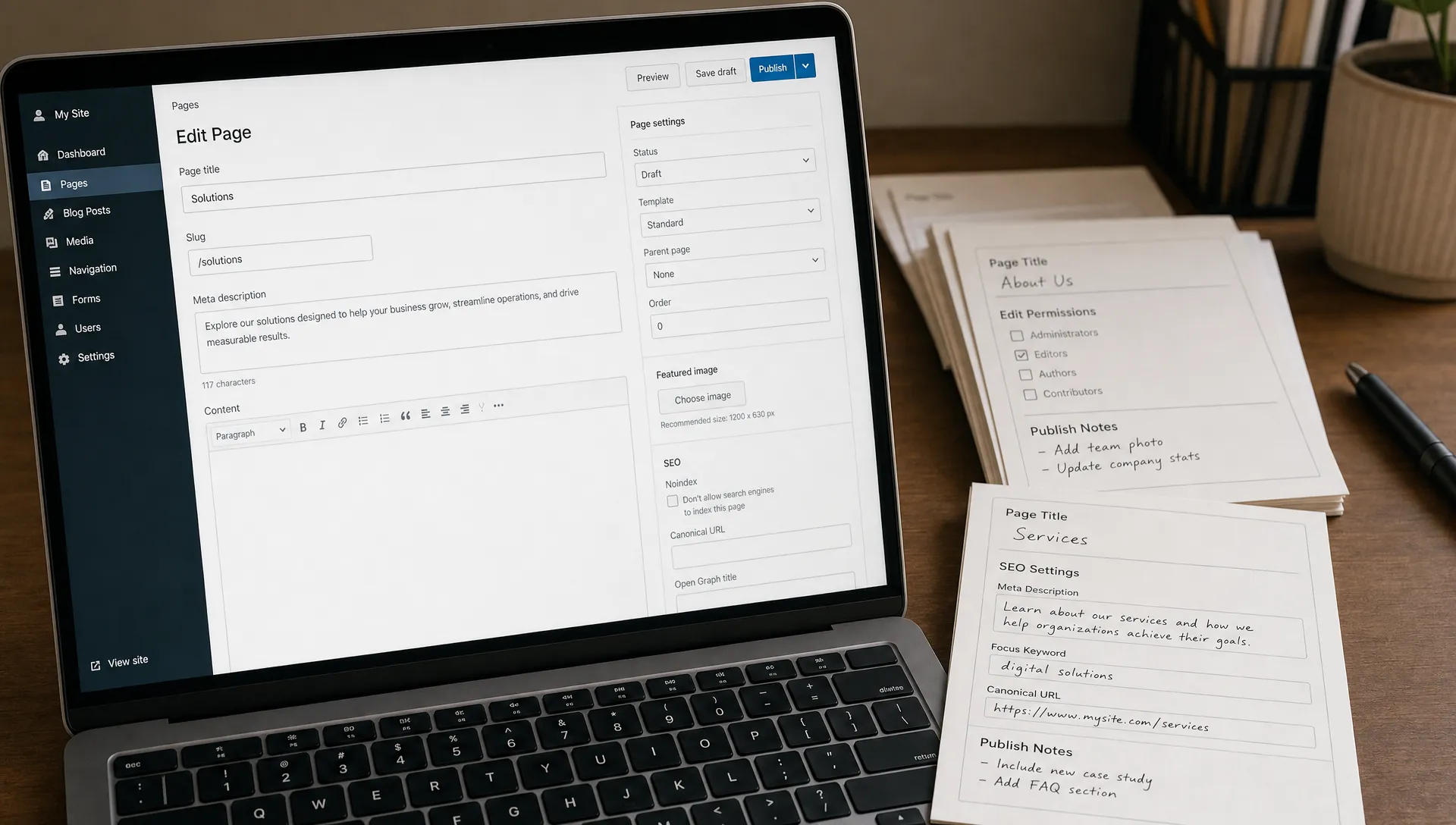
For example, blog posts, case studies, team members, resources, locations and product pages often need different collection structures. The right setup depends on filters, templates, SEO fields and how non-technical users will publish. If CMS planning is a major part of your project, review the fundamentals of Webflow CMS collections.
The fourth layer is build organization. Classes, components, symbols and page sections need consistent naming so another designer or developer can understand the project later.
Many Webflow teams use naming conventions inspired by systems such as Client-First. The exact system matters less than consistency, but the build should not rely on vague class names, duplicated styles or unexplained overrides. BeBranded has a separate guide on the Client-First approach if you want to go deeper.
The fifth layer is validation. A site can look approved in desktop preview and still fail on mobile spacing, metadata, accessibility, image weight, redirects or form tracking.
Good execution includes technical SEO setup, responsive testing, basic accessibility checks and launch QA before handoff. Accessibility should be evaluated against practical standards such as the W3C WCAG 2.2 guidelines, especially for navigation, contrast, headings and form usability.
The table below condenses the five layers into one review grid. Use it in project meetings to ask a single question per layer and to decide what evidence you expect to see before approving the next phase.
| Layer | Question to ask | Evidence to expect |
|---|---|---|
| 1. Business fit | Is Webflow the right platform for this scope? | A short architecture note listing what Webflow covers and what needs an external tool. |
| 2. Page structure | Are sections reusable and consistent? | An approved sitemap, wireframes and a list of shared sections or components. |
| 3. CMS architecture | Does each collection match a real content type? | A collection map with fields, references, templates and publishing rules. |
| 4. Naming system | Could another developer take over tomorrow? | A documented class convention and a clean style panel without unexplained overrides. |
| 5. Validation | What was tested before launch? | A QA report covering breakpoints, metadata, accessibility, forms, redirects and tracking. |
A strong Webflow website development process should begin with clear inputs, not assumptions.
At minimum, the team should align on the sitemap, page objectives, primary calls to action, conversion events, content ownership, technical integrations and launch constraints. If the site is replacing an existing website, the team also needs URL mapping, redirect planning and analytics continuity.
For redesigns, do not skip the audit. Existing rankings, high-value pages, conversion data and technical issues should influence the new build. A practical website redesign process helps prevent decisions based only on visual preference.
The table below lists the inputs that most often delay a project when they are missing. Each one should have a named owner on your side or on the agency side before the build starts, so that questions do not stall the schedule.
| Input | Why it matters | Typical owner |
|---|---|---|
| Sitemap and page goals | Defines templates, navigation and the number of unique layouts to build. | Marketing lead with the agency |
| Final or near-final copy | Prevents layout changes late in the build when text lengths change. | Marketing or content team |
| URL map and redirects | Protects existing rankings when a site is replaced. | SEO owner with the developer |
| Tracking plan | Lists the conversion events, tags and consent rules to configure. | Marketing operations |
| Integrations list | Confirms CRM, form, scheduling and automation tools before forms are built. | Sales operations and developer |
| Editor permissions | Decides who can edit pages and who can only publish CMS content. | Site owner |
The order of work matters as much as the quality of each task.
A reliable sequence starts with structure, then the design system, then reusable components, then page templates, and only then the detailed page content. Teams that reverse this order often rebuild the same section several times because spacing, typography and breakpoints were never fixed first.
SEO and tracking belong in the same sequence, not at the end. Titles, headings, alt text, indexing rules and redirects are cheaper to define while templates are being built. For a deeper view of that layer, see this Webflow SEO guide.
During Webflow website development, quality is visible in the decisions made before launch.
You do not need to inspect every class name yourself, but you should expect your developer or agency to explain the structure clearly. If they cannot explain why the CMS works a certain way, how the site will scale or what has been tested, the build may be too fragile.
The table below gives a simple evaluation map for reviewing a Webflow project in progress.
| Area to review | What good looks like | What to question |
|---|---|---|
| Page structure | Sections follow a consistent hierarchy and match the approved design logic. | Pages are built as one-off layouts with repeated manual styling. |
| CMS setup | Collections match real content types and include relevant SEO fields. | Editors need workarounds to publish normal content. |
| Responsive behavior | Layouts are tested across breakpoints, not only resized quickly in preview. | Mobile views feel compressed, misaligned or visually inconsistent. |
| SEO setup | Titles, descriptions, headings, alt text, indexing settings and redirects are reviewed. | SEO is treated as a task to handle after launch. |
| Handoff | The marketing team knows how to edit pages, publish CMS content and request changes. | The site depends entirely on the original builder for basic updates. |

Most failures in Webflow website development come from weak process, not from the platform itself.
The following mistakes are common in rushed projects. They are also preventable if you ask the right questions before build approval.
A capable Webflow partner should be able to discuss these risks without making the process feel complicated. If you are evaluating people, not just deliverables, this guide on what a Webflow developer should bring to the project is a useful companion.
Use this checklist to review Webflow website development before the site goes live.
The twelve checks are grouped by area in the table below, so that each person involved in the launch can see which points they are expected to confirm. Treat any row you cannot confirm as a reason to pause, not as a detail to fix later.
| Area | What to check before launch |
|---|---|
| Purpose and navigation | Every important page has a defined purpose, primary audience and main call to action. The navigation reflects user intent, not only internal company structure. |
| CMS | Collections match the content your team will actually publish. |
| Responsive behavior | Core pages are tested on desktop, tablet and mobile breakpoints. |
| SEO | Title tags, meta descriptions, H1 usage, heading hierarchy and image alt text are reviewed. Old URLs are redirected when an existing site is replaced. |
| Forms and integrations | Every form, automation, CRM connection and notification flow has been tested. |
| Performance | Heavy images are compressed or replaced, and unused assets are removed where practical. |
| Analytics | Analytics, conversion tracking and cookie requirements are configured correctly. |
| Handoff and support | A clear handoff explains how to edit pages, publish CMS content and avoid breaking layouts. Ownership of post-launch fixes and the available support are confirmed. A simple backlog holds improvements that should happen after launch rather than delaying it. |
This checklist is not a substitute for technical QA, but it gives non-technical stakeholders a reliable way to spot weak execution before it becomes expensive to correct.
Good Webflow website development leaves evidence: structure, rationale, documentation and a site your team can use.
During the project, ask your agency or developer to explain how they are making decisions. You should hear clear reasoning about content structure, responsive behavior, SEO setup, performance tradeoffs and handoff. If the answers are vague, the build may depend too much on individual habits rather than a repeatable process.
The right partner should also know when not to overbuild. Not every section needs complex animation. Not every content item needs a CMS collection. Not every page needs custom logic. If you are comparing options, use a disciplined process for choosing a custom developer for Webflow instead of selecting only on portfolio aesthetics.
What is Webflow website development? Webflow website development is the process of building a website in Webflow, including page structure, responsive implementation, CMS setup, SEO configuration, integrations, testing and handoff.
How do I know if a Webflow build is good quality? A good build is easy to edit, consistent across breakpoints, structured with clear classes and components, technically prepared for SEO and tested before launch.
Should design be finished before Webflow development starts? The core design system, sitemap and main page layouts should be clear before development starts. Some iteration during the build is normal, but major structural decisions should not be improvised late.
Does Webflow development include SEO? It should include technical and on-page setup such as metadata, heading hierarchy, alt text, clean URLs, indexing controls and redirects. Content strategy and ongoing SEO may require separate work.
Can a marketing team maintain a Webflow site after launch? Yes, if the CMS, components and editor experience are planned properly. Maintenance becomes difficult when the build relies on one-off layouts or unclear class structures.
Good Webflow website development can be reviewed before launch if you know what to look for.
Do not judge the project only by how polished the homepage looks. Review the CMS, responsive behavior, SEO setup, class structure, integrations, handoff and ability to support future campaigns. Those details determine whether the site becomes a useful marketing asset or another redesign candidate.
If you want a focused external review before building or relaunching, start by sharing your project context with BeBranded and get a clear view of what should be improved before development moves forward.