







Consulting · Design · Build
Coudac
An autonomous case-study system and a conversion funnel rebuilt across every page.
8
CMS pages refactored
< 15 min
Issue resolution
Your situation
A tiny text change means a ticket, a wait and a bill, when your team could do it in minutes.
You have Webflow, Make or an AI tool, but no one on the team really knows how to use them.
One person knows how it all works, and everything stops when they are away.
Your team wants to get better, but tutorials are scattered and none fit your setup.
Our expertise
01
Hands-on sessions tailored to your stack and built around your real projects, Webflow, no-code, automation and AI. Your team learns to build, edit and manage without waiting on anyone.
02
Waiting on an agency for every small edit is slow and expensive, so we teach your team to run your Webflow site themselves. We cover editing content safely, building and styling pages, and working confidently with the CMS. We point out the common pitfalls before they cause damage, so your team can manage the site day to day without needing us.
03
When only a developer can touch your product, every change turns into a bottleneck, so we train your team on the no-code tools behind your projects. We show them the tools in your stack, how to build and edit safely, and how the pieces fit together. They learn to make changes without breaking things, and gain real autonomy over your own product.
04
Automations only save time if someone can maintain them, so we teach your team to build and adjust their own in Make or n8n. We walk through how your scenarios work, how to build simple automations, and how to fix and adapt existing flows. They learn to read errors and logs, so they can keep everything running without calling us.
05
AI is full of noise, so we cut through it and show your team how to get real value from these tools in their daily work. We focus on practical uses for your work, prompts that genuinely help, and an honest view of where AI helps and where it does not. We cover working safely with your own data, so the result is real productivity, not gimmicks.
06
Generic training is forgotten by the next week, so we build every session around your team, your level and your real projects. We keep it hands-on rather than slide after slide, so people learn by doing the work they will actually face. You keep notes and references afterwards, and we stay available for follow-up when you need it.
Case studies
Consulting · Design · Build
An autonomous case-study system and a conversion funnel rebuilt across every page.
8
CMS pages refactored
< 15 min
Issue resolution
Performance · SEO
Speed, SEO and mobile overhaul for a digital signage leader.
Read the case studyResult
+30% organic traffic
in six months, with speed and mobile fixed
Design · Build · SEO
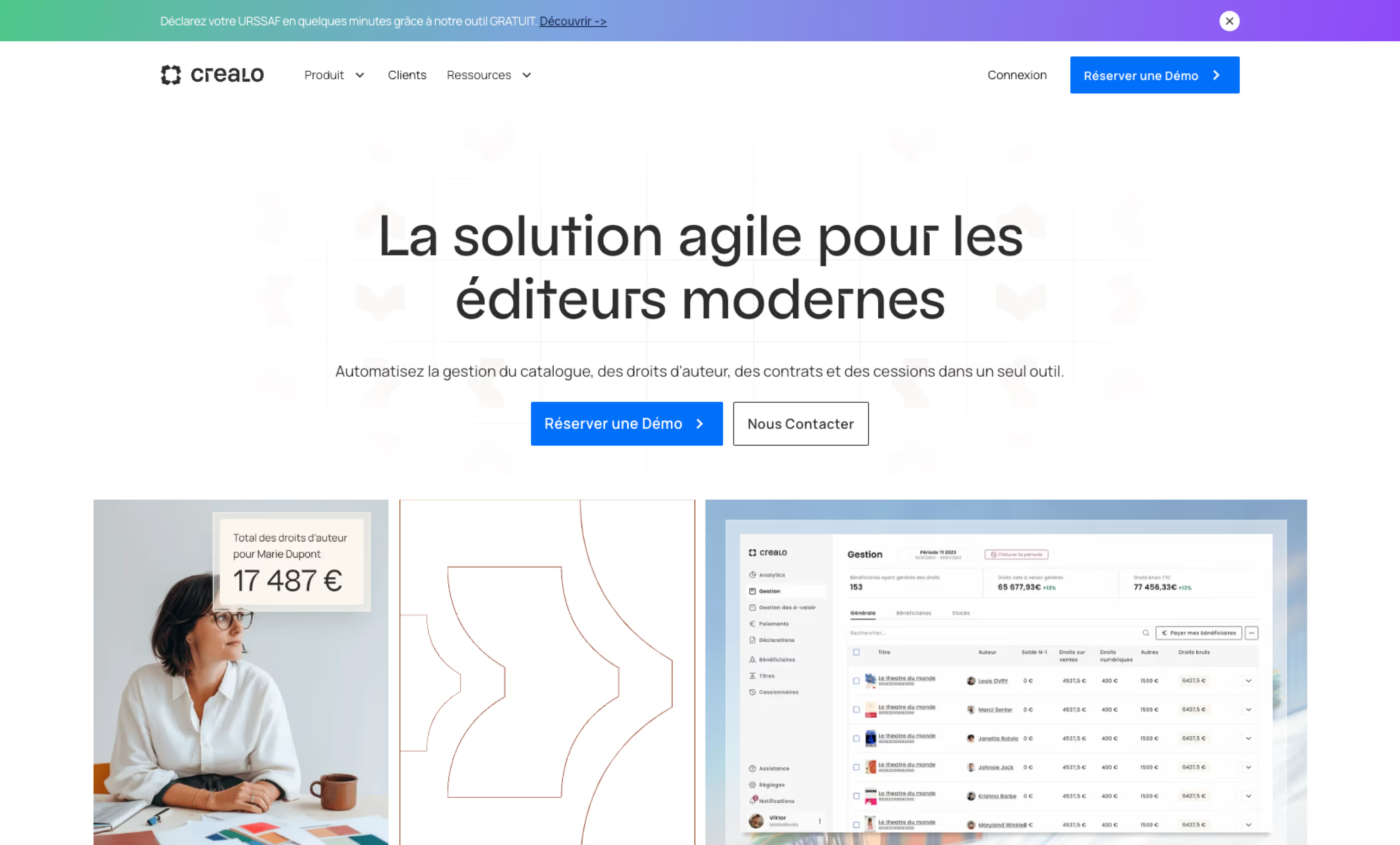
A modular Webflow redesign for a SaaS that manages publishers' rights and royalties.
Read the case studyResult
From 1 to 15 top-3 keywords
one year on, organic traffic roughly doubled
And 50+ more companies




Our process
Audit, roadmap and a fixed-price quote.
You get
Roadmap and fixed-price quote
Prototype and design system, validated with you.
You get
Prototype and design system
Production, integrations and on-page SEO.
You get
The live product
Monthly improvements and reports in Dashly.
You get
Weekly reports in Dashly
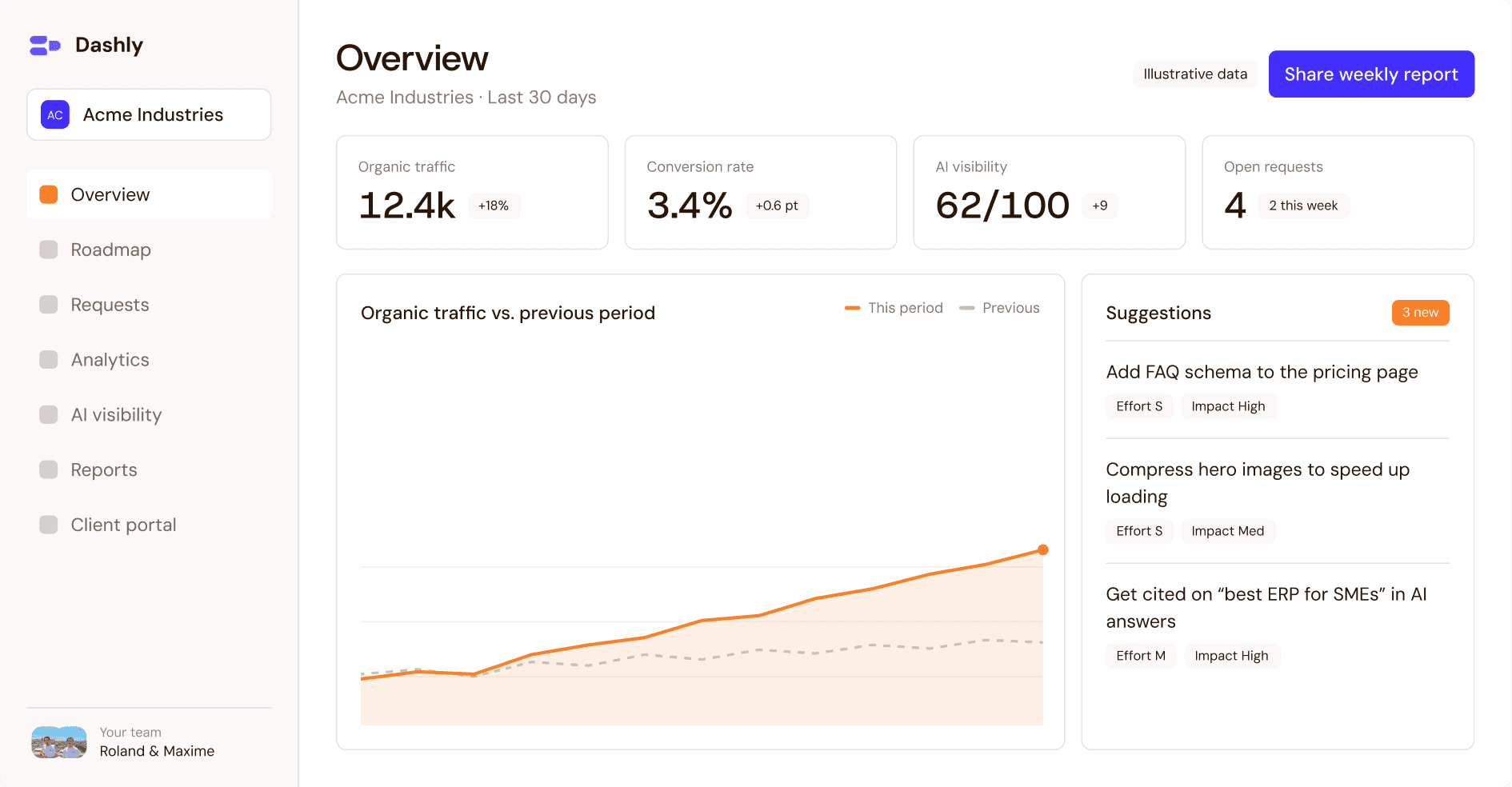
Illustration only: the real Dashly interface looks different.
Included: Dashly
Sharper audits
Your site, analytics and AI visibility, read before we meet.
One client portal
Roadmap, requests and feedback in one place.
Weekly reports
Progress and suggestions, sent before you ask.
Illustration only: the real Dashly interface looks different.
Technologies
Custom websites and web apps on Next.js and Payload: ERP, CRM, internal tools, client portals.
Our Next.js expertiseProcess audits, workflows, CRM integrations and AI agents with a human in the loop.
Our automation and AI workThere is a version of this work where the agency stays essential forever, where every change goes through us and your team never learns how anything fits together. We do not want that. The most valuable thing we can leave a client is not a deliverable, it is the ability to run and improve it without us. Training is how that happens.
So we teach on your actual tools and your actual projects, not a generic curriculum. If you build in Webflow, we train on your site; if you automate in Make, we work through your scenarios. Learning on the thing you use every day sticks in a way that a demo project never does, because your team leaves able to do the real work, not a toy version of it.
We keep it hands-on. People do not learn to build by watching, they learn by building, so sessions are practical: your team does the work while we guide, correct and explain the why behind each step. The aim is not just to show that something can be done, but to leave your team confident doing it themselves next time.
And we tailor the level to who is in the room, from a marketer who wants to edit pages safely to someone who will manage the whole stack. Whether it is Webflow, no-code, automation or getting real value from AI tools, we meet your team where they are and take them to where they can work on their own.



5/5 on Google · 4.6/5 on La Fabrique du Net

Thomas J.
CEO, XPLR

“From the very first draft, they delivered a mock-up that perfectly matched the initial brief. Once approved, the website went live very quickly.”
Result
More qualified leads

Paul M.
CEO, Coudac

“Roland and his team have been incredibly efficient in helping us to quickly and easily develop our website. A reliable partner.”
Result
100% autonomous case studies

Mohammed B.
CEO, Crealo

“Even when there were emergencies to deal with quickly, you were always there to act, with a real drive to get things done.”
Result
+282% Google clicks

Hugo M.
CEO, Boud’bOis
“Very happy with Maxime and Roland’s work. They went well beyond what we asked of them. Sharp, highly skilled and friendly too. I recommend them without any hesitation!”
Result
+2,641% organic visits since June 2025

Valentine F.
Marketing, Qolaig

“Roland and Maxime were superb on the restructuring of our website. They answer quickly and keep supporting us even after the site was delivered. Very efficient, and always with good advice. I recommend them!”
Result
Website restructuring
Alexis C.
Head of Growth, Elmut

“I recommend Roland and Maxime without hesitation. They understood our needs with real kindness, and their advice is always accurate and relevant. Their smooth, efficient way of working makes every collaboration a pleasure.”
Result
Landing pages for ad campaigns

Apolline P.
Marketing, Crealo
“Without hesitation the best Webflow agency in Paris. We’ve worked with Roland and Maxime on the Crealo site for over a year and we’re delighted. The team is very responsive and always has ideas to improve our design. We see it in our traffic, which grows every month.”
Result
Traffic up every month
Adrien V.
CEO, Techlivery
“High-quality work and very efficient collaborations! Webflow know-how we really appreciate.”
Result
Webflow website

Mahel F.
Business owner · Google review
“Better than I imagined. I’m really happy I chose them to design my company’s website. They were great, on the design as much as on SEO and GEO tips. Highly responsive, professional and passionate. Thanks again!”
Result
Website, SEO & GEO
Léa & Simon
Founders, Foxtrotteurs
“Roland was super responsive and accommodating, and did exactly what we asked: cookie consent on our site and an updated privacy policy. A pleasure to work with, and we’ll definitely call on him again!”
Result
Cookie consent & privacy policy
Laure D.
CEO, La Pépite
“Roland ran a workshop with me on building landing pages! He brought real value to the participants and gave them concrete advice. His feedback during the workshop was precious. See you soon!”
Result
Landing page workshop
VanLuc N.
CEO, Vanluc
“A great interactive experience on a difficult subject. Patience and understanding from BeBranded, thank you. I recommend these talented young guys.”
Result
La Fabrique du Net

Result
+30%
organic traffic in six months
FAQ
Another question?
Write to usFrom the blog
Mar 17, 2026
Getting started with Webflow: understand the interface, key concepts, the CMS, and create your first site. Step-by-step guide from zero to launch.
Read the article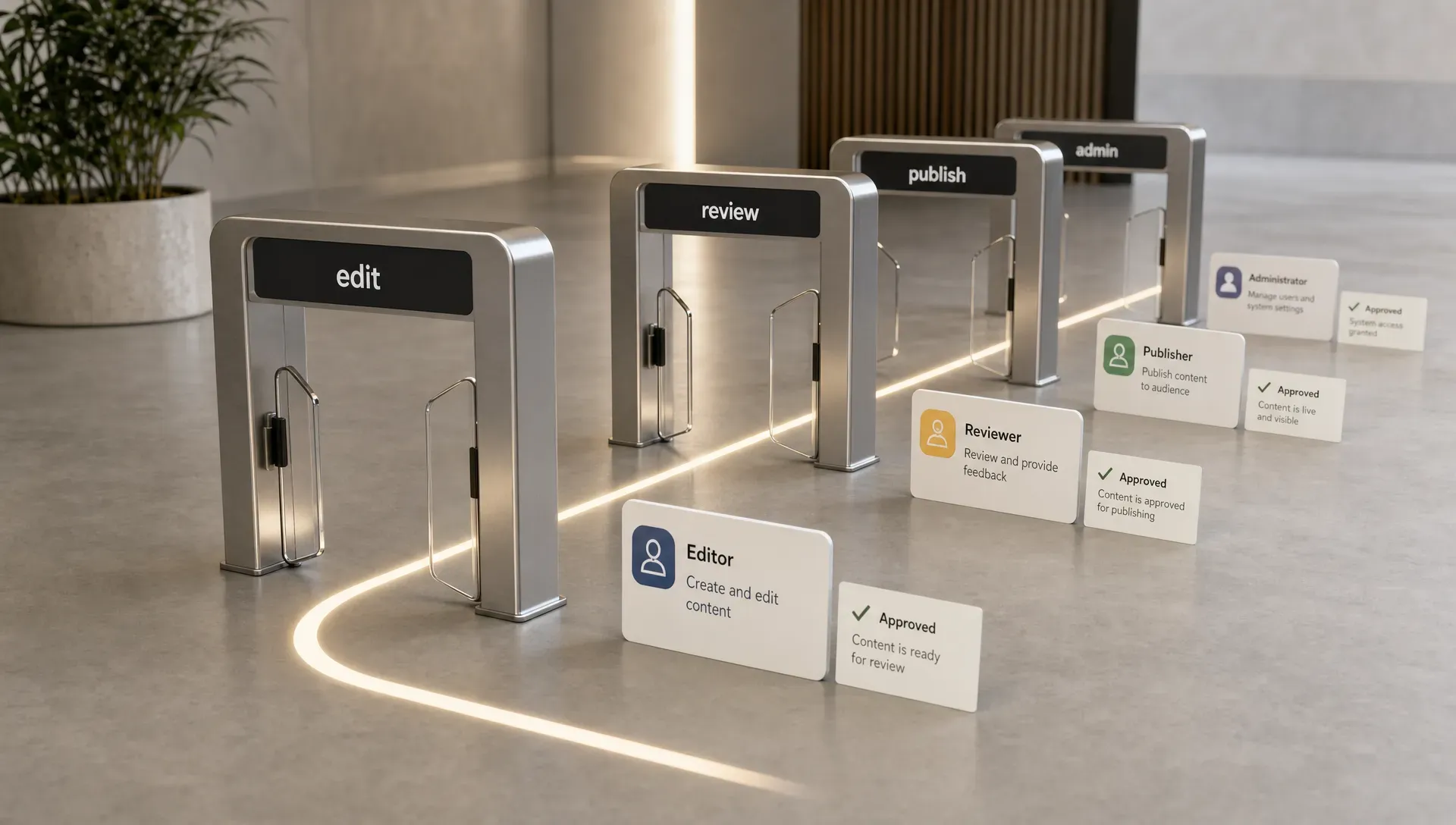
Aug 28, 2026
Learn how Webflow Editor permissions should be set for marketing teams, with roles, approval flows, mistakes to avoid and a checklist.
Read the article
Oct 3, 2026
Find the best place to build a website for your growth plans. Compare platforms, test publishing workflows and avoid costly rebuilds.
Read the articleLet’s talk
What happens next