Client portals and member areas, custom-built and ready to scale.

When your site needs accounts, private content or a space clients log into, a template will not cut it. We build custom portals and member areas, with the right permissions, the right data and a clean experience, on foundations that grow with you.

Scoping €2,500 excl. VAT, 100% deducted from your project. How it works

Trusted by 50+ companies

Rated 5/5 from 10 Google reviews
Coudac
Crealo
XPLR
Elmut
Qolaig
Powercharge
Lhyfe
Interiman
Safrans du Monde
Goldb
La Fabrique du Net, 4.6/5Sortlist Trusted PartnerAwwwardsWebflow Certified PartnerActivateur France Num

Your situation

When a public website is not enough anymore.

The moment your business needs logins, roles or private spaces, you have outgrown a standard site. If these sound familiar, you need a portal, not another page.
  • 01

    Clients need their own space

    You want a place where each client logs in to see their projects, files or account, instead of endless email threads.

  • 02

    Content behind a login

    You sell or share content that should not be public, courses, resources, a community, and you need real access control.

  • 03

    Recurring subscriptions

    You want members to sign up, pay and get access automatically, with plans and renewals handled without manual work.

  • 04

    Manual access management

    You are granting access by hand, one person at a time, and it does not scale. Roles and rules should do that for you.

Our expertise

From accounts to a full member experience.

One team designs the experience, builds the access and connects the tools.

01

A portal, from access to experience

One team designs the experience, builds the accounts and permissions, and connects the tools behind them. You get a private space your clients or members actually enjoy using, on foundations that scale with you.

02

Accounts and authentication

The portal starts the moment someone signs up, so that first step has to be secure and effortless. We set up sign-up and login with email and social options, plus the password and account management users expect. It runs on proven auth tools rather than something homemade, so credentials are handled safely and every member gets their own space from the first visit.

Secure sign-up and login out of the boxEmail and social sign-in optionsPassword reset and account management includedBuilt on proven authentication toolsReady for real users from day one

03

Roles and permissions

As soon as more than one type of user logs in, access needs clear rules. We design who can see and do what, from members to admins, and build those boundaries into the system itself. Permissions are enforced by the backend, not left to a hidden page or good faith. The result is safe by design, so the right people reach the right content and nothing leaks by accident.

Roles and access levels clearly definedContent gated per member and planSeparate admin and member experiencesRules enforced by the system, not trustedSafe by design from the start

04

Private content and dashboards

Once members log in, they need a space that feels like theirs. We build the private areas behind the login, their content, files, projects or a personal dashboard, kept clean and specific to each account. Only what belongs to a member is visible to them, and the rest stays gated. Where it helps, content stays editable through a CMS so you can update it without touching code.

A personalised dashboard for each memberGated pages and resources behind loginFiles and content scoped per accountA clean, focused member experienceContent editable through a CMS

05

Subscriptions and payments

When access is paid, sign-up and billing have to work without you in the loop. We connect Stripe and set up your plans, so members subscribe, pay and are granted access automatically. Renewals, upgrades and downgrades are handled by the system, and access follows the payment. You get recurring revenue without chasing invoices or managing accounts by hand.

Plans and subscriptions set up cleanlyStripe payments connected end to endAccess granted automatically on paymentRenewals and billing handled for youUpgrades and downgrades fully supported

06

Integrations and management

A portal that needs constant manual upkeep quickly becomes a burden. We connect it to the CRM and tools you already use, so members and their data sync automatically instead of by hand. Your team gets a simple admin to manage access without touching code. Everything is documented, so the portal keeps running smoothly without a developer on standby.

Connected to your CRM and existing toolsMembers and data synced automaticallyA simple admin for your teamNo manual access management requiredDocumented and easy to run

Case studies

Custom tools, running in production.

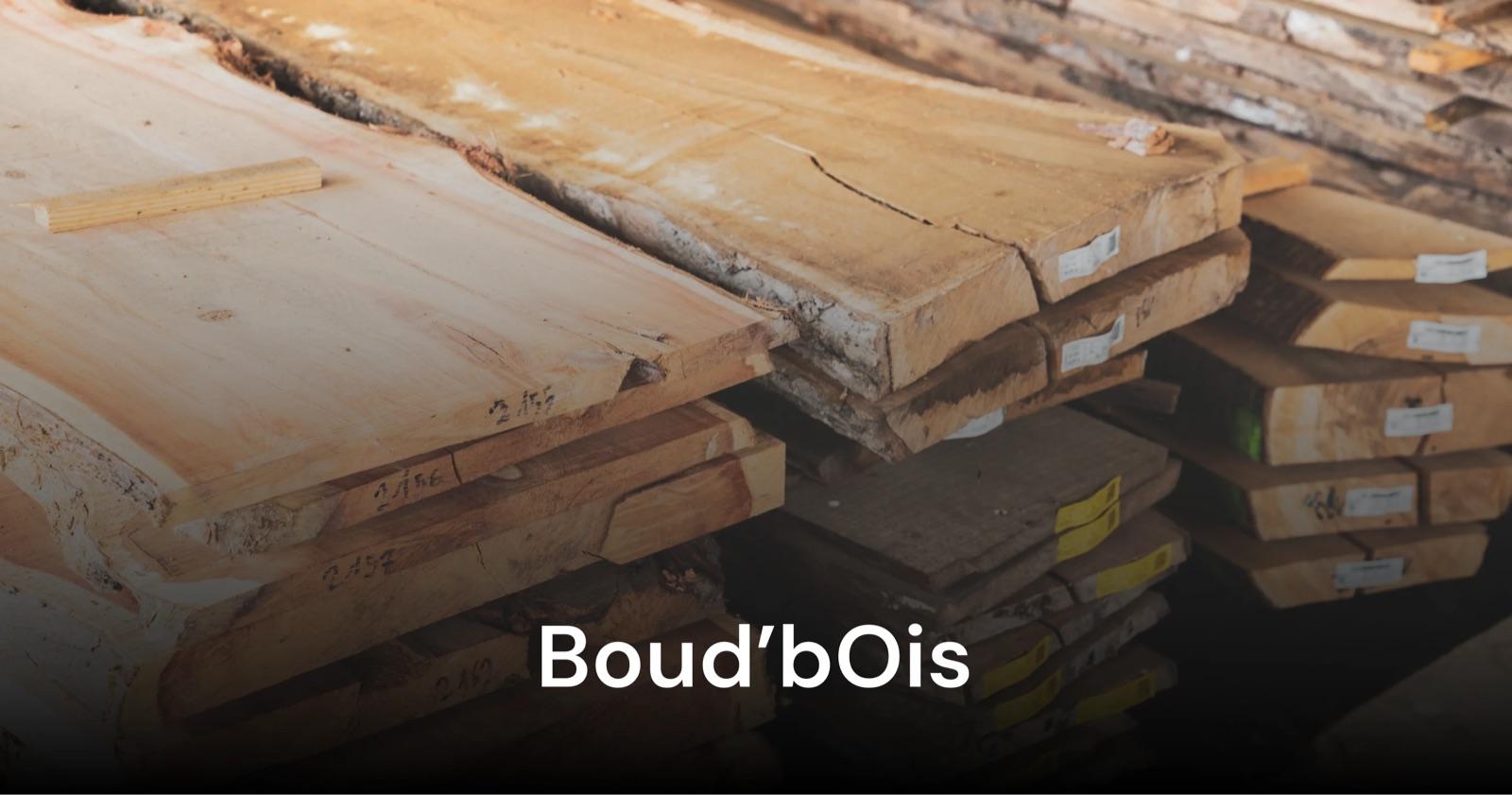
Boud’bOis logo over stacked wooden planks

Featured · Marketplace

Boud'bOis

An e-commerce marketplace for non-standard wood, built as a real web application on the brand’s own domain.

+157%

Google clicks since the June 2026 launch

+2,641%

organic visits since June 2025

×2

mobile loading speed after optimization

Read the case study

Web app · Next.js · Supabase

And 50+ more companies

ElmutQolaigPowerchargeLhyfe
See all case studies

Our process

A clear process, from brief to launch.

The same team from start to finish, with your feedback at every step.
Step 01

Diagnose

Audit, roadmap and a fixed-price quote.

You get

Roadmap and fixed-price quote

Step 02

Design

Prototype and design system, validated with you.

You get

Prototype and design system

Step 03

Build

Production, integrations and on-page SEO.

You get

The live product

Step 04

Grow

Monthly improvements and reports in Dashly.

You get

Weekly reports in Dashly

See the full process
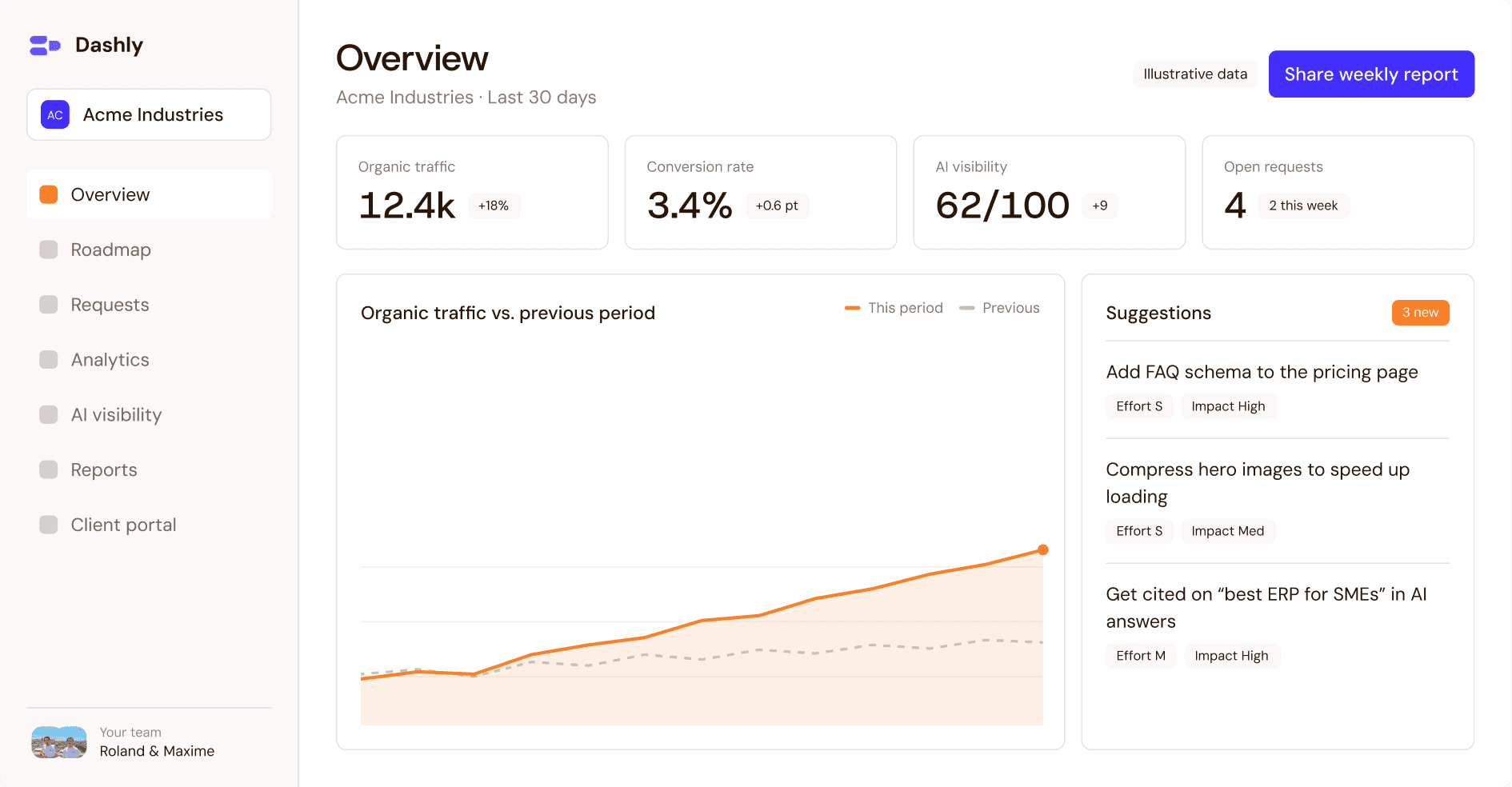
The Dashly client portal: overview with traffic, conversion, AI visibility and suggestions

Illustration only: the real Dashly interface looks different.

Included: Dashly

Follow your app’s build in Dashly.

From scoping to launch, your app’s roadmap, requests and feedback live in Dashly, our client platform. You always know what is being built, what is next and what is done.

One client portal

Roadmap, requests and feedback in one place.

Weekly reports

Progress and suggestions, sent before you ask.

Access from day one

Nothing to install, at no extra cost: we set it up for you.

Discover Dashly

Illustration only: the real Dashly interface looks different.

A member area is where a website becomes a product.

There is a clear line between a website and a product, and logins are usually where it is crossed. A public site shows the same thing to everyone. The moment people have accounts, see their own data and get different access depending on who they are, you are running something closer to an application, and it needs to be built like one.

The heart of it is access: who can see what, and who can do what. We design the roles and permissions first, because that is where these projects succeed or quietly break. Members see their content and nothing else, admins get the controls they need, and the rules are enforced by the system rather than by trust.

We build it on foundations made for this. Tools like Memberstack, Supabase and Webflow let us stand up accounts, gated content and subscriptions quickly and securely, without a fragile custom stack. You get the speed of no-code with the structure of a real application underneath.

And it is built to grow, because member areas rarely stay small. New roles, new content types, new plans: the system is structured so you can add them without a rebuild, and your team can manage members day to day without calling a developer for every change.


Portrait of Thomas J., BeBranded clientPortrait of Paul M., BeBranded clientPortrait of Mohammed B., BeBranded client

5/5 on Google · 4.6/5 on La Fabrique du Net

What our clients say.

Portrait of Thomas J., BeBranded client

Thomas J.

CEO, XPLR

XPLR logo
“From the very first draft, they delivered a mock-up that perfectly matched the initial brief. Once approved, the website went live very quickly.”

Result

More qualified leads

Portrait of Paul M., BeBranded client

Paul M.

CEO, Coudac

Coudac logo
“Roland and his team have been incredibly efficient in helping us to quickly and easily develop our website. A reliable partner.”

Result

100% autonomous case studies

Portrait of Mohammed B., BeBranded client

Mohammed B.

CEO, Crealo

Crealo logo
“Even when there were emergencies to deal with quickly, you were always there to act, with a real drive to get things done.”

Result

+282% Google clicks

Hugo Marquet, CEO de Boud’bOis

Hugo M.

CEO, Boud’bOis

“Very happy with Maxime and Roland’s work. They went well beyond what we asked of them. Sharp, highly skilled and friendly too. I recommend them without any hesitation!”

Result

+2,641% organic visits since June 2025

Portrait of Valentine F., BeBranded client

Valentine F.

Marketing, Qolaig

Qolaig logo
“Roland and Maxime were superb on the restructuring of our website. They answer quickly and keep supporting us even after the site was delivered. Very efficient, and always with good advice. I recommend them!”

Result

Website restructuring

Alexis C.

Head of Growth, Elmut

Elmut logo
“I recommend Roland and Maxime without hesitation. They understood our needs with real kindness, and their advice is always accurate and relevant. Their smooth, efficient way of working makes every collaboration a pleasure.”

Result

Landing pages for ad campaigns

Portrait of Apolline P., BeBranded client

Apolline P.

Marketing, Crealo

Crealo logo
“Without hesitation the best Webflow agency in Paris. We’ve worked with Roland and Maxime on the Crealo site for over a year and we’re delighted. The team is very responsive and always has ideas to improve our design. We see it in our traffic, which grows every month.”

Result

Traffic up every month

Adrien V.

CEO, Techlivery

“High-quality work and very efficient collaborations! Webflow know-how we really appreciate.”

Result

Webflow website

Portrait of Mahel F., BeBranded client

Mahel F.

Business owner · Google review

“Better than I imagined. I’m really happy I chose them to design my company’s website. They were great, on the design as much as on SEO and GEO tips. Highly responsive, professional and passionate. Thanks again!”

Result

Website, SEO & GEO

Léa & Simon

Founders, Foxtrotteurs

“Roland was super responsive and accommodating, and did exactly what we asked: cookie consent on our site and an updated privacy policy. A pleasure to work with, and we’ll definitely call on him again!”

Result

Cookie consent & privacy policy

Laure D.

CEO, La Pépite

“Roland ran a workshop with me on building landing pages! He brought real value to the participants and gave them concrete advice. His feedback during the workshop was precious. See you soon!”

Result

Landing page workshop

VanLuc N.

CEO, Vanluc

“A great interactive experience on a difficult subject. Patience and understanding from BeBranded, thank you. I recommend these talented young guys.”

Result

La Fabrique du Net

FAQ

Is everything clear?

Another question?

Write to us
What is the difference between a client portal and a member area?
They are close. A client portal is usually a private space for your clients to see their projects, files or account. A member area is broader: any gated space with accounts, from a course to a community. We build both.
What stack do you build on?
For back-ends and databases, we work with Supabase and Xano, alongside Airtable when a simple base is enough. Hosting and security go through Cloudflare, automations through n8n or Make. We choose the stack based on your real need, not on a trend. The goal is always a product we can grow and maintain over time.
Can members have different access levels?
Yes. We design roles and permissions so each member sees only what they should, and admins get the controls they need.
Can you handle subscriptions and payments?
Yes. We connect Stripe and set up plans, so members sign up, pay and get access automatically, with renewals handled.
Is it secure?
Yes. We build on proven authentication tools and enforce access rules in the system, not by trust, so members only reach what they are allowed to.
Can it connect to our CRM?
Yes. We sync members with your CRM and other tools, so the portal fits your existing workflow instead of adding manual work.
Can my team manage members without a developer?
Yes. We hand you a simple admin and documentation, so adding, removing and managing members is part of your daily workflow.

From the blog

Insights on web, product and AI.

Memberstack: manage users on Webflow easily
No-Code

Apr 9, 2025

Memberstack: manage users on Webflow easily

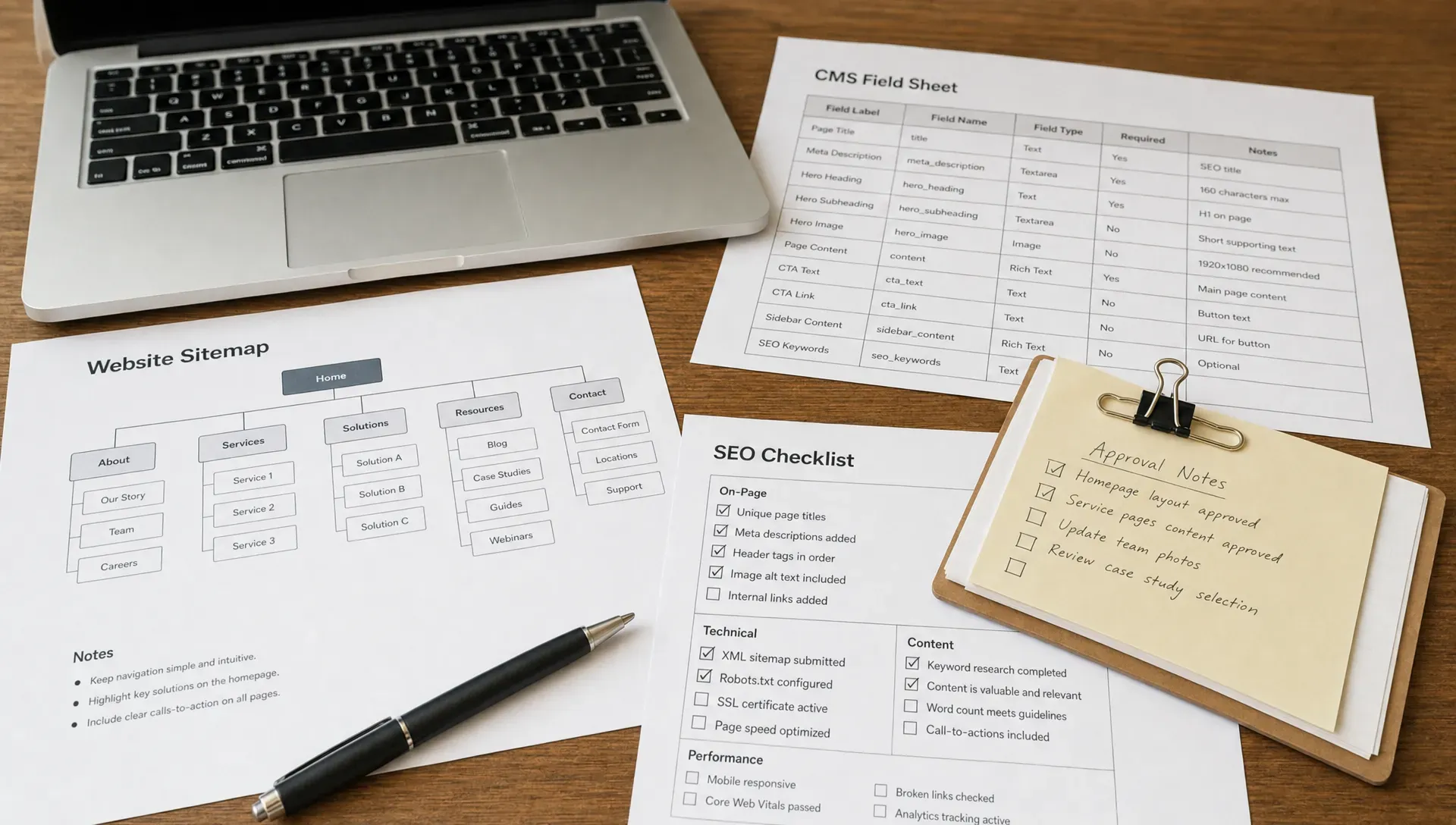
Discover how Memberstack transforms Webflow sites with no-code membership features for seamless user management and monetization.

Read the article
How to scope custom Webflow code without creating maintenance debt
Webflow

Aug 6, 2026

How to scope custom Webflow code without creating maintenance debt

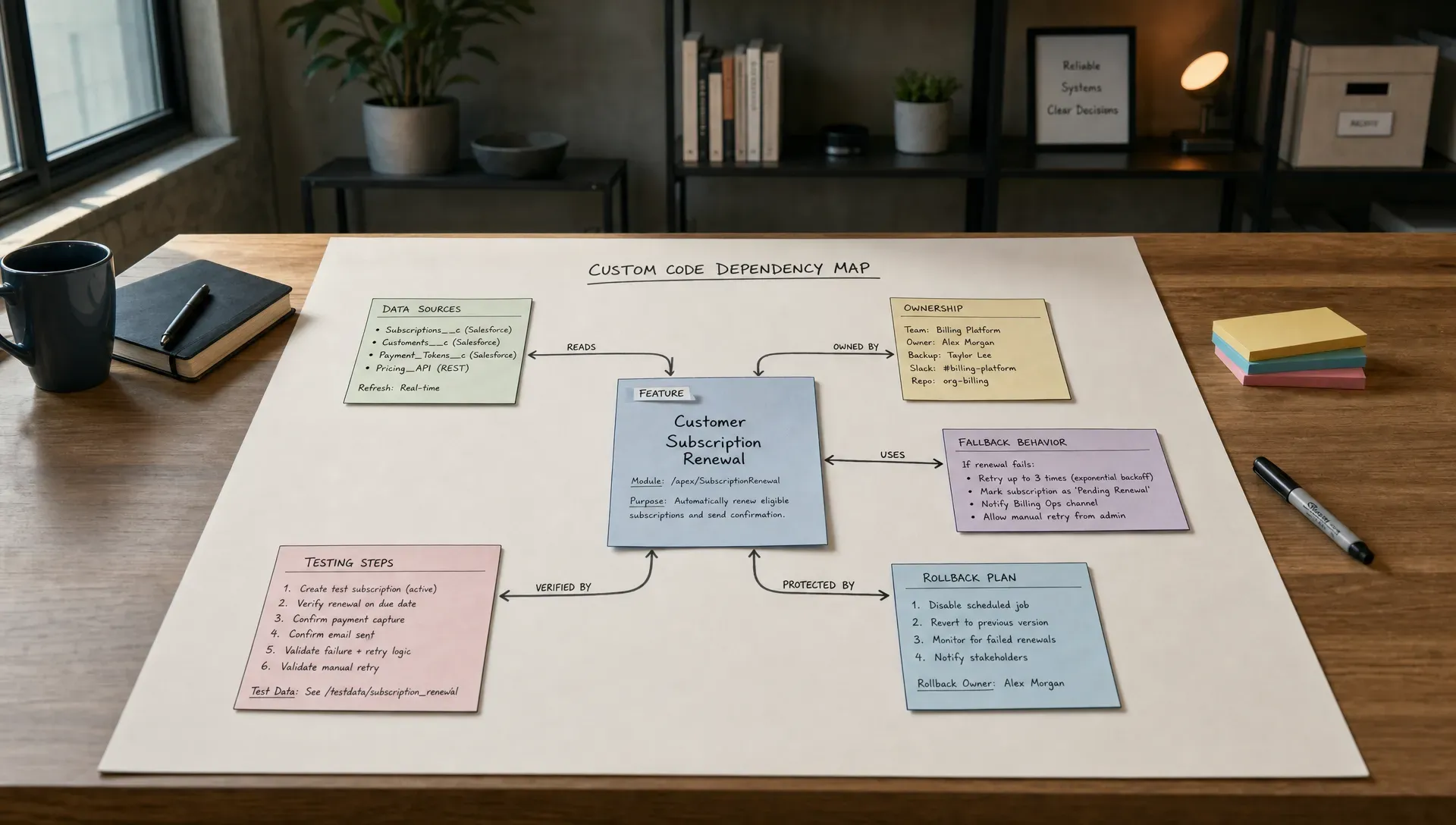
Learn how to scope Webflow custom code, avoid maintenance debt, and define ownership, testing, and documentation before launch.

Read the article
Illustration for the article “Webflow no-code: where it helps and where it falls short”
Development

Sep 29, 2026

Webflow no-code: where it helps and where it falls short

Webflow no code explained for CEOs and marketers: where it speeds up websites, where it falls short and how to decide before you build.

Read the article

Let’s talk

Ready to give your clients or members their own space?

Thirty minutes to scope the portal your business needs.

What happens next

  1. 1A 30-minute callWe listen to your goals, your constraints and your context.
  2. 2A clear scopeWe map what is worth doing first, and what it takes.
  3. 3A costed proposalYou decide, with no commitment and no sales pitch.