Webflow no-code: where it helps and where it falls short
Development
•
X min
•
Published on
29.09.2026
•
Updated on
08.11.2026

The phrase “webflow no code” is often used as shorthand for building serious websites without a traditional development cycle. That is partly true, but incomplete. Webflow removes a large part of front-end production work, yet it does not remove the need for strategy, structure, design judgment, performance discipline and technical decision-making.
For CEOs, CMOs, marketing managers and founders, the useful question is not whether Webflow is no-code. The useful question is where Webflow reduces time and complexity, and where another tool, custom code or a deeper integration layer is still required.
Webflow is a visual website platform that combines design, CMS, hosting and many site management controls in one environment. Instead of handing every layout change to a developer, a trained Webflow team can build responsive pages visually, connect content collections and publish updates through a managed platform.
That does not mean there is no technical work. A strong Webflow build still needs semantic structure, clean class naming, CMS planning, responsive QA, accessibility checks, SEO setup and performance review. The code is abstracted, not irrelevant.
If you need the broader platform context before comparing use cases, BeBranded has a clear guide to what Webflow is and how it works. This article focuses on the practical trade-offs after you already know the basics.
Webflow is strongest when the website is a marketing asset, not a complex software product. It helps teams ship high-quality pages faster, keep brand consistency and reduce dependency on engineering for routine website work.
For marketing teams, Webflow no code is useful when the site must support campaigns, product positioning, SEO pages, lead generation and frequent content changes. A good team can create reusable sections, CMS-driven templates and landing pages that are easier to maintain than a static custom build.
This matters when your website needs to evolve with offers, messaging and market segments. If every new page requires a sprint ticket, marketing velocity slows down. Webflow gives non-engineering teams a more direct path from decision to published page, provided the original system is designed correctly.
Webflow is also a strong fit for resource centers, blogs, case studies, directories, landing page collections and structured content hubs. Its CMS lets teams separate design templates from content entries, which keeps publishing more consistent.
The key is to define content models before design starts. A blog, for example, may need authors, categories, related articles, gated resources, SEO fields and campaign tags. If the CMS is planned late, the site often becomes harder to scale. For a deeper look at collections, fields and templates, read the complete guide to the Webflow CMS.
Many growing companies struggle with a basic tension: they want distinctive design, but they also need fast execution. Webflow helps when the design system is translated into reusable components, not rebuilt from scratch on every page.
The value comes from the build method, not just the tool. A poorly structured Webflow site can become as slow to maintain as a custom-coded one. A clean component system gives your team more control without letting every page drift visually.
Webflow gives teams direct control over the technical basics of search visibility. The platform does not decide the strategy, so these controls only matter if someone uses them well.
Editable title tags and meta descriptions, clean heading structure, redirects, sitemaps and CMS templates are all available without custom development. Image handling and hosting are managed for you, which removes a common source of slow pages.
What stays with your team is the work around those controls: keyword targeting, content quality, internal linking, migration planning and ongoing monitoring. The complete guide to SEO on Webflow covers that workflow in detail.
Use the table below as a quick business-level filter. It is not a replacement for scoping, but it shows where Webflow usually fits and where you should pause.
| Need | Webflow fit | What to check before choosing it |
|---|---|---|
| Corporate website | Strong fit | Clarify page templates, CMS needs, SEO migration and editing roles. |
| Campaign landing pages | Strong fit | Build reusable sections, analytics events and form routing from the start. |
| SEO content hub | Strong fit | Plan CMS fields, internal linking rules, schema needs and content workflows. |
| SaaS marketing site | Strong fit for the public website | Keep product app logic separate unless the use case is very simple. |
| Complex marketplace | Limited fit | Check user accounts, permissions, payments, search, workflows and data ownership. |
| Advanced e-commerce | Case-dependent | Review catalog complexity, inventory rules, checkout needs and operational tools. |
Webflow can handle more than a basic website, but it should not be treated as a universal product development platform. The limits usually appear when the website becomes a transactional system, a data-heavy application or a workflow engine.
A Webflow site can connect to external tools, embed scripts and send form data into automation platforms. That works well for many marketing operations, but it does not make Webflow a replacement for a custom back-end.
If your site needs advanced user permissions, multi-step business logic, complex calculations, user-generated content moderation or deep product workflows, you should scope those requirements separately. A webflow no code setup can still serve the front-end marketing layer, but the application logic should usually live elsewhere.
When custom scripts are unavoidable, define their purpose, owner and maintenance rules early. BeBranded explains how to scope custom Webflow code without creating maintenance debt in a dedicated guide.
Webflow can support certain commerce use cases, especially when visual control and brand experience matter. It becomes less appropriate when the business depends on complex inventory rules, subscriptions, multi-currency operations, custom checkout logic or large operational catalogs.
At that point, platforms built specifically for commerce operations may be more appropriate. Webflow can still be valuable for the editorial and brand layer, while the transaction engine sits on another platform. The article on Webflow e-commerce benefits and limitations details where that line falls.
No-code integrations are helpful, but they can become fragile when nobody owns the system architecture. Forms, CRMs, analytics, email tools, ad platforms and sales workflows all need clear routing rules.
For example, Webflow can host campaign pages and capture leads, but prospecting operations should usually sit in a dedicated sales tool. If your team needs AI lead sourcing, buying signal detection, account enrichment and multichannel outreach, an autonomous B2B prospecting platform belongs in the sales stack rather than inside the website builder.
The table below summarizes where each type of job usually belongs in a healthy stack. Read it as a starting point for scoping, not as a fixed rule. The goal is to keep Webflow focused on what it does best and to give every other job a clear home.
| Job to be done | Where it should live | Why |
|---|---|---|
| Marketing pages, landing pages, blog | Webflow (Designer and CMS) | Visual control, reusable components and direct publishing by the marketing team. |
| Lead capture forms | Webflow forms, routed to a CRM | The form lives on the page, but routing, scoring and follow-up belong in the sales stack. |
| Prospecting, enrichment, outreach | Dedicated sales platform | These workflows need data sources and sequencing that a website builder does not provide. |
| User accounts and advanced permissions | Membership tool or custom back-end | Access rules and user data need dedicated logic and clear data ownership. |
| Subscriptions, complex checkout, large catalogs | Commerce platform | Inventory, currency and payment rules are better handled by a system built for operations. |
| Analytics and consent | Analytics and consent tools, configured through Webflow | Webflow hosts the scripts, but tracking rules should be documented and owned. |
The right decision starts with the job the website needs to do. Use this framework before comparing templates, pricing or visual features.
Start by deciding whether the site is primarily a marketing website, a content engine, a sales enablement asset, a product interface or a transaction platform. Webflow is often a strong choice for the first three. It becomes more conditional for the last two.
This distinction prevents tool confusion. If the website’s main job is to explain the offer, generate demand and support campaigns, Webflow no code can reduce production friction. If the website’s main job is to run a business process, scope the process before selecting the platform.
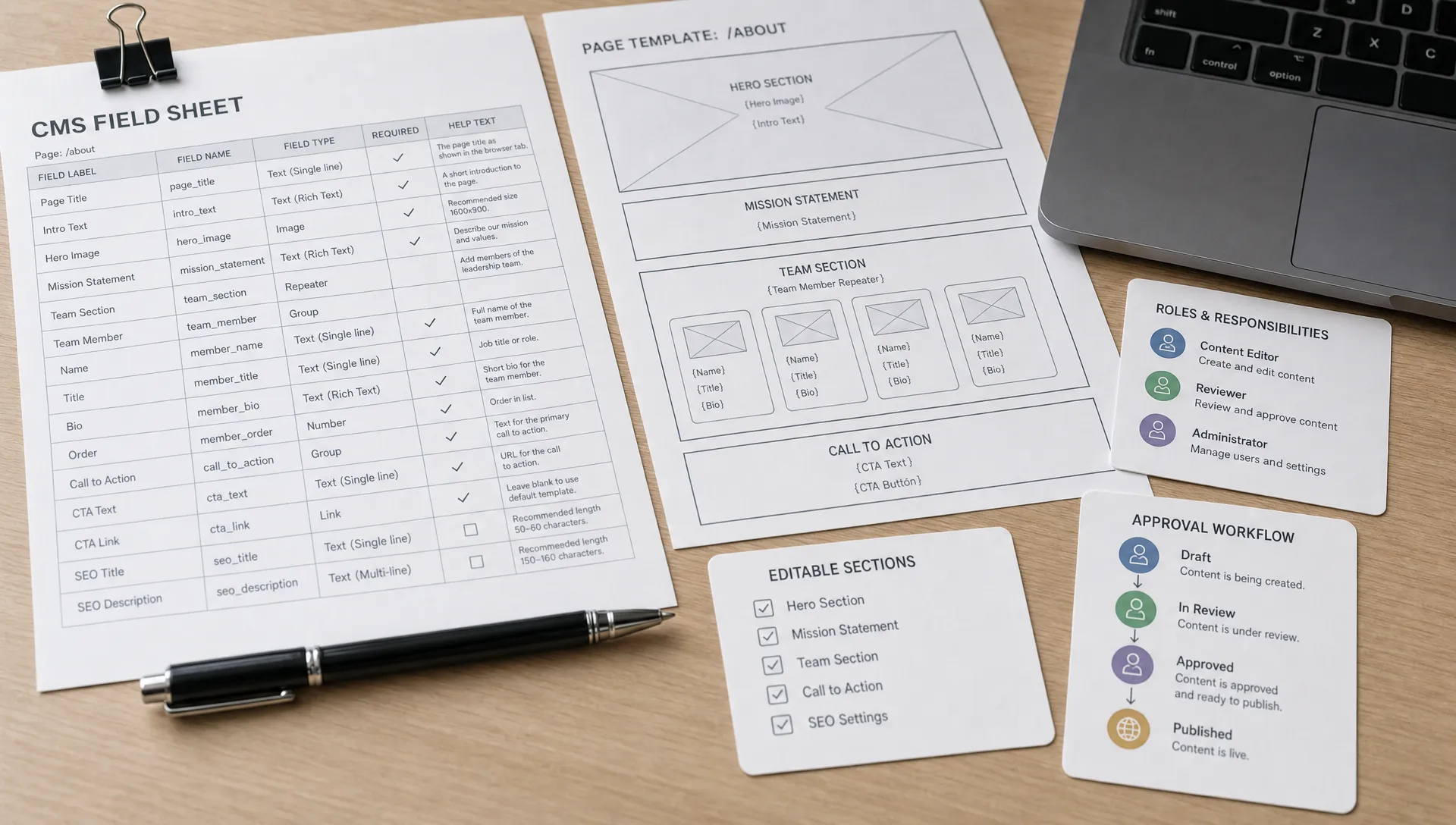
List the content types, editing roles, approval steps and integrations that the site needs. This should happen before wireframes. A website with five pages and one form is a different project from a site with multilingual CMS collections, gated resources, CRM routing and multiple stakeholder groups.
Governance is often the hidden issue. If many people will edit the site, you need a clear component system and publishing process. Without that, visual freedom can turn into inconsistent pages and slower approvals. BeBranded details how Webflow editor permissions should work for marketing teams if you need a more concrete model.
A simple ownership table makes these decisions visible. It should name who does what, and which questions must be answered before the site goes live. Agree on it with the whole team, because unclear roles are a frequent cause of delays after launch.
| Role | Typical responsibility | Decision to make before launch |
|---|---|---|
| Marketing lead | Owns messaging, page priorities and campaign calendar | Who approves new page types and major copy changes |
| Content editor | Updates CMS entries and existing sections | Which fields and sections can be edited without review |
| Webflow builder or designer | Maintains components, styles and templates | How new components are requested, built and documented |
| Technical owner | Manages integrations, custom code and tracking | Who is accountable when a form, script or redirect breaks |
| Final approver | Validates legal, brand and compliance points | What triggers a mandatory review before publishing |

Good scoping includes exclusion. Define which parts of the digital system should be handled by other tools, such as CRM workflows, complex product logic, customer portals, advanced search, billing or data processing.
This is not a weakness of Webflow. It is how modern stacks work. The website should do the work it is suited for, while specialized systems handle the operations behind it.
The platform is rarely the main factor in a project timeline. Most delays come from decisions that were not made early enough.
The table below lists the factors that most often change the schedule. Use it to spot risks before the project starts, and to decide what to settle first. A focused marketing website can move quickly when these points are clear.
| Factor | Effect on the timeline | How to keep it under control |
|---|---|---|
| Content readiness | Late copy and images are the most common cause of delay | Collect and approve content in parallel with design |
| Design complexity | Custom interactions and many unique layouts add production and QA time | Reuse a component system and limit one-off sections |
| Integrations | Each CRM, analytics or automation link adds setup and testing | List integrations at kickoff and test them before launch week |
| Feedback cycles | Many reviewers with conflicting input slow every milestone | Name one decision maker and limit the number of review rounds |
| Migration and SEO | Redirects and content mapping take careful checking | Prepare the URL map early and validate it before go-live |
Most Webflow problems come from unclear scope, weak structure or treating the tool as a shortcut around strategic work. These mistakes are preventable if they are addressed before the build.
The practical fix is to make the build decisions visible. Before production starts, every major page type, CMS collection, integration and editing role should have an owner.
Use this checklist to decide whether Webflow is the right platform and whether your project is ready to move into production.
If several items are unclear, do not start building yet. The strongest Webflow no code projects are scoped before design, not corrected after launch.
Webflow is not the only valid choice. The right platform depends on content complexity, design needs, internal skills, budget, long-term ownership and operational requirements.
If your team is comparing website builders broadly, the BeBranded guide to no-code website builders is a useful starting point. If you already suspect Webflow may not fit, the comparison of Webflow alternatives for different use cases will help you narrow the field.
The decision should not be ideological. Choose Webflow when it supports speed, design control, CMS flexibility and marketing ownership. Choose another platform when your main constraints sit in commerce operations, application logic, membership systems or back-end workflows.
Is Webflow really no-code? Webflow is no-code for many website design and content management tasks, but technical decisions still matter. You still need structure, responsive logic, SEO setup, performance review and integration planning.
Can a marketing team manage a Webflow site without developers? Yes, if the site is built with reusable components, clear CMS fields and defined editing permissions. Without that structure, even a simple site can become difficult to manage.
When should a company avoid Webflow? Avoid using Webflow as the main platform for complex web applications, advanced user permissions, large operational commerce needs or workflows that require heavy custom back-end logic.
Is Webflow good for SEO? Webflow can support strong SEO execution through clean structure, editable metadata, CMS templates, redirects and performance controls. Results still depend on strategy, content quality, technical setup and ongoing maintenance.
Do Webflow projects still need custom code? Some projects do. Custom code may be useful for specific interactions, third-party scripts, advanced embeds, analytics configuration or integrations that go beyond native settings.
How long should a Webflow build take? Timing depends on scope, content readiness, design complexity, integrations and feedback cycles. A focused marketing website can move quickly, but unclear requirements usually slow the project more than the platform itself.
Webflow is a strong choice when your company needs a fast, well-structured marketing website with design control, CMS flexibility and room to scale content. It falls short when teams expect it to replace product engineering, back-end systems or specialized operational platforms.
The next step is simple: define what the website must do, what it must not do and which systems it needs to connect with. If you want an experienced team to review that scope before you commit, BeBranded can help you decide whether Webflow fits your next website build.