A process audit that finds exactly what to automate first.

Before you automate anything, you need to know what is quietly costing you the most time. We map how your team actually works, find the repetitive tasks worth removing, and hand you a prioritised plan of what to automate and what it will save.

Trusted by 50+ companies

Rated 5/5 from 10 Google reviews
Coudac
Crealo
XPLR
Elmut
Qolaig
Powercharge
Lhyfe
Interiman
Safrans du Monde
Goldb
La Fabrique du Net, 4.6/5Sortlist Trusted PartnerAwwwardsWebflow Certified PartnerActivateur France Num

Your situation

When your team spends its days on what a machine should do.

Repetitive work rarely announces itself as a problem, it just quietly eats hours. If these sound familiar, an audit finds where automation pays.
  • 01

    Hours lost to manual tasks

    Your team copies, pastes and re-enters the same data every day, and no one has counted the cost.

  • 02

    You know it is inefficient, vaguely

    You feel there is waste, but you cannot point to exactly where or what it costs.

  • 03

    Tempted to automate everything

    You want to automate, but without a plan you risk building things that do not matter.

  • 04

    No idea where to start

    There are a dozen things you could automate and no clear sense of which one to do first.

Our expertise

From a vague feeling of waste to a costed automation plan.

One team maps the work, quantifies the waste and, if you want, builds the automations.

01

Know what to automate first

One team maps how your team really works, quantifies where the time goes and hands you a prioritised plan, then builds the automations if you want. You automate the right things, in the right order.

02

Process mapping

An audit is only as honest as the picture it starts from, so we map how your team actually works rather than how a process doc says it should. Step by step, we document the tools, the handoffs and the data moving between them, and surface the repetitive tasks hiding in the routine. You get the real workflow, not a tidy guess.

Workflows mapped exactly as they runTools and handoffs documented at each stepRepetitive manual tasks brought into viewData flows traced from start to finishThe full picture, not convenient guesses

03

Time and cost analysis

A gut feeling that something is slow will not justify the fix, so we put numbers on it. We estimate the time each repetitive task eats, pinpoint the biggest sinks, and factor in the errors and rework they quietly cause. That turns vague frustration into a clear cost baseline you can measure every later improvement against.

Time spent on each task estimatedThe biggest time sinks clearly identifiedThe real cost of the waste quantifiedErrors and rework counted in tooA clear baseline to measure against

04

Automation opportunities

Not everything should be automated, so we separate what genuinely can be from what is better left alone. For each opportunity we match the right approach, whether that is Make, n8n or an AI agent, and split the quick wins from the bigger builds. The aim is a realistic shortlist that pays off, not automation for its own sake.

Genuinely automatable tasks clearly identifiedRight tool matched per case: Make, n8n, AIQuick wins separated from bigger projectsWhat to automate, what to leave aloneRealistic recommendations, never over-engineered
Explore Automation

05

Prioritised plan

Knowing what could be automated is not the same as knowing where to start, so we rank every opportunity by time saved against the effort to build it. Each item comes with expected savings, a clear first step, and a note on whether your team can run it or we do it for you. You leave with a roadmap, not a wish list.

Opportunities ranked by impact against effortExpected time and cost savings attachedA clear, concrete first step definedIn-house versus done-for-you flagged per itemA roadmap you can actually follow

06

Build, if you want

Plenty of audits end on a shelf, so ours does not have to stop at advice. The same team that mapped and costed your processes can build the automations it recommends, using Make, n8n and AI, so nothing stalls in the gap between report and results. Everything is documented and monitored, and it stays yours to run and own.

Automations built by the same teamMade with Make, n8n and AINothing stalls between audit and resultsEverything documented and monitored after launchYours to run and fully own

Case studies

Processes that run on their own.

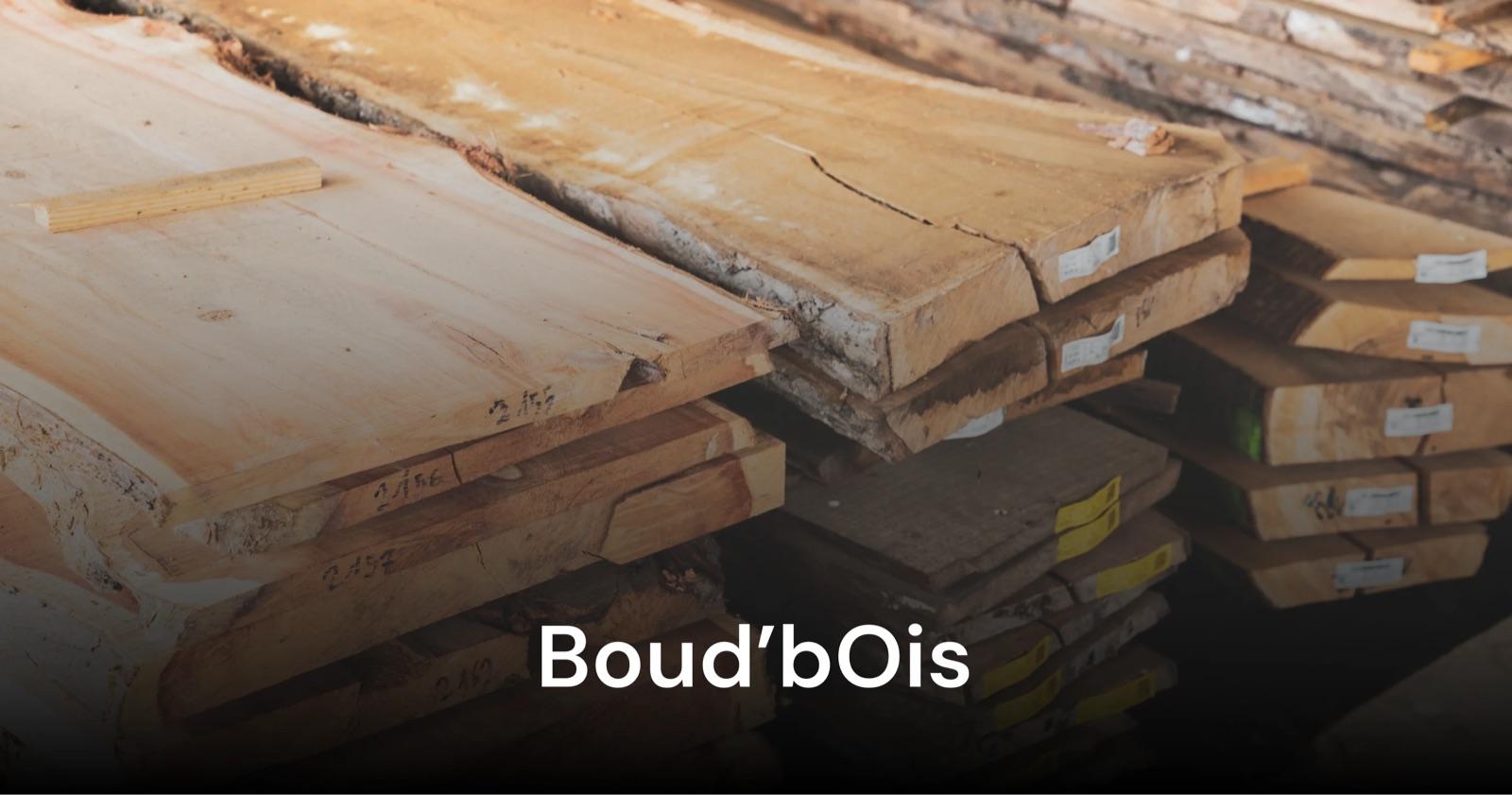
Boud’bOis logo over stacked wooden planks

Featured · Marketplace

Boud'bOis

An e-commerce marketplace for non-standard wood, built as a real web application on the brand’s own domain.

+157%

Google clicks since the June 2026 launch

+2,641%

organic visits since June 2025

×2

mobile loading speed after optimization

Read the case study

Web app · Next.js · Supabase

Coudac logo on a dark background with a blue glow

Consulting · Design · Build

Coudac

An autonomous case-study system and a conversion funnel rebuilt across every page.

Read the case study

Result

100% autonomous case studies

and a monthly partnership for 6+ months

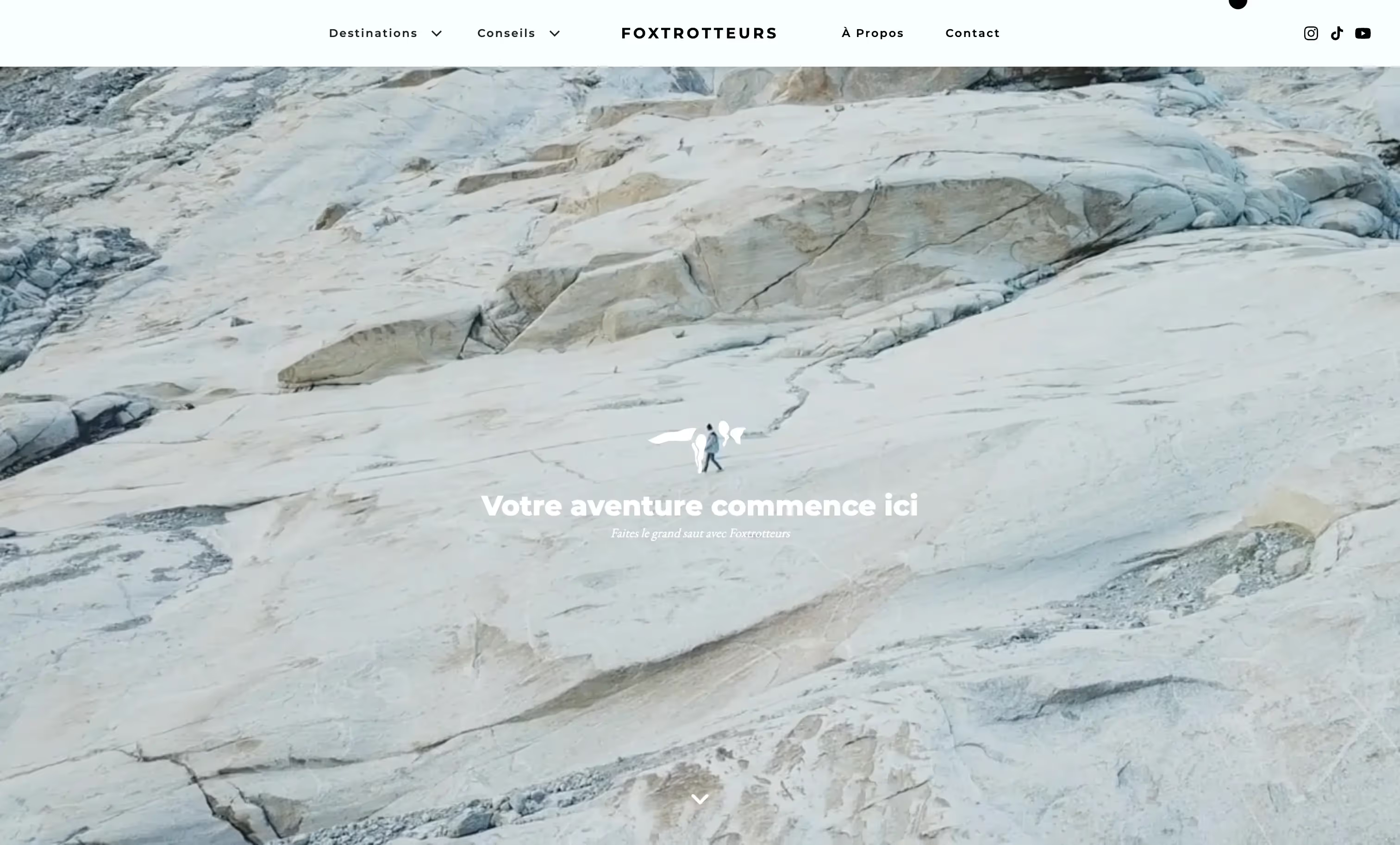
Foxtrotteurs Webflow website

Design · Build · SEO

Foxtrotteurs

SEO, tracking, cookies and navigation reworked on a Webflow site.

Read the case study

Result

+65% new users

between June and August 2024

And 50+ more companies

ElmutQolaigPowerchargeLhyfe
See all case studies

Our process

A clear process, from brief to launch.

The same team from start to finish, with your feedback at every step.
Step 01

Diagnose

Audit, roadmap and a fixed-price quote.

You get

Roadmap and fixed-price quote

Step 02

Design

Prototype and design system, validated with you.

You get

Prototype and design system

Step 03

Build

Production, integrations and on-page SEO.

You get

The live product

Step 04

Grow

Monthly improvements and reports in Dashly.

You get

Weekly reports in Dashly

See the full process
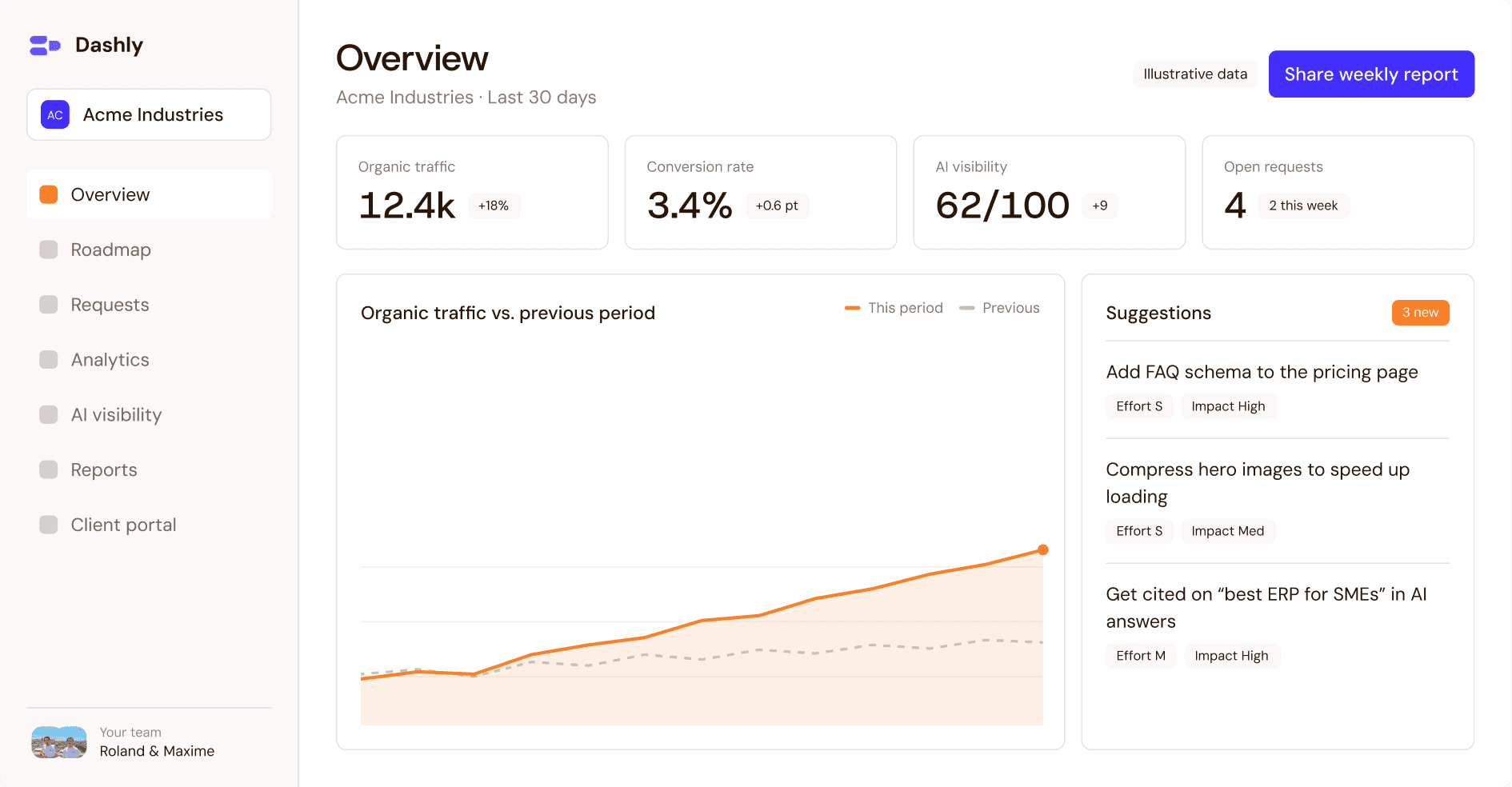
The Dashly client portal: overview with traffic, conversion, AI visibility and suggestions

Illustration only: the real Dashly interface looks different.

Included: Dashly

Your automations, followed in Dashly.

Automation projects run in Dashly, our client platform. The processes to automate, your requests and the roadmap live in one place, with a weekly report on where things stand.

One client portal

Roadmap, requests and feedback in one place.

Weekly reports

Progress and suggestions, sent before you ask.

Access from day one

Nothing to install, at no extra cost: we set it up for you.

Discover Dashly

Illustration only: the real Dashly interface looks different.

You cannot automate well what you have not mapped.

The mistake most teams make with automation is starting from the tool, not the problem. They see a workflow in Make or a demo of an AI agent and try to force their process into it. The result is automation that looks clever but saves little, because it was never aimed at where the time actually goes. Good automation starts the other way around: with a clear picture of how the work really happens.

So we map your process as it is, not as it is supposed to be. The steps, the tools, the handoffs, and the moments where someone is doing by hand what a system could do on its own. It is often the small, invisible tasks, the daily copy-paste, the manual follow-up, the report assembled from five tabs, that add up to the most hours over a year.

Then we quantify and prioritise. Each opportunity is weighed by how much time it costs and how easy it is to automate, so you know which ones pay back fastest. Some are quick wins worth doing this week; others are bigger projects worth planning. Either way you get numbers, not a feeling.

And we are honest about what not to automate. Some tasks are too rare, too nuanced or too risky to hand to a machine, and forcing them wastes effort. The audit tells you where automation genuinely helps and where a human should stay in the loop, so you invest only where it pays.


Portrait of Thomas J., BeBranded clientPortrait of Paul M., BeBranded clientPortrait of Mohammed B., BeBranded client

5/5 on Google · 4.6/5 on La Fabrique du Net

What our clients say.

Portrait of Thomas J., BeBranded client

Thomas J.

CEO, XPLR

XPLR logo
“From the very first draft, they delivered a mock-up that perfectly matched the initial brief. Once approved, the website went live very quickly.”

Result

More qualified leads

Portrait of Paul M., BeBranded client

Paul M.

CEO, Coudac

Coudac logo
“Roland and his team have been incredibly efficient in helping us to quickly and easily develop our website. A reliable partner.”

Result

100% autonomous case studies

Portrait of Mohammed B., BeBranded client

Mohammed B.

CEO, Crealo

Crealo logo
“Even when there were emergencies to deal with quickly, you were always there to act, with a real drive to get things done.”

Result

+282% Google clicks

Hugo Marquet, CEO de Boud’bOis

Hugo M.

CEO, Boud’bOis

“Very happy with Maxime and Roland’s work. They went well beyond what we asked of them. Sharp, highly skilled and friendly too. I recommend them without any hesitation!”

Result

+2,641% organic visits since June 2025

Portrait of Valentine F., BeBranded client

Valentine F.

Marketing, Qolaig

Qolaig logo
“Roland and Maxime were superb on the restructuring of our website. They answer quickly and keep supporting us even after the site was delivered. Very efficient, and always with good advice. I recommend them!”

Result

Website restructuring

Alexis C.

Head of Growth, Elmut

Elmut logo
“I recommend Roland and Maxime without hesitation. They understood our needs with real kindness, and their advice is always accurate and relevant. Their smooth, efficient way of working makes every collaboration a pleasure.”

Result

Landing pages for ad campaigns

Portrait of Apolline P., BeBranded client

Apolline P.

Marketing, Crealo

Crealo logo
“Without hesitation the best Webflow agency in Paris. We’ve worked with Roland and Maxime on the Crealo site for over a year and we’re delighted. The team is very responsive and always has ideas to improve our design. We see it in our traffic, which grows every month.”

Result

Traffic up every month

Adrien V.

CEO, Techlivery

“High-quality work and very efficient collaborations! Webflow know-how we really appreciate.”

Result

Webflow website

Portrait of Mahel F., BeBranded client

Mahel F.

Business owner · Google review

“Better than I imagined. I’m really happy I chose them to design my company’s website. They were great, on the design as much as on SEO and GEO tips. Highly responsive, professional and passionate. Thanks again!”

Result

Website, SEO & GEO

Léa & Simon

Founders, Foxtrotteurs

“Roland was super responsive and accommodating, and did exactly what we asked: cookie consent on our site and an updated privacy policy. A pleasure to work with, and we’ll definitely call on him again!”

Result

Cookie consent & privacy policy

Laure D.

CEO, La Pépite

“Roland ran a workshop with me on building landing pages! He brought real value to the participants and gave them concrete advice. His feedback during the workshop was precious. See you soon!”

Result

Landing page workshop

VanLuc N.

CEO, Vanluc

“A great interactive experience on a difficult subject. Patience and understanding from BeBranded, thank you. I recommend these talented young guys.”

Result

La Fabrique du Net

FAQ

Is everything clear?

Another question?

Write to us
What is a process audit?
A review of how your team actually works, to find the repetitive, manual tasks that cost time and could be automated. It ends in a prioritised plan of what to automate first.
Why not just start automating?
Because automating the wrong thing wastes effort. Mapping first tells you where the time really goes, so you automate what pays instead of what is easy to demo.
Do you count the time each task costs?
Yes. We estimate the time and cost of each repetitive task, so the plan is built on numbers and you can see the return.
Which tools do you work with?
We use Make, n8n and Zapier depending on the need, along with the official APIs of the tools you already run. The choice depends on your volume, your budget and how much control you want. We do not force a platform on you, we pick the one that serves your flows.
Will you tell me what not to automate?
Yes. Some tasks are too rare, nuanced or risky to automate. We flag where a human should stay in the loop, so you do not over-invest.
Can you build the automations too?
Yes. The same team can ship the automations the audit recommends, so the plan turns into results.
How long does an audit take?
Usually days to a couple of weeks depending on how many processes are in scope. We agree the scope up front.

From the blog

Insights on web, product and AI.

BeBranded
AI & automation

Jun 6, 2026

Automate your website with AI in 2026

Automate a website with AI: chatbots, Webflow MCP connector, Make, custom AI agents. Three levels, concrete use cases, and pitfalls to avoid.

Read the article
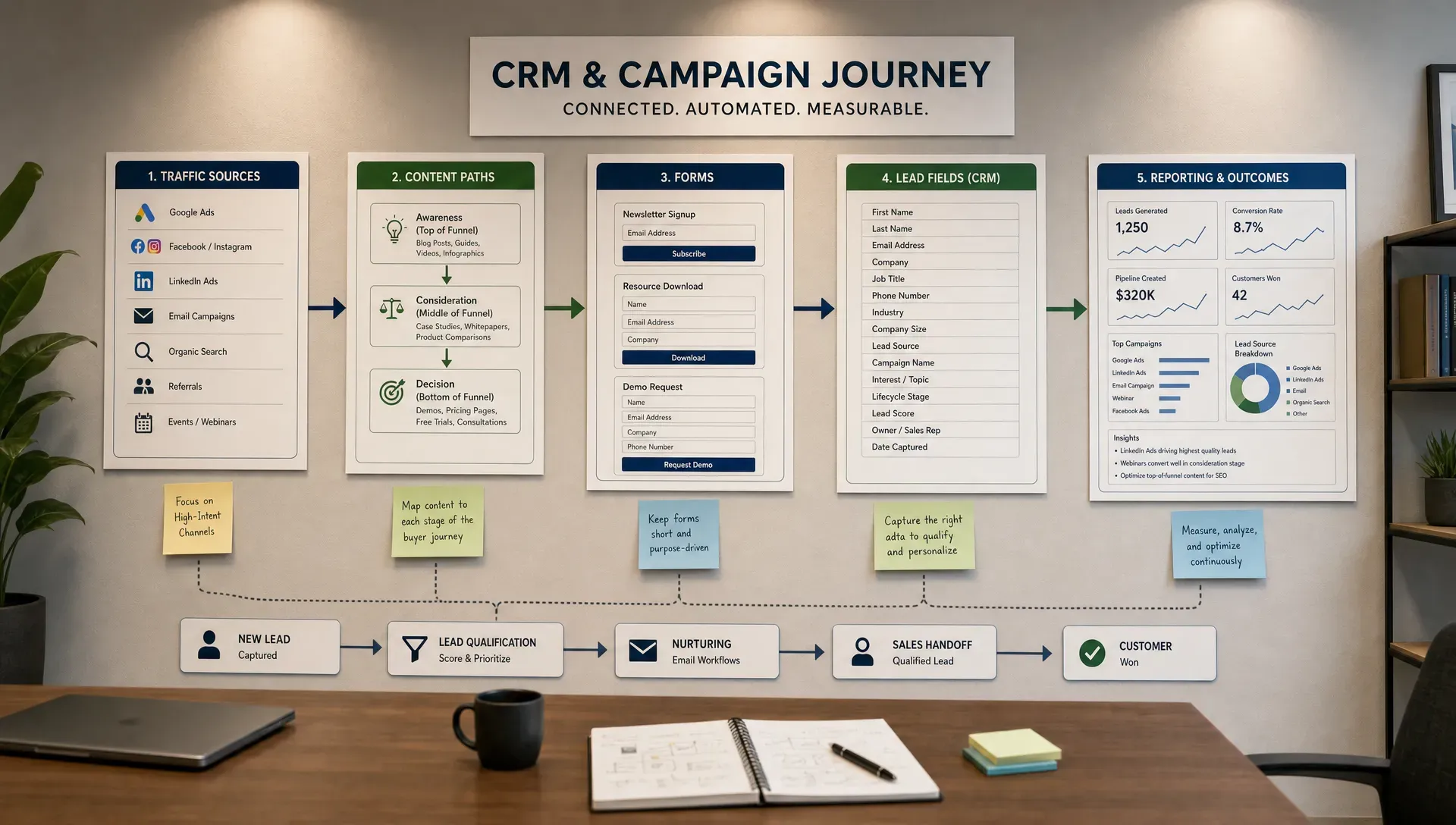
HubSpot web design that connects campaigns, content and CRM
Design

Aug 7, 2026

HubSpot web design that connects campaigns, content and CRM

Learn how HubSpot web design connects campaigns, content and CRM so your site supports acquisition, conversion and sales follow-up.

Read the article
Claude AI: complete guide to use it effectively (2026)
AI & automation

Feb 19, 2026

Claude AI: what it is, how to access it and how to use it well (2026)

Discover Claude AI: how it works, real-world use cases, ready-to-use prompts, honest ChatGPT comparison, and best practices to save time in your daily workflow.

Read the article

Let’s talk

Ready to find where automation would pay?

Thirty minutes to look at your processes and where the biggest time savings are.

What happens next

  1. 1A 30-minute callWe listen to your goals, your constraints and your context.
  2. 2A clear scopeWe map what is worth doing first, and what it takes.
  3. 3A costed proposalYou decide, with no commitment and no sales pitch.