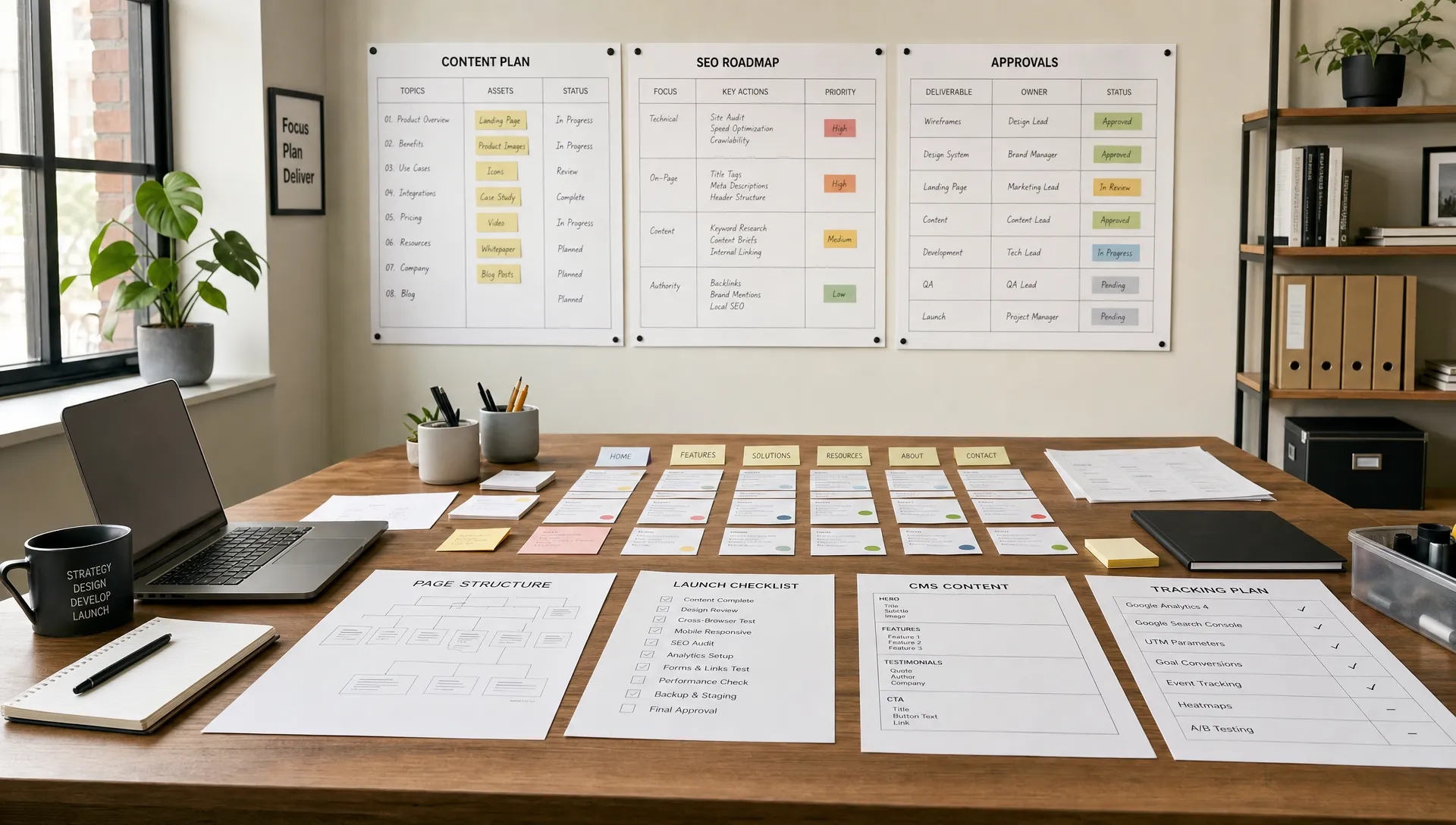
Should you build your own website or hire a specialist?
Development
•
X min
•
Published on
08.09.2026
•
Updated on
30.09.2026
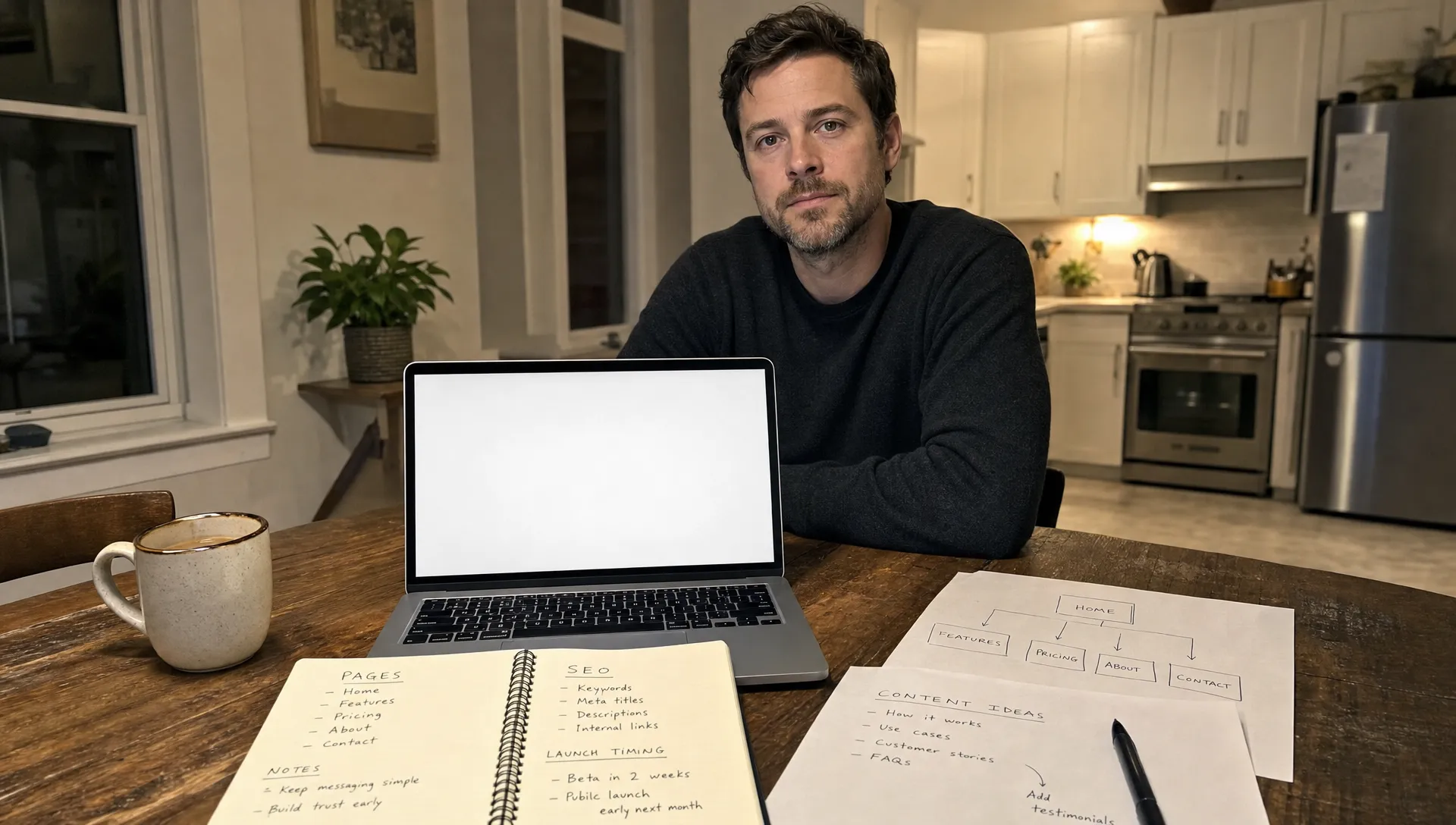
DIY tools make publishing a site easier, but the business decision is not only about whether your team can put pages online. For a CEO, CMO, founder or marketing manager, the better question is whether the website can support revenue, search visibility, content operations and future updates without creating avoidable drag.
To build your own website means your team owns strategy, copy, information architecture, design, development, QA, launch and ongoing updates. Hiring a specialist means an external partner takes responsibility for turning business goals into a structured, designed and maintainable site.
Neither option is automatically right. The right decision depends on risk, timing, internal capacity and how much the website is expected to contribute to growth.
Website builders reduce technical friction, but they do not remove strategic decisions.
A basic tool can help you publish quickly. It will not decide what pages you need, how your offer should be explained, how the CMS should work or how search engines should understand the site. Those decisions sit before design and development.
For a small validation project, this may be acceptable. For a marketing site that supports paid acquisition, inbound leads, hiring or sales enablement, weak structure becomes expensive later. BeBranded has written separately about why the simplest website builder is not always the right fit when the site needs to scale beyond a few static pages.
The key is to separate the visible work from the operational work. A site can look acceptable and still be hard to update, difficult to rank or unclear for buyers.
Use the 4C framework to choose between DIY and specialist support.
The 4C framework looks at clarity, complexity, commercial value and continuity. If all four are low risk, a DIY build can make sense. If two or more are high risk, specialist support usually protects speed and quality.
The table below summarizes the four criteria. For each one, it gives the question to ask and the signal that points to a DIY build or to specialist support.
| Criterion | Question to ask | Signal for DIY | Signal for a specialist |
|---|---|---|---|
| Clarity | Are the offer, the audience and the main action defined? | Positioning is still being tested. | The offer is defined and must be explained to buyers, investors or partners. |
| Complexity | How many page types, integrations and editors are involved? | Few pages, no CMS, one editor. | CMS collections, integrations and several editors. |
| Commercial value | What does the site have to deliver? | A placeholder or a validation page. | Leads, demo requests, hiring or campaign traffic. |
| Continuity | Who will maintain the site after launch? | One owner with available time. | Several teams and frequent updates. |
Start with the offer, the audience and the action you want users to take.
If your positioning is still changing every week, building internally may be useful because it lets you test language without overinvesting. If your offer is already defined and the site needs to communicate it clearly to buyers, investors or partners, the structure matters more.
Before any platform decision, map the pages, user paths and content hierarchy. If that part feels unclear, use a planning process like starting a website with the right structure before you think about templates.
Complexity is not only about the number of pages.
A 10 page site with case studies, a CMS, lead forms, analytics, integrations and SEO requirements may be more complex than a 30 page brochure site. Complexity also increases when different teams need to edit content without breaking the design.
If your site requires custom components, reusable sections, CMS collections or third-party integrations, the tool is only one part of the job. The architecture behind it determines how easy the site is to manage after launch.
A website with commercial responsibility needs a different standard.
If the site is mainly a placeholder, DIY is often acceptable. If it supports paid campaigns, sales calls, demo requests, content marketing or hiring, weak execution can affect more than design quality. It can create friction at the exact point where trust should increase.
That is why growing teams should treat the site as an operational asset, not only a visual project. The priorities are closer to the ones described in website design and development for growing teams: clarity, performance, maintainability, conversion and update speed.
The launch is not the end of the project.
Your team will need to publish content, add landing pages, update messaging, test new offers and connect tools. If only one internal person understands the setup, the website becomes fragile.
Continuity is where specialist work can pay off beyond the launch. A clean system, documented components and a realistic CMS structure reduce the need to rebuild every time the marketing team changes direction.
A DIY website is a good option when the scope is narrow and the business risk is limited.
You can build your own website when the main goal is speed of validation, not long-term marketing infrastructure. This is common for early-stage ideas, internal initiatives, temporary landing pages or small service businesses with a simple offer.
DIY also works better when someone internally can own the project properly. That person needs time for content, layout decisions, basic SEO, QA and post-launch updates. Without ownership, the project often becomes a collection of half-finished pages.
Good DIY conditions usually look like this:
AI tools can also help with first drafts, page outlines and content ideas. They are useful for speed, but they do not replace judgment on structure, messaging or technical implementation. If you are considering that route, read BeBranded’s guide on what works when you create a website with AI in 2026.
Specialist support becomes more valuable when the website has to perform across several dimensions at once.
If you need strong visual direction, fast execution, SEO foundations, analytics, forms, CMS logic and responsive design, the real work is coordination. A specialist does not just build pages. A good specialist reduces decision fatigue and prevents technical shortcuts that create problems later.
Search is a common trigger. If organic acquisition matters, platform choice should include crawlability, indexation control, performance and structured content. Google’s Core Web Vitals documentation is a useful reference for understanding how performance and user experience are evaluated. You can also use a platform evaluation process like choosing a website builder with SEO built in.
| Decision signal | DIY concern | Specialist value |
|---|---|---|
| The site supports lead generation | Pages may look acceptable but fail to guide users toward the right action. | Messaging, structure and conversion paths are planned together. |
| SEO matters | Metadata, headings, crawl structure, page speed and content architecture can be missed. | Technical setup and on-page structure are handled before launch. |
| The site uses a CMS | Content models can become rigid or confusing for editors. | Collections, fields and templates are built around real publishing needs. |
| Multiple teams need updates | Design consistency can break as new pages are added. | Reusable components and guardrails keep future updates cleaner. |
| Campaigns depend on the launch | Internal work can compete with daily priorities and delay go-live. | A defined process keeps decisions, production and QA moving. |
Hiring a specialist is especially relevant if the site needs to scale with the business. That means thinking about page types, CMS structure, design systems and future campaigns from the start, as explained in BeBranded’s guide to building a business website that can scale.
The cheapest option upfront is not always the lowest cost option overall.
If you build your own website, the direct cost may be limited to software, templates and internal time. The hidden cost is the time spent planning, writing, designing, fixing responsive issues, checking SEO basics and maintaining the site after launch.
A simple internal cost formula is: team hours multiplied by internal hourly cost, plus software fees, plus delayed campaign value, plus rework risk. You do not need a perfect calculation. You only need to compare the likely internal effort with the cost of hiring help.
The table below shows where each option usually carries cost. It helps separate visible spend, such as software and fees, from hidden spend, such as internal time and delays. Use it to make sure both options are compared on the same scope.
| Cost item | Building it yourself | Hiring a specialist |
|---|---|---|
| Strategy and structure | Internal hours, often spread across several people. | Included in the scope or quoted separately. |
| Copy and design | Internal time or freelance help. | Support defined in the quote. |
| Development and CMS | Learning curve, rework and template limits. | Built to the planned architecture. |
| SEO setup | Often postponed or done partially. | Handled before launch. |
| QA and handoff | Depends on internal availability. | A defined step with documentation. |
| Delay risk | Competes with daily priorities. | Managed through a fixed process and timeline. |
Specialist cost should be evaluated against what is included. Strategy, wireframes, copy support, visual design, CMS architecture, development, SEO setup, integrations, QA and handoff are different levels of service. A low quote that excludes key work can become expensive if your team has to fill the gaps later.
Platform choice also affects long-term cost. If Webflow is under consideration, it helps to understand why Webflow is often chosen for business websites, especially when marketing teams need visual control, CMS flexibility and cleaner handoff than many traditional setups provide.
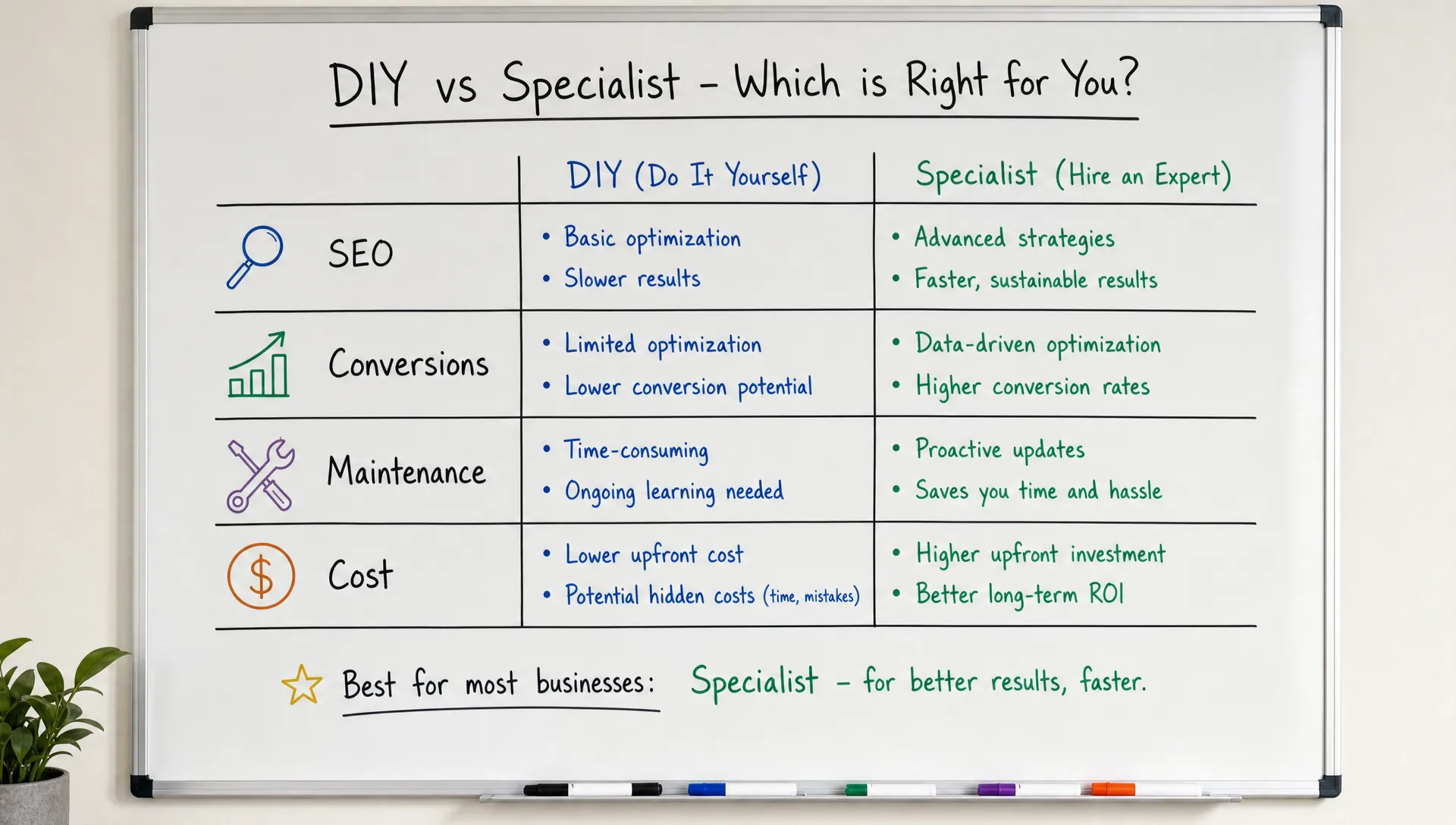
A specialist should bring more than execution capacity.
The value is not only that someone knows the tool. The value is that decisions are made in the right order, the site is built with maintenance in mind and the final result can support marketing work after launch.
A serious website partner should cover the areas below. The table summarizes what each area includes and what evidence you should ask to see before signing.
| Area | What it covers | What you should see |
|---|---|---|
| Business alignment | Audience, offer, conversion goals and content needs. | A written brief and a goal for each page. |
| Information architecture | Pages, navigation and user paths. | A sitemap approved before design starts. |
| Design system | Components, spacing, typography and responsive behavior. | Reusable components applied consistently. |
| CMS architecture | Content types, fields and templates. | Collections your editors can use without rebuilding pages. |
| SEO setup | Titles, meta descriptions, headings, redirects, indexation rules and semantic structure. | A checked technical baseline. |
| Integrations | Forms, analytics, CRM connections and automation tools. | Tested data flows. |
| QA and launch | Desktop, mobile, forms, links, performance and tracking. | A signed-off checklist. |
| Handoff | Editing rights, locked areas and change requests. | Documentation and a short training session. |
If you are evaluating someone for a Webflow project, use a structured process like choosing a custom Webflow developer. The questions you ask before signing matter as much as the portfolio you review.
Maintenance should also be part of the conversation. A custom website that is hard to update will frustrate the team that owns it. BeBranded’s guide on building custom websites without slowing future updates covers the practical decisions that keep a site usable after launch.
Some teams do not need to choose one route completely.
A common pattern is to bring in a specialist for the foundations: page structure, design system, CMS architecture and SEO setup. The internal team then handles content updates, new articles and small landing pages inside the system that was built for it.
This model works when the team has editing capacity but lacks the time or expertise to design the architecture. It also lowers the risk of a site that becomes hard to maintain, because components and rules are defined before the first update.
Most website problems come from decisions made too early or skipped entirely.
The following mistakes appear in both DIY and specialist-led projects. Avoiding them will make either route stronger.
One mistake deserves extra attention: copying a competitor’s site structure without understanding their business model. Similar companies can have different sales cycles, content needs and acquisition channels. Your website should reflect your operating reality.
Use this checklist before you decide to build internally or hire help.
The goal is not to make the decision complicated. The goal is to remove assumptions and see where the real risk sits. The table lists twelve topics, the question to answer for each one and the risk if it stays open.
| Topic | Question to answer | Risk if left open |
|---|---|---|
| Goal | What is the primary business goal of the site, in one sentence? | Decisions drift without a target. |
| Audience | Who is the main audience and which action should they take? | Pages that speak to nobody. |
| Pages | Which pages are required and what is each one for? | Missing or duplicated pages. |
| CMS | Does the site need a CMS now or within the next year? | A rebuild when content grows. |
| Content | Who writes and approves the content? | Launch delays. |
| SEO | Is SEO a growth channel or only a basic requirement? | The wrong level of investment. |
| Integrations | Which CRM, form, analytics and automation tools are required? | Broken data flows. |
| Capacity | How many internal hours are available for planning, building, QA and updates? | Half-finished pages. |
| Dependencies | Which campaigns, hiring needs or investor materials depend on the launch? | Missed deadlines. |
| Editing | What must the marketing team be able to edit after launch? | A fragile site that depends on one person. |
| QA | Which checks cover mobile, forms, links, redirects, analytics and performance? | Errors visible at launch. |
| Cost | How does the internal cost compare with a specialist quote? | An underestimated total cost. |
If you still want to build your own website after this checklist, keep the scope tight. Start with fewer pages, define one clear conversion action and avoid adding complex features until the site has proven useful.
If the checklist reveals unclear structure, SEO risk, CMS complexity or limited internal capacity, hiring a specialist is usually the cleaner path.
A better brief leads to a better website project.
You do not need to arrive with finished wireframes or perfect copy. You do need to share business context, constraints and decision criteria. A specialist can then translate those inputs into structure, design and build decisions.
A useful brief should include the following:
This brief helps prevent vague proposals. It also lets you compare partners on process, not only taste.
Is it cheaper to build your own website? It can be cheaper upfront, especially for a small site with limited requirements. The real cost includes internal time, rework, maintenance and the opportunity cost of delayed campaigns.
When should a founder build a website internally? Internal building makes sense when the offer is still being tested, the site is temporary, the scope is small and someone on the team can own updates without slowing other priorities.
When should a company hire a website specialist? Hire a specialist when the site supports revenue, SEO, paid acquisition, hiring, investor trust or regular content operations. Specialist support is also useful when the site needs CMS structure, integrations or a polished brand experience.
Can a DIY website rank in Google? Yes, a DIY website can rank if it has useful content, crawlable structure, strong technical setup and good performance. The challenge is that many DIY builds skip SEO foundations during planning.
Do Webflow and Framer make specialist support unnecessary? No. Webflow and Framer reduce development friction, but they do not replace strategy, information architecture, copy, SEO planning, responsive QA or long-term maintenance decisions.
What should I prepare before speaking with a website specialist? Prepare your business goals, audience, required pages, content assets, technical stack, SEO expectations, timeline and internal decision makers. A clear brief makes the project faster and easier to scope.
The decision is not about pride, preference or whether modern tools are easy to use.
Build internally when the risk is low, the site is simple and your team can maintain it properly. Hire a specialist when the website needs to support acquisition, credibility, SEO, content operations or future growth.
If your company needs a Webflow or Framer website with custom design, SEO setup, CMS architecture and integrations handled by a focused team, the next step is to review your scope with BeBranded and decide whether specialist execution is the cleaner path.