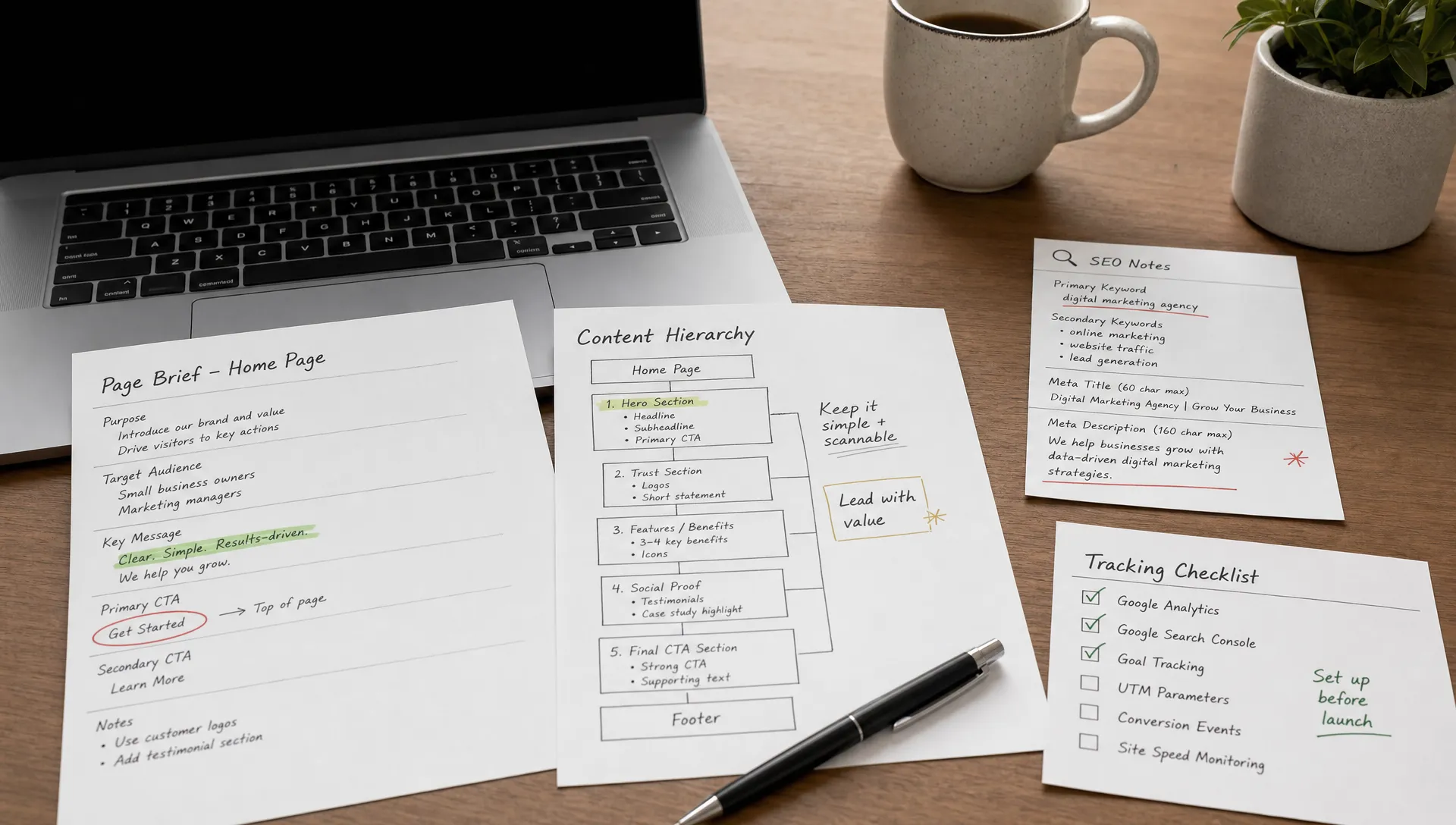
The simplest website builder is not always the best fit
No-Code
•
X min
•
Published on
02.08.2026
•
Updated on
21.08.2026
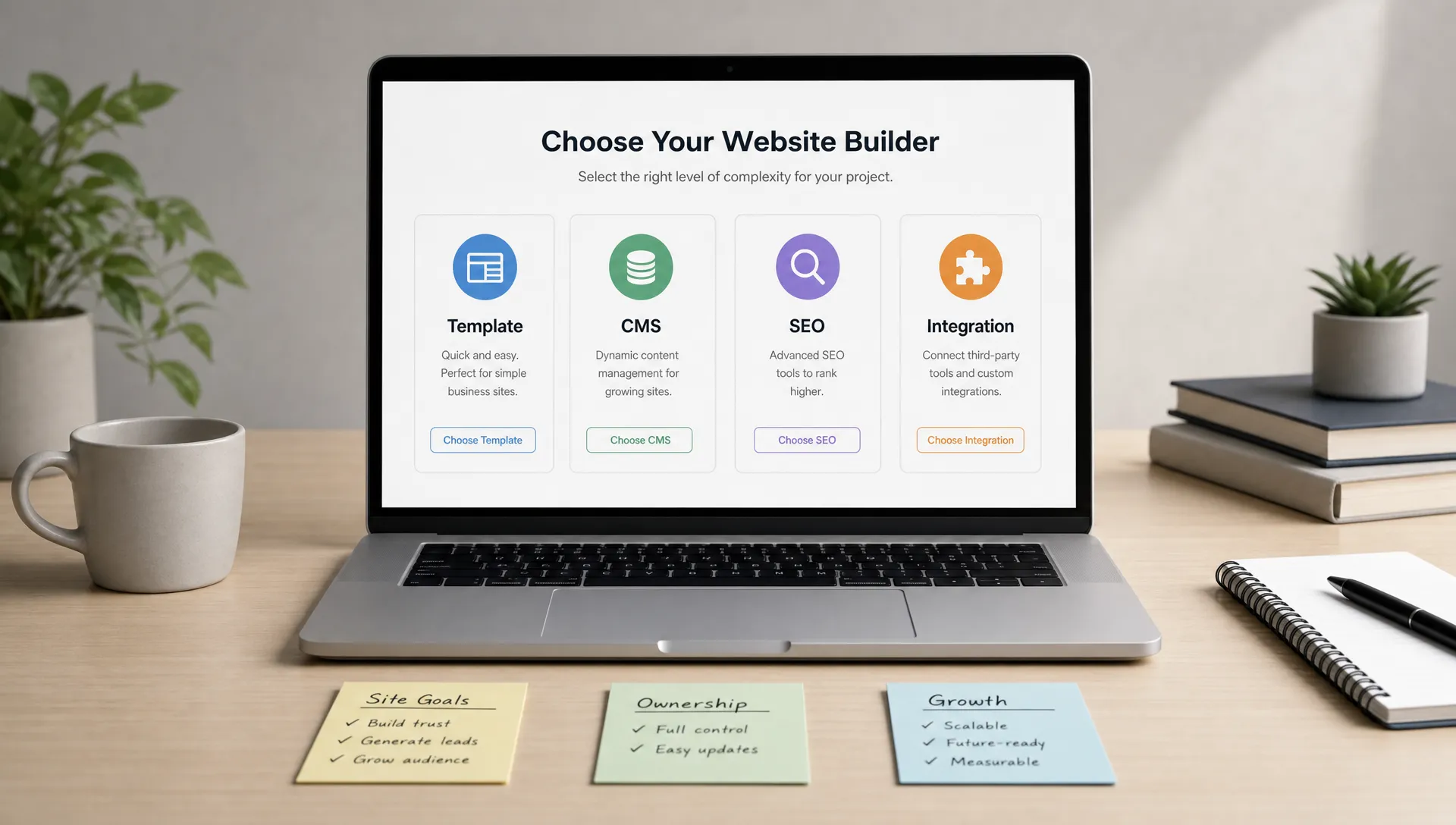
The simplest website builder can be the right choice when you need a basic site online quickly. It can also become the wrong choice when your website needs to support SEO, conversion, content operations, integrations, and future redesign work.
For founders, CMOs, and marketing teams, the decision should not be based only on ease of use. It should be based on fit: what the website needs to do, who will manage it, how it will grow, and what constraints the platform creates after launch.
This guide gives you a practical way to choose without overbuying, overbuilding, or getting locked into a tool that only solves the first week of the project.
A simple website builder is a platform that reduces setup effort. It usually includes templates, visual editing, hosting, basic SEO fields, forms, and a publishing workflow in one place.
That simplicity is useful. If your priority is getting a small website live with minimal technical work, tools like Wix, Squarespace, Framer templates, or AI-generated site builders can be enough. They remove decisions, which is often what makes them feel easy.
The tradeoff is that fewer decisions can also mean fewer options. For a business website, the question is not only “Can we launch this?” It is “Can we keep improving this without rebuilding it in six months?”
If you are still mapping the market, our overview of the best no-code website builders gives a broader view of the main platform categories.
A website that is easy to publish is not always easy to scale. The friction often appears after launch, when marketing starts asking for new pages, better analytics, SEO improvements, CMS collections, campaign landing pages, or integrations.
The issue is not that simple builders are bad. The issue is that many of them are optimized for first-time publishing rather than ongoing marketing operations. That difference matters for companies that depend on the website for pipeline, hiring, investor credibility, or product education.
You should look beyond the editor and check how the platform handles structured content, technical SEO, design consistency, localization, redirects, analytics scripts, form routing, and team permissions. These details rarely feel urgent at the start, but they shape how much control your team has later.
There is also a cost dimension to friction. Migrating content, rebuilding pages, and fixing SEO issues after a platform hits its limits usually costs more than choosing a platform with enough headroom would have cost upfront.
There are cases where choosing the simplest website builder is a practical decision. You do not need a complex stack for every project.
Choose a very simple builder when the website has a narrow role and low operational complexity. A one-page event site, a founder validation page, a small local business site, or a temporary campaign page can work well on a lightweight platform.
The simplest option is usually enough when these conditions are true:
In these cases, speed and low complexity are valid priorities. The mistake is using the same criteria for a website that needs to become a serious marketing asset.
A more flexible website builder makes sense when the site needs to support growth, brand differentiation, content production, or marketing experimentation.
For example, a B2B company that publishes resources, builds landing pages, runs paid campaigns, and tracks conversions needs more than a simple template editor. It needs a structure that lets the marketing team move without breaking the site.
This is where platforms like Webflow and Framer often enter the conversation. They may require more thought upfront, but they can give teams more control over design, CMS structure, SEO implementation, and responsive behavior. If Webflow is already on your shortlist, this guide explains why teams choose Webflow for business websites.
The CMS decision also matters. A site with blog posts, case studies, industries, locations, resources, authors, or product pages needs a content model that can scale. Our guide to choosing the best CMS for website creation covers this decision in more detail.
Use this framework before comparing templates or pricing pages. It keeps the discussion focused on business fit rather than tool preference.
Start with the primary job of the site. Is it meant to validate an idea, generate leads, explain a product, support sales, publish content, or establish credibility?
A founder landing page and a scale-up marketing site do not need the same platform. If the goal is temporary validation, simplicity wins. If the goal is lead generation and ongoing improvement, flexibility usually matters more.
List the content types the site needs now and in the next 12 months. Think beyond pages. Include blog posts, landing pages, case studies, product pages, team pages, help content, locations, industries, and downloadable resources.
If the content model is structured and repeatable, prioritize a builder with a strong CMS. If most content is static, a simpler platform may be enough.
Decide who will update the site after launch. A founder, marketing manager, content team, agency, or developer will each need a different workflow.
A good business website should not require engineering support for every text edit. At the same time, too much unrestricted editing can damage design consistency. The right builder should match your team’s skill level and governance needs.
Search visibility depends on more than writing good pages. You need clean metadata, indexation control, redirects, structured headings, internal linking, image handling, fast loading, and a setup that does not create avoidable technical issues.
Google’s documentation on Core Web Vitals is a useful reference for understanding why user experience and performance matter. You do not need to chase every technical metric from day one, but you should avoid a platform that makes basic optimization difficult.
Most business websites connect to other tools. Forms may need to send leads to a CRM, trigger email sequences, notify a sales team, enrich data, or pass events to analytics platforms.
If integrations are central to your workflow, choose a builder that supports reliable embeds, custom code where needed, and no-code automation paths. A simple contact form is not the same as an operational lead capture system.

The simplest website builder category includes several kinds of tools. They can look similar on the surface, but they serve different needs.
Template-first builders are usually the easiest for non-technical users. They are useful for simple websites where brand customization, CMS structure, and complex SEO are not major requirements. The limitation is that you may hit constraints when the design or content strategy becomes more specific.
Framer is often attractive for teams that want a fast, modern marketing site with strong visual quality. It can be a good fit for startups and product-led teams that value speed and design. Webflow is often stronger when the site needs deeper CMS architecture, custom layouts, SEO control, and longer-term scalability.
WordPress remains relevant for many content-heavy sites, especially when plugin ecosystems and editorial workflows are important. The tradeoff is maintenance. Themes, plugins, security, and performance need active management. If you are deciding between these two paths, the Webflow vs WordPress comparison is a useful next reference.
AI website builders add another layer. They can help create a first draft, structure ideas, or speed up page generation, but they do not remove the need for positioning, design judgment, content strategy, or technical QA. For a grounded view, see what actually works when you create a website with AI, and how Webflow AI Site Builder fits into the workflow.
There is also a separate category: web app builders. Tools like Bubble and WeWeb are not mainly for marketing websites. They are useful when you need application logic, user accounts, dashboards, workflows, or database-driven interfaces. If that is your need, this Bubble vs WeWeb comparison is more relevant than a standard website builder comparison.
The table below summarizes how these categories compare at a glance, before you dive into the details for your specific case.
| Category | Best fit | Main strength | Main limitation |
|---|---|---|---|
| Template-first builders (Wix, Squarespace) | Small sites, one-person teams | Fast setup, low learning curve | Limited CMS depth and design flexibility |
| Framer | Startups that want a fast, visual-first marketing site | Strong visual design, quick iteration | Lighter CMS and SEO controls than Webflow |
| Webflow | Growing teams that need CMS structure, SEO control, and custom design | Deep CMS architecture, responsive control, SEO flexibility | Steeper learning curve than template builders |
| WordPress | Content-heavy sites with large plugin needs | Mature plugin ecosystem, flexible editorial workflows | Ongoing maintenance for themes, plugins, and security |
| AI website builders | First drafts and early-stage validation | Fast page generation, low upfront effort | Limited strategic and technical depth |
| Web app builders (Bubble, WeWeb) | Products that need logic, accounts, dashboards | Application logic and database-driven interfaces | Not built for marketing-first websites |
Cost is rarely the deciding factor by itself, but it shapes what is realistic. The categories above map loosely onto distinct cost profiles, and understanding them helps set expectations before you compare specific plans.
A template builder is usually the cheapest way to get a site live. A CMS-driven platform like Webflow costs more as traffic and content grow, but it also removes many of the rebuild costs that template platforms create later. A custom build carries the highest upfront investment, offset by the flexibility to avoid future platform-driven rework.
| Platform tier | Typical cost profile | What's usually included | When it fits |
|---|---|---|---|
| Template builder | Low, flat monthly fee | Hosting, templates, basic SEO fields, forms | Small, stable sites with light content needs |
| Webflow, CMS-enabled plan | Moderate, scales with traffic and CMS items | CMS collections, hosting, core SEO controls, forms | Blogs, resources, and structured content |
| Webflow, higher-traffic plan | Moderate to higher, scales with visits and content volume | Higher traffic limits, more CMS items, advanced hosting | Growing marketing sites with heavier traffic |
| Custom or semi-custom build | Project fee plus an ongoing retainer | Design system, integrations, governance, support | Sites tied to brand perception and lead generation |
For exact current plans and pricing tiers, see our full Webflow pricing guide.
Most website builder mistakes come from choosing for the first version instead of the operating reality after launch. The table below groups the most frequent mistakes with why they hurt and a better approach for each one.
| Mistake | Why it hurts | Better approach |
|---|---|---|
| Choosing only based on the editor | A clean editor says nothing about CMS depth, SEO controls, or maintenance workflow | Evaluate the full operating stack, not just the visual editor |
| Treating templates as strategy | A template speeds up production but does not define positioning or conversion path | Use the template as a starting point, not a substitute for planning |
| Ignoring future content needs | A site with five pages today can become painful without a CMS built for growth | Map content types for the next 12 months before choosing a platform |
| Overbuilding too early | A custom build on an unproven offer wastes budget that validation could have saved | Start lean when the offer itself is still unproven |
| Underbuilding a serious marketing site | Basic builders limit paid acquisition, SEO, and sales enablement quickly | Match platform depth to how much the site needs to carry |
| Forgetting handover and governance | Without structure, the brand system erodes as more people edit the site | Define who can edit what before the site goes live |
| Skipping technical QA | Redirects, forms, and metadata issues surface after launch, when they cost more to fix | Run a technical QA pass before every launch |
The practical point is simple: do not choose the easiest builder in isolation. Choose the simplest setup that still supports the business outcome.
Before selecting a website builder, answer these questions with your team. If you cannot answer them clearly, the platform decision is premature.
| Question | Why it matters |
|---|---|
| What is the primary business goal of the website for the next 12 months? | Aligns the platform decision with what the site actually needs to achieve. |
| Which pages must exist at launch, and which will likely be added later? | Prevents overbuilding or underbuilding the initial site. |
| Does the site need a CMS for articles, case studies, resources, jobs, locations, or product pages? | Determines whether the platform needs deep content modeling. |
| Who will edit content after launch, and how technical are they? | Shapes how much workflow simplicity or governance the platform needs. |
| What SEO controls are required, including metadata, redirects, schema, indexing, and URL structure? | Avoids a platform that limits technical SEO later. |
| Which tools need to connect to the site, such as CRM, email, analytics, ads, scheduling, or automation? | Confirms integration depth before committing to a platform. |
| How important is custom design compared with using an existing template? | Clarifies how much design flexibility is actually needed. |
| What level of responsive control is needed for mobile and tablet layouts? | Protects the experience across devices as the site grows. |
| Who will maintain the site after launch, and how often will updates happen? | Determines the ongoing operational load. |
| What would force a rebuild in six to twelve months? | Surfaces hidden constraints before they become expensive. |
If the answers point to a small, stable, low-risk site, a simple builder is likely enough. If they point to a marketing system that needs to evolve, choose a platform and build process that gives you more control.
A useful decision is not “simple versus complex.” It is “how much structure does this website need to do its job?”
Choose a simple builder when speed, low cost, and basic publishing matter more than flexibility. This is common for temporary pages, early validation, personal sites, and small brochure websites.
Choose a scalable no-code builder when the website needs custom design, CMS structure, SEO control, landing pages, and marketing ownership. This is often the practical middle ground for startups and growth-stage companies. The case for this approach is covered in more detail in our article on why startups build their websites on Webflow.
Choose a custom or semi-custom build when the website is tied to brand perception, lead generation, complex content, integrations, or multi-team workflows. The investment is not only in design and development. It is in reducing friction for the team that has to operate the site.
Use this matrix as a quick reference once you know the website’s primary job. It condenses the framework above into a single starting point, with a signal for when to reconsider the choice.
| Website's job | Recommended starting point | Reconsider when |
|---|---|---|
| Validate an idea or offer quickly | Template builder or an AI-generated draft | The offer is proven and needs a stronger brand presence |
| Generate leads and support sales | Scalable no-code builder such as Webflow | Content and campaign volume outgrow a template |
| Publish content at scale (blog, resources, case studies) | CMS-first builder with structured collections | Editorial workflows need deeper plugin support, such as WordPress |
| Support a product with accounts, dashboards, or logic | Web app builder such as Bubble or WeWeb | The marketing site needs separate, brand-led design |
| Support brand perception, complex integrations, or multi-team workflows | Custom or semi-custom build | Rarely reconsidered once it runs well; revisit only if goals shift fundamentally |
Choosing the platform is only the first decision. The next one is setting it up in a way that supports the site’s job instead of just getting a homepage live.
If Webflow is the right fit, our complete beginner guide to getting started with Webflow walks through the first setup steps, from structuring the CMS to publishing the first pages, so the platform decision translates into a working, scalable site rather than a longer to-do list.
What is the simplest website builder for a small business? The simplest website builder for a small business is usually a template-based platform with hosting, visual editing, forms, and basic SEO settings included. The right choice depends on how much the site needs to grow, who will manage it, and whether the business depends on SEO or lead generation.
Is the easiest website builder always the cheapest option? Not always. A simple builder can be cheaper at launch, but it may cost more later if you need to rebuild, migrate content, fix SEO limitations, or recreate custom pages that the platform cannot support well.
Should a startup use a simple website builder or Webflow? A startup can use a simple builder for early validation or a temporary landing page. Webflow becomes more relevant when the site needs stronger branding, flexible CMS content, landing pages, SEO control, and a structure the marketing team can improve over time.
Can AI website builders replace a web designer or agency? AI website builders can help create drafts, layouts, and starting points. They do not replace positioning, conversion strategy, content architecture, technical QA, brand judgment, or the decisions needed to build a site that supports business goals.
How do I know if my current website builder is limiting growth? Signs include difficulty creating new page types, weak CMS flexibility, slow landing page production, limited SEO control, poor mobile layout control, unreliable integrations, and frequent workarounds for basic marketing tasks.
The simplest website builder is useful when the website’s job is simple. It is not always the best fit when the site needs to support content, SEO, conversion, integrations, and team workflows over time.
Use the framework above before choosing a tool. Define the site’s job, map the content model, clarify ownership, review SEO requirements, and check integrations. The right platform is the one that gives you enough control without creating unnecessary complexity.
If you need a business website that is designed, built, and optimized with a clear execution plan, start with a practical website strategy discussion with BeBranded.