

The essentials · 30-second read
Next.js is a free, MIT-licensed React framework by Vercel. You pay only for hosting: Vercel (Hobby free, Pro $20 per seat a month), your own server or another host.
- Free and open source (MIT licence), maintained by Vercel. Latest stable release in November 2026: 16.4.
- The real cost is hosting: Vercel, a Node.js server, a container or another platform.
- App Router, React Server Components, server rendering and static generation in one framework.
- Our verdict: the default choice for a custom site or web app in 2026, if a developer owns the code.
Summarize this page with AI
Next.js is the framework our own site is built on. Since November 2026, bebranded.xyz runs on Next.js 16 with the App Router, Payload CMS and Tailwind CSS, hosted on Vercel. This review explains what Next.js is, whether it is really free, what hosting costs, and when a visual tool like Webflow remains the better choice.
01What is Next.js?
Next.js is an open source React framework maintained by Vercel and published under the MIT licence. React builds the interface; Next.js adds everything a real website or app needs around it: file-based routing, server rendering, static generation, data fetching, caching, image optimisation and build tooling.
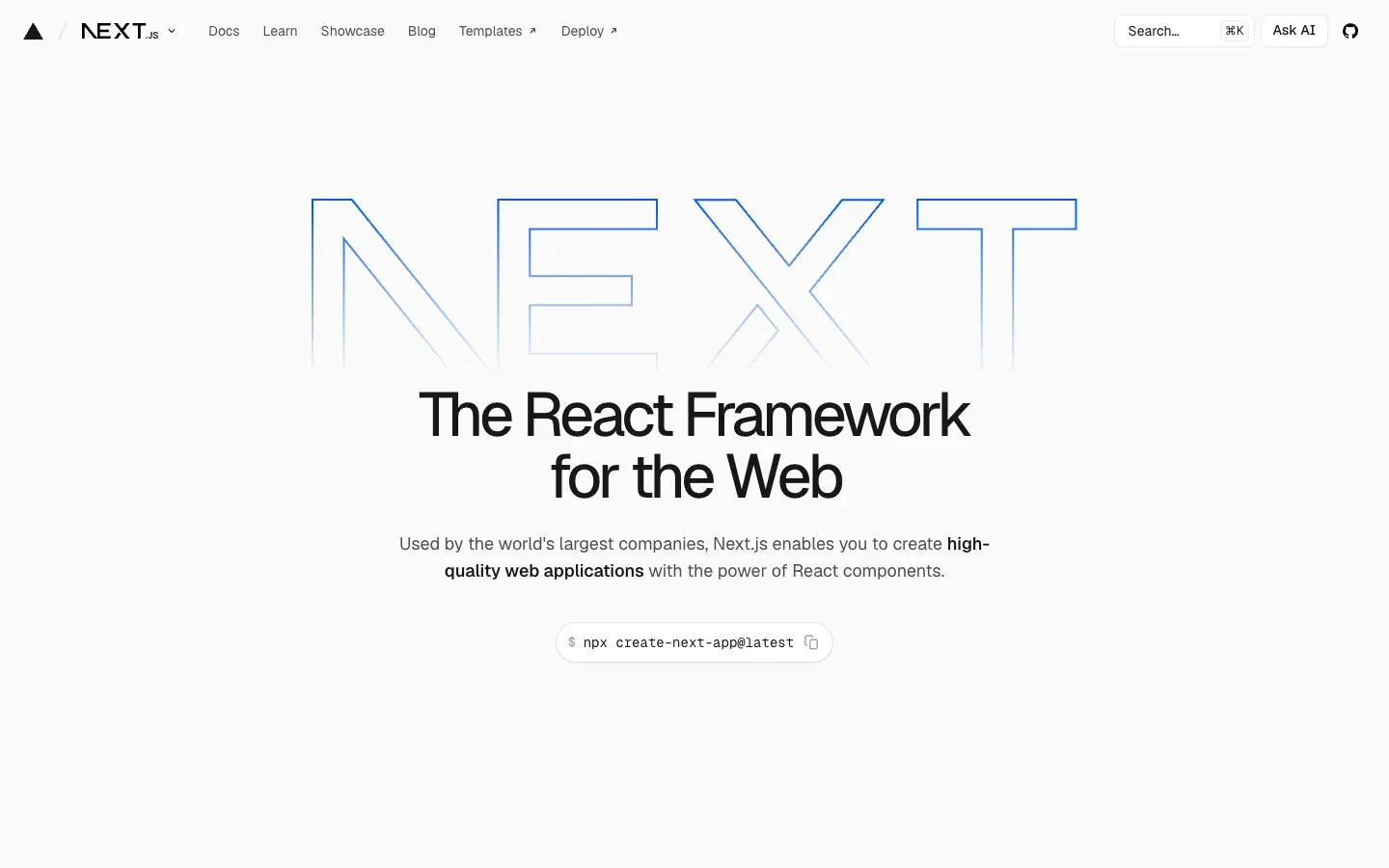
The latest stable release on nextjs.org in November 2026 is 16.4. Two routers coexist: the App Router (the app folder, built on React Server Components), which is the recommended one, and the older Pages Router, still supported for existing projects.
02How we use Next.js at BeBranded
Our site is a Next.js 16 application using the App Router. It serves the public pages in English and French, and it also hosts the Payload admin panel, since Payload 3 installs inside Next.js. In practice:
- Server Components fetch content from Payload's Local API directly, without an extra HTTP layer.
- Cached queries keep pages fast; each time content is published in the CMS, a hook invalidates the cache tag so the change goes live.
- Built-in metadata APIs generate titles, descriptions, canonical URLs and language alternates for each locale.
- Tailwind CSS handles styling, and the app deploys to Vercel from GitHub.
We chose Next.js for the same reasons we recommend it to clients building a custom website, a web app or an MVP: one framework for marketing pages and product features, a huge ecosystem, and code that any React developer can take over. Our article Webflow vs Claude Code explains how AI-assisted development changed the equation for us.
03Key features
- App Router with layouts, nested routes, loading and error states defined by files.
- React Server Components to fetch data on the server and send less JavaScript.
- Rendering choices per page: static, server-rendered or revalidated on a schedule or on demand.
- Route handlers and server actions to write back-end logic in the same project.
- Image, font and script optimisation built in.
- Metadata, sitemap and robots APIs for SEO.
- Internationalised routing patterns for multilingual sites.
04Next.js pricing in 2026
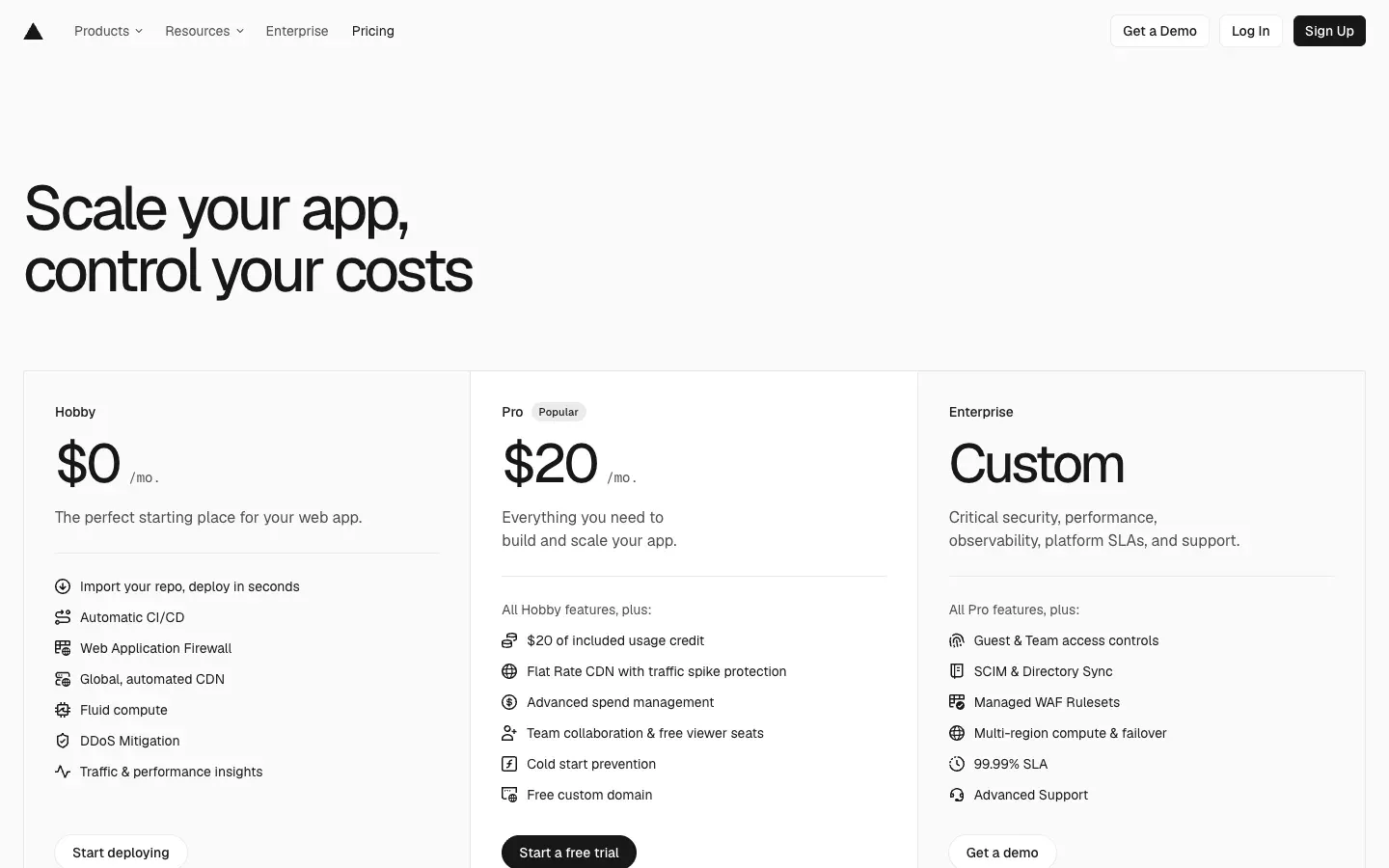
Next.js has no pricing page: the framework is free. Licence checked on nextjs.org on 14 November 2026; hosting prices checked on vercel.com/pricing the same day, in US dollars excluding tax.
| Item | Price | |
|---|---|---|
| Next.js framework | Free | Notes Open source, MIT licence, commercial use allowed |
| Vercel Hobby | $0/month | Notes 1 developer seat, usage caps (for example 100 GB of data transfer a month), no paid overage |
| Vercel Pro | $20 per developer seat/month | Notes $20 of usage credit included, then pay as you go; viewer seats free |
| Vercel Enterprise | Custom | Notes SSO, audit logs, SLAs |
| Self-hosting | Your server costs | Notes Any Node.js server or container; you handle scaling and updates |
Is Next.js free? Yes, completely. The framework costs nothing whatever the size of your project. The budget goes to hosting and, above all, to the developers who build and maintain the site.
05Pros and cons
Advantages
- Free, open source and very widely used, so hiring or handing over a project is easy.
- One framework for content pages, APIs and full application features.
- Fine-grained control over rendering and caching, which helps both speed and SEO.
- A huge React ecosystem: components, CMSs, auth, payments, analytics.
- Excellent fit with headless CMSs like Payload, Contentful or Storyblok.
Drawbacks
- Requires developers: there is no visual editor for marketers out of the box.
- The framework moves fast; major versions bring new concepts and upgrade work.
- Caching and rendering options are powerful but take time to master.
- Some features work most smoothly on Vercel; self-hosting asks for more setup.
06Our verdict
Who it's for
- Companies building a custom site that must scale into a product.
- Startups building a SaaS or an MVP with a React team.
- Teams pairing a headless CMS with a fast, SEO-friendly front end.
- Agencies and developers who want full control over code and performance.
Who it's not for
- Small teams without a developer who need to publish pages themselves: Webflow or Framer fit better.
- Simple brochure sites that will rarely change and never need custom features.
- Teams standardised on another stack (Vue, Svelte, PHP) with no React skills.
07Next.js alternatives
| Tool | Best for | |
|---|---|---|
| Next.js | Custom sites and full-stack React apps | Approach Open source React framework |
| Webflow | Marketing sites built visually | Approach No-code designer, CMS and hosting |
| Framer | Fast, design-led marketing sites | Approach No-code builder |
| WordPress | Classic content sites | Approach PHP CMS with themes and plugins |
| Astro | Content-heavy sites with little JavaScript | Approach Open source content framework |
Our rule: Next.js when the site is also a product or needs custom features; Webflow or Framer when the marketing team must work alone. Our comparisons Webflow vs Astro and Webflow vs Payload go deeper into the trade-off.
08Next.js vs Webflow: why we switched
We built on Webflow for years and remain Webflow Certified Partners. We moved our own site to Next.js because we wanted the content model, the code and the data in one repository, with no limits on custom features, and because AI-assisted development made code faster to maintain than before. The cost: every change goes through a developer. For many clients, a no-code tool is still the right answer; read when a no-code website builder becomes too limiting to see where the line falls.


