

The essentials · 30-second read
GitHub Free includes unlimited public and private repositories. Team costs $4 per user a month, Enterprise $21. Copilot is separate: Free, then Pro at $10 a month.
- Free: unlimited public and private repositories, 2,000 Actions minutes a month, 500 MB of package storage.
- Team: $4 per user a month (3,000 Actions minutes, code owners, repository rules). Enterprise: $21 per user a month.
- Copilot for individuals: Free, Pro at $10, Pro+ at $39, Max at $100 per user a month.
- Our verdict: the default home for a code project in 2026; the free plan is enough for most small teams.
Summarize this page with AI
Every line of our site's code lives on GitHub. Since our move from Webflow to Next.js in November 2026, the bebranded.xyz repository is where changes are written, reviewed and shipped: the staging branch feeds our pre-production site, main feeds production. This review covers what GitHub does, its 2026 pricing including Copilot, and when an alternative makes sense.
01What is GitHub?
GitHub is a platform for hosting code with Git, the version control system. Each project is a repository holding the code and its full history. Around it, GitHub adds collaboration tools: branches and pull requests for code review, issues and projects for planning, Actions for automated tests and deployments, and Copilot for AI coding help.
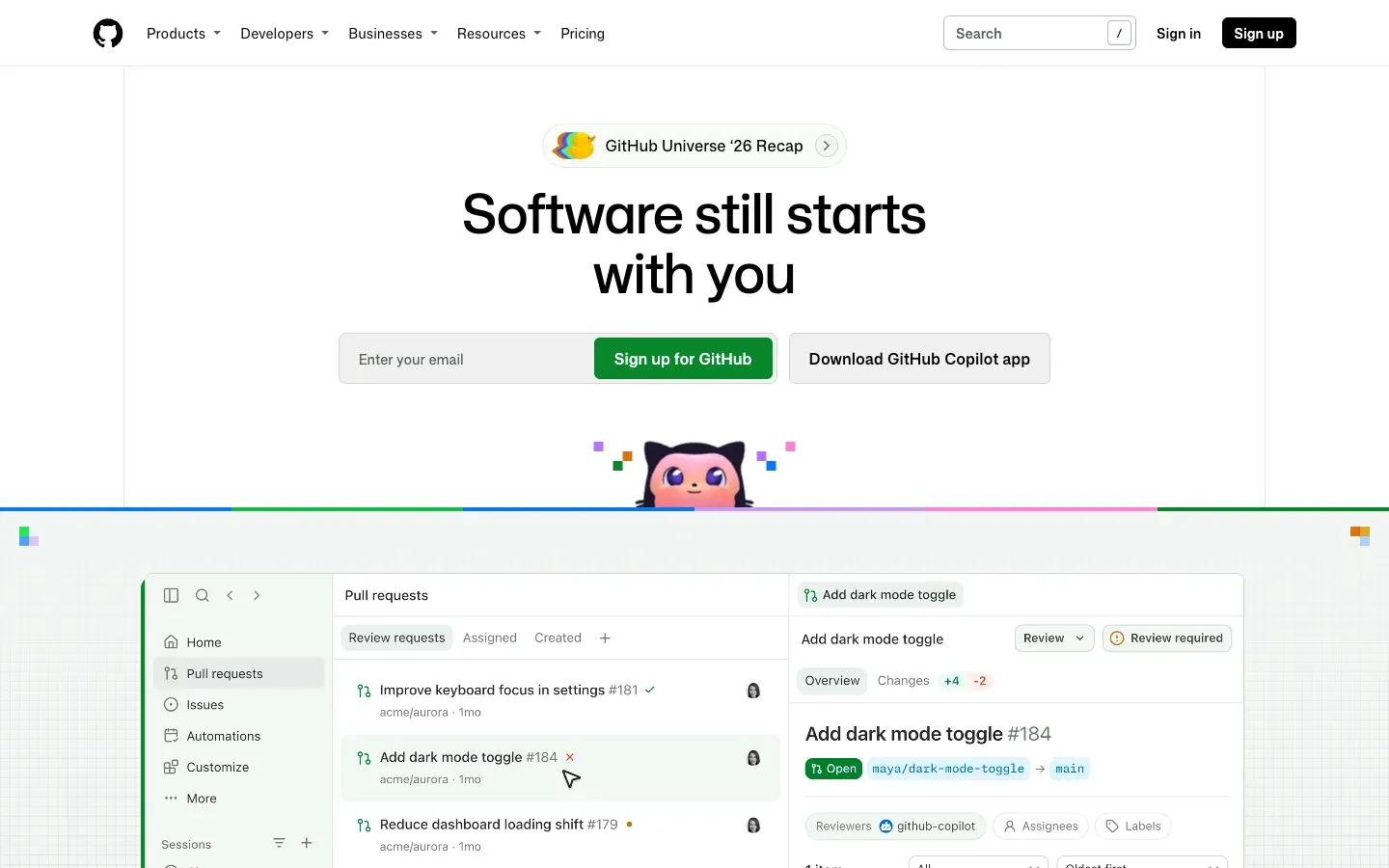
GitHub belongs to Microsoft. It hosts most of the open source ecosystem, including Next.js, Payload and Tailwind CSS, which is why most developer tools integrate with it first.
02How we use GitHub at BeBranded
Our workflow is deliberately simple:
- One repository for the whole site: the Next.js app, the Payload configuration, migrations and content scripts.
- Two long-lived branches. Work goes to
staging, which Vercel deploys to staging.bebranded.xyz. Nothing reachesmain, and therefore production, until it has been checked there. - Short-lived branches for each batch of work, merged into
stagingonce ready, so every change has a description and a history. - AI-assisted development. We work with Claude Code in the repository; commits and pull requests keep a readable trace of what the AI changed and why.
This is the same setup we hand over to clients on web app, MVP and maintenance projects. The client owns the repository; we work in it. Our article Webflow vs Claude Code explains how this Git-based workflow replaced the visual editor for our own site.
03Key features
- Repositories with unlimited public and private projects on every plan.
- Pull requests and code review with comments, suggestions and required reviewers.
- GitHub Actions for CI/CD: tests, builds and deployments on each push.
- Issues and Projects for planning and tracking work.
- Security: Dependabot dependency updates, secret scanning, code scanning (advanced options are paid).
- Codespaces for cloud development environments.
- Copilot for code completion, chat and coding agents.
- Integrations with Vercel, Slack, project tools and most developer services.
04GitHub pricing in 2026
Prices checked on github.com/pricing and github.com/features/copilot/plans on 14 November 2026, in US dollars, per user per month.
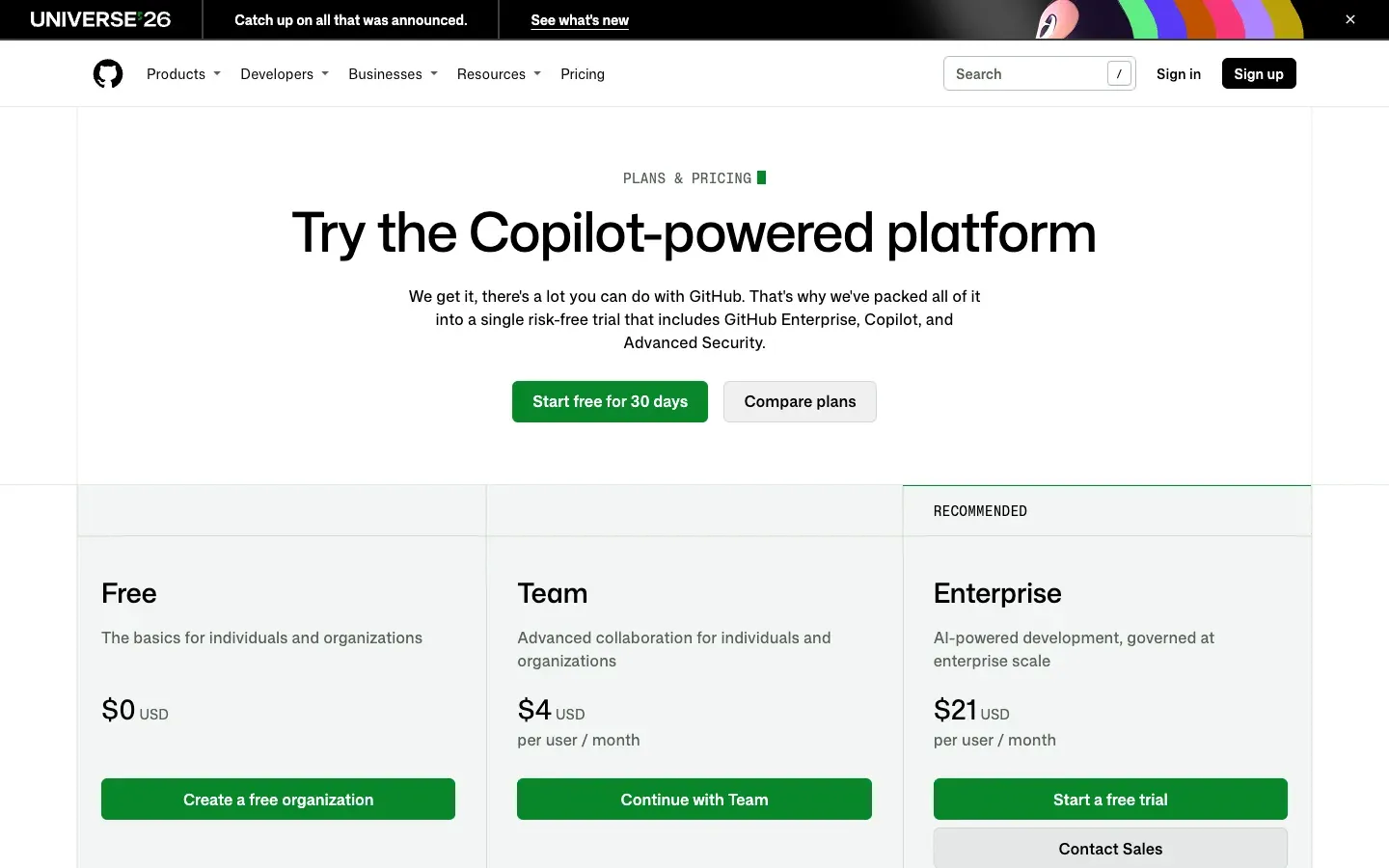
| Plan | Price | |
|---|---|---|
| Free | $0 | What you get Unlimited public and private repositories, 2,000 Actions minutes a month, 500 MB of package storage, Dependabot, Issues and Projects, community support |
| Team | $4 per user/month | What you get 3,000 Actions minutes, 2 GB of packages, repository rules, code owners, draft pull requests, multiple reviewers, environment secrets, web support |
| Enterprise | $21 per user/month | What you get 50,000 Actions minutes, 50 GB of packages, Copilot access, SAML SSO, SCIM, audit log API, data residency, compliance reports |
| Copilot (individuals) | Price |
|---|---|
| Free | $0 |
| Pro | $10 per user/month |
| Pro+ | $39 per user/month |
| Max | $100 per user/month |
Copilot business pricing is handled by sales; the page shows no public figure.
Is GitHub free? Yes. The free plan includes unlimited private repositories and enough Actions minutes for a typical website or small app. Teams usually upgrade to Team for code owners and repository rules, or to Enterprise for SSO and compliance.
05Pros and cons
Advantages
- A generous free plan with unlimited private repositories.
- The largest developer community and the widest range of integrations.
- Pull requests give every change a review, a discussion and a history.
- Actions automate tests and deployments without a separate CI tool.
- Owning your repository means owning your site, whatever happens to your agency.
Drawbacks
- Git has a learning curve for non-developers.
- Advanced security and compliance features sit on paid plans or add-ons.
- Actions minutes and storage beyond the included amounts cost extra.
- Copilot is priced separately and the plan lineup changes often.
06Our verdict
Who it's for
- Any team building a site or an app in code.
- Companies that want to own their code and its history.
- Agencies and freelancers collaborating with clients on the same codebase.
- Teams using AI coding tools that work through Git.
Who it's not for
- Teams building entirely in no-code tools like Webflow, Framer or Bubble, where the platform keeps the history.
- Organisations required to self-host everything on their own servers, where GitLab self-managed may fit better.
- People who only need to share documents: a file drive is simpler.
07GitHub alternatives
| Tool | Best for | |
|---|---|---|
| GitHub | Most code projects, open source, integrations | Model SaaS, free plan, Team and Enterprise |
| GitLab | All-in-one DevOps, self-hosting | Model SaaS or self-managed |
| Bitbucket | Teams already on Jira and Atlassian tools | Model SaaS |
| Replit | Coding and hosting in the browser | Model Online IDE with AI agent |
Our rule: GitHub by default, because every tool in a modern stack (Vercel, Cursor, Claude) connects to it first. GitLab when self-hosting is a hard requirement, Bitbucket when the company lives in Atlassian tools.
08What to ask your agency about GitHub
Before a project starts, ask three questions. Who owns the repository? It should be your organisation. Who can merge to production? There should be a protected branch and a review step. Where is the documentation? A README with setup steps and environment variables. Our article on what developers should deliver at launch lists the rest.