What a Webflow designer does beyond visual design
Development
•
X min
•
Published on
10.09.2026
•
Updated on
02.10.2026
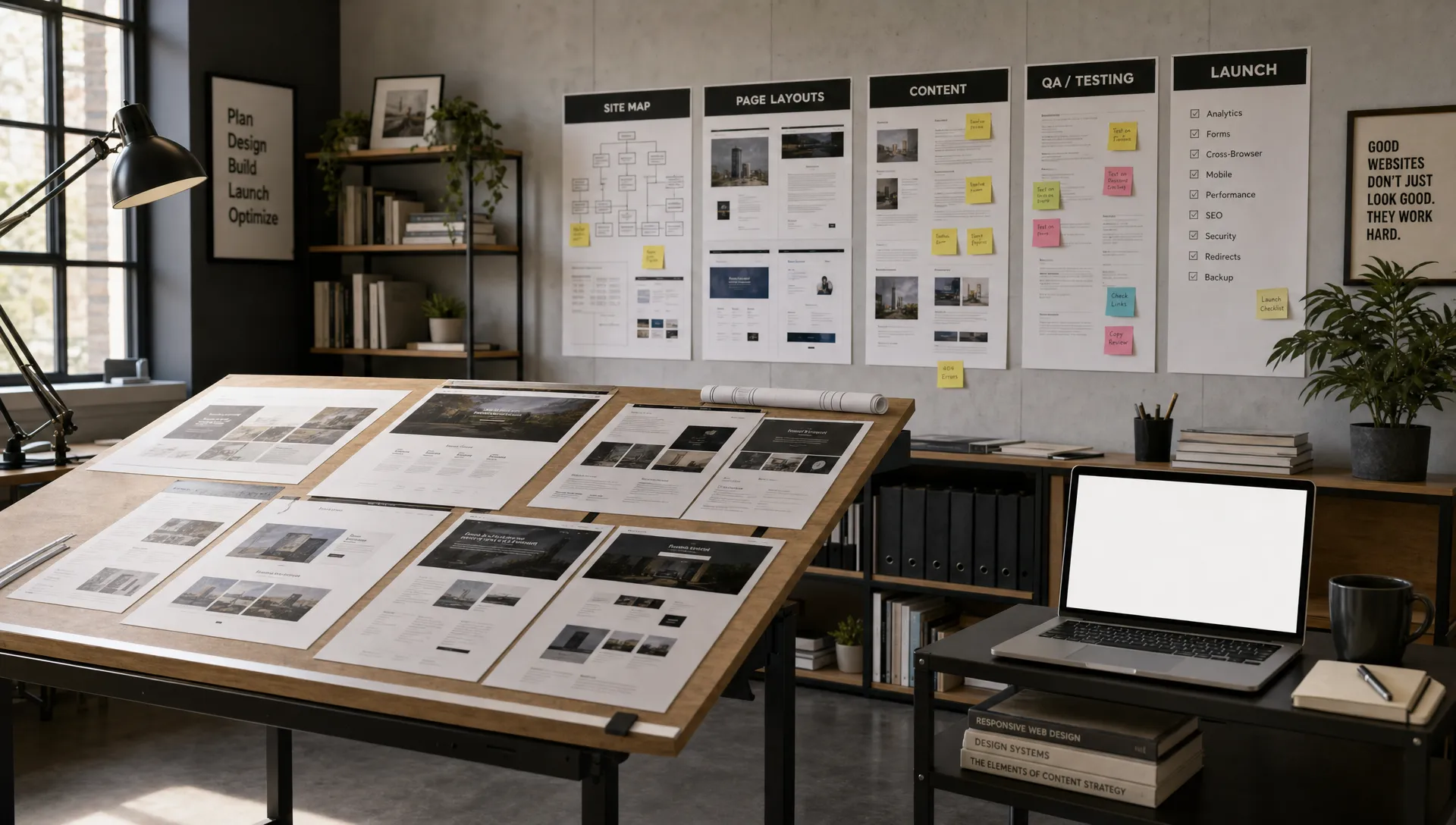
Hiring a Webflow designer only for page aesthetics usually creates a website that looks acceptable but underperforms. The real value is not only in styling sections, choosing typography or translating a Figma file into Webflow. It is in connecting design decisions with conversion goals, content structure, SEO, maintainability and the way your team will use the site after launch.
For a CEO, CMO, founder or marketing manager, this matters because the website is rarely a one-time design asset. It is a business system that must support campaigns, hiring, sales enablement, product launches and content publishing without creating operational friction.
A strong website starts with clarity on the role.
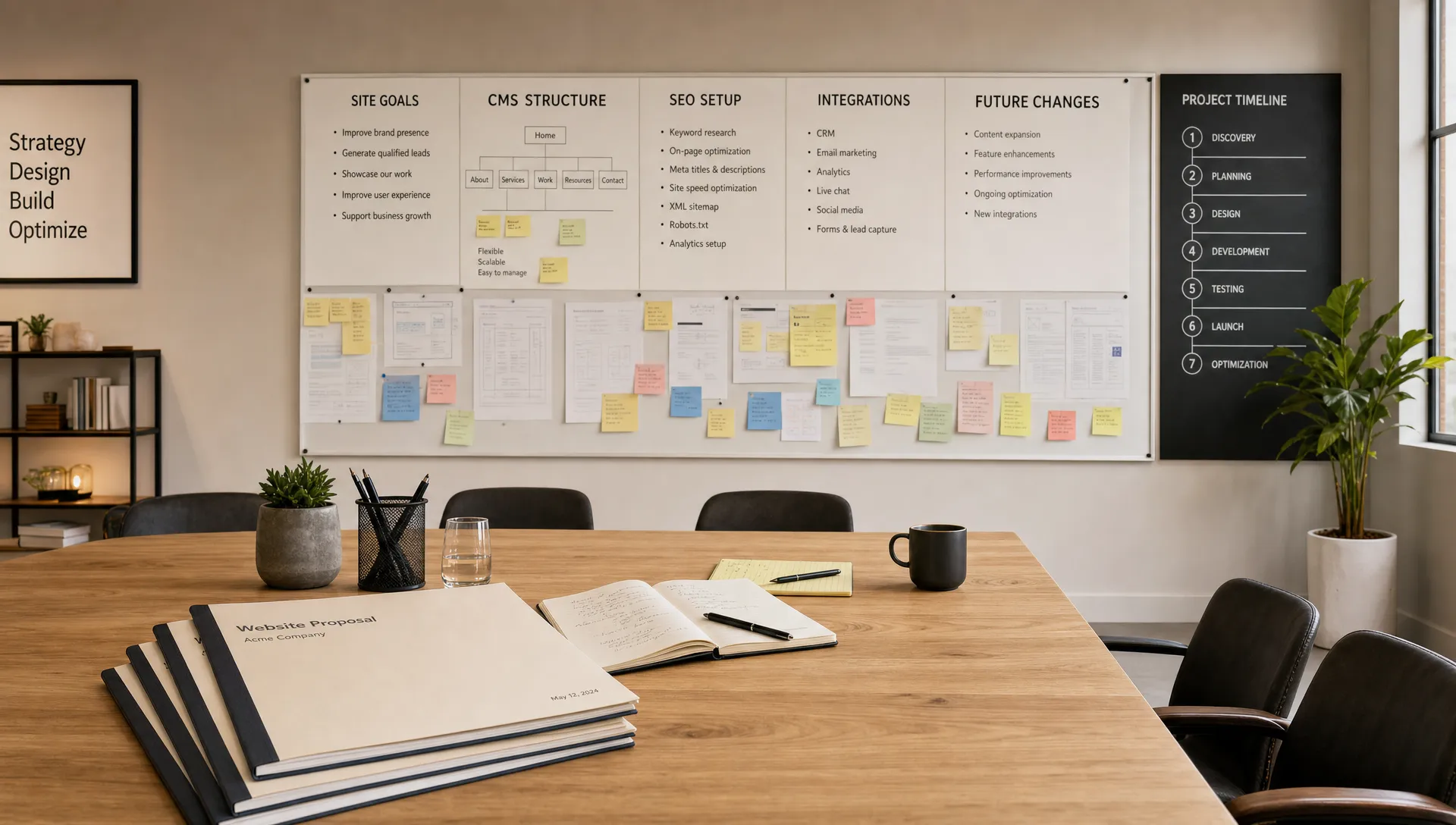
A Webflow designer is a digital designer who plans, designs, builds and optimizes websites in Webflow, linking visual execution with user experience, CMS structure, responsive behavior, SEO settings and business objectives. This role sits between brand design, front-end thinking and marketing execution.
Visual design is still part of the job. Layout, hierarchy, spacing, imagery and motion all influence trust and comprehension. But if the work stops there, the site can become difficult to update, slow to scale or disconnected from your acquisition strategy.
The distinction with development also matters. A designer may build full Webflow pages, components and CMS templates, but complex custom code, advanced integrations or deeper technical logic may require a dedicated specialist. If that distinction is relevant to your project, BeBranded has a separate guide on the Webflow developer role.
Use this framework to evaluate whether the work covers the whole website, not just the interface.
The 5C framework keeps the scope focused. It helps you judge whether a Webflow designer is thinking through the commercial, content and technical parts of the project before building pages.
This framework is useful before hiring, during scoping and at project review. It turns a broad design brief into concrete responsibilities.
The five Cs are easier to apply when each one comes with a question and an expected answer. Use the table below during scoping calls or when you review a proposal. A vague answer to any row is a signal to ask for more detail before approving the work.
| The 5 Cs | Question to ask | What a good answer looks like |
|---|---|---|
| Commercial goal | What outcome should the site produce over the next 12 months? | One primary goal tied to a metric, such as demo requests per month |
| Conversion path | Which action should each key page support? | A page by page map of actions, proof points and objections |
| Content model | Which content types will we publish, and who edits them? | A list of collections and fields tied to real publishing needs |
| Component system | Which sections and patterns will be reused? | A documented set of components with clear usage rules |
| Continuity | What happens after launch? | Handoff documentation, a QA window and a maintenance plan |
A website can look polished and still fail if the journey is unclear.
Before designing pages, a Webflow designer should understand the user’s context. What problem brought them to the page? What do they need to believe before contacting sales? What objections must be addressed before they scroll away?
This affects practical decisions. A pricing page may need comparison logic, reassurance and concise FAQs. A service page may need proof, process and clear next steps. A homepage may need to segment different audiences before explaining the offer in detail.
Good conversion architecture is not about adding more calls to action everywhere. It is about placing the right action after the right information. For a marketing team, this means fewer subjective debates and more structured decisions.
A Webflow site should be easy to manage after launch.
The CMS is where many projects succeed or become painful. If collections are poorly planned, your team may need a designer every time it publishes a case study, updates a team member or launches a landing page.
The role includes defining collections, fields, references and templates in a way that matches real publishing needs. A blog, resource library, job board, customer story section or integration directory each requires different content architecture. The Webflow CMS guide explains collections, references and templates in more depth.
The table below gives typical examples of content types and the fields they usually need. Use it to check that a proposal covers the collections your team will actually use. Ownership and fields should be confirmed during scoping, not improvised during the build.
| Content type | Typical fields | Who usually updates it |
|---|---|---|
| Blog | Title, summary, author, category, body, SEO fields | Marketing or content team |
| Case studies | Client, challenge, results, services, testimonial | Marketing with input from sales |
| Team members | Name, role, photo, short bio, display order | Operations or HR |
| Job listings | Title, location, department, application link | HR or recruiting |
| Integrations directory | Name, logo, category, description, external link | Product marketing |
Content governance also matters. If your team uses AI-assisted drafting, the designer should help create publishing workflows that protect accuracy, tone and approval quality. When content is challenged by detection tools or internal review, a practical resource on what to do when an AI detector flags you can help frame the issue, but it should never replace editorial judgment or brand review.
SEO is not something to bolt on after the visual work is approved.
A Webflow designer should understand how page structure affects search visibility. Headings, internal linking, metadata, CMS fields, image handling and crawlable content all influence whether a site can be understood by search engines and AI answer systems.
This does not mean the designer replaces an SEO strategist. It means the build should not create technical obstacles. For a more detailed implementation view, BeBranded’s Webflow SEO guide explains the setup work that should not be missed.
Responsive behavior is part of the same discipline. A mobile-first layout is not just a resized desktop page. Navigation, spacing, form length, tap targets and content priority all need decisions at each breakpoint. The responsive design guide covers these decisions in detail. A site that is hard to use on mobile will create friction even if the desktop layout looks clean.
Deliverables should make the role visible and measurable.
The table below shows how the work expands beyond visual design. Use it when reviewing proposals, scopes or project plans.
| Work area | What the designer should handle | Why it matters for the business |
|---|---|---|
| Strategy | Clarify goals, audiences, page priorities and conversion paths | Reduces subjective design choices and aligns the site with business outcomes |
| UX and structure | Plan navigation, page hierarchy, content order and interaction patterns | Helps users understand the offer and move toward the right action |
| CMS | Create collections, templates, fields and content editing logic | Allows marketing teams to publish without breaking the website |
| SEO setup | Prepare headings, metadata, CMS SEO fields, image alt text and clean page structure | Gives the site a stronger technical foundation for organic visibility |
| Handoff | Document components, editing rules and maintenance guidelines | Protects the site from becoming dependent on one person |
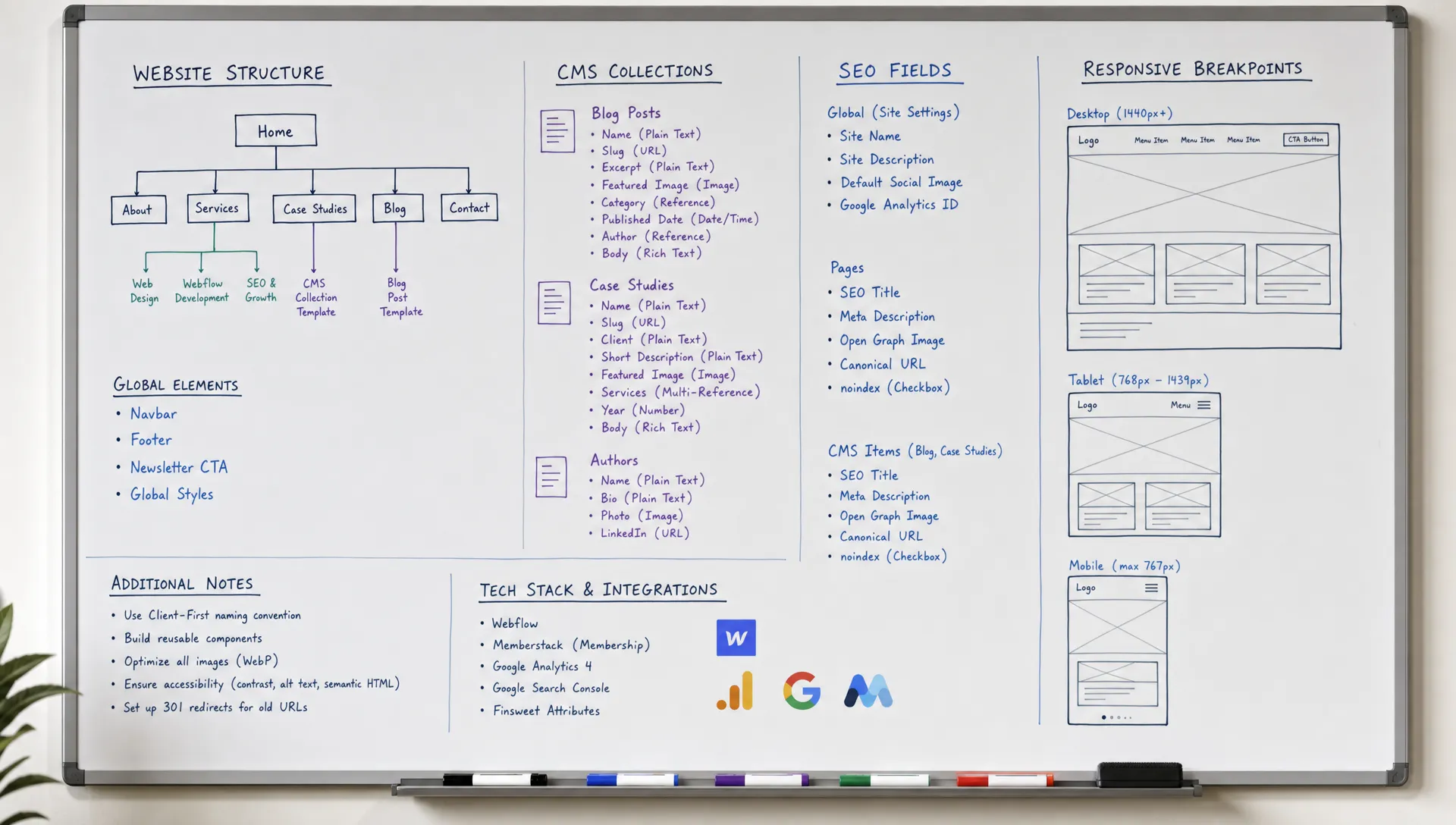
Design files and the live build should support each other.
Many teams still ask for Figma mockups before any Webflow work starts. That can help with stakeholder review and complex design systems, but it also adds a translation step. When wireframes and content are clear, a designer can often move faster by designing directly in Webflow.
The right choice depends on risk, complexity and approval needs. BeBranded’s Figma to Webflow workflow guide compares the options and explains where each approach tends to work best.
Most problems appear before the build starts.
A common hiring mistake is treating a Webflow designer like a production resource who simply recreates a mockup. That can work for a small landing page, but it creates risk for a company site that needs CMS logic, SEO foundations and future scalability.
The pattern is simple. If the scope only describes pages to design, it is probably incomplete. If it describes outcomes, structure, content, SEO, CMS and handoff, you are closer to a reliable engagement.
The right profile depends on your site’s complexity and your internal team.
For a simple marketing site, one senior Webflow profile may cover strategy, design and build. For a larger site, you may need strategy, copywriting, SEO, design, Webflow build and technical integration skills split across several people.
The table below matches typical site types with a realistic team setup. Treat it as a starting point for discussion, not as a fixed rule. The main risk in each case is usually an unowned responsibility, not a lack of talent.
| Site type | Typical setup | What to watch |
|---|---|---|
| Simple marketing site, 5 to 10 pages | One senior Webflow designer covering strategy, design and build | Gaps in SEO or copywriting when nobody owns them |
| Growing company site with a blog and case studies | Designer, copywriter and SEO input, guided by a clear CMS plan | Unclear ownership between design and content |
| Complex site with integrations or several languages | Designer, Webflow developer, SEO specialist and a project lead | Handoff problems between roles and late technical decisions |
When evaluating a Webflow designer, focus on how they explain decisions. A good answer should connect design choices to user behavior, editing needs and business goals. If every answer is only about visual preference, the collaboration may stay too shallow.
Ask for examples of CMS planning, responsive QA, SEO setup and handoff. You do not need a long theoretical explanation, but you do need evidence that the person can think past the homepage mockup. If you are comparing agencies rather than individuals, the guide on how to choose a Webflow partner agency lists useful selection criteria.
Use this checklist before signing a proposal or launching the project.
This checklist is not bureaucracy. It protects the project from late surprises and gives everyone a shared definition of done.
A launch is the start of the operating phase, not the end of the work.
Once real visitors arrive, you will see which pages convert, which forms create friction and which content needs updating. A good designer plans for this by leaving clean components, clear editing rules and a short list of follow-up improvements.
Ongoing care also protects performance, security and content quality. BeBranded’s website maintenance guide explains what a realistic maintenance routine should include.
What should a Webflow designer be responsible for? A Webflow designer should be responsible for visual design, page structure, responsive behavior, CMS planning, basic SEO setup, component logic and handoff documentation. The exact scope depends on project size and technical complexity.
Is a Webflow designer the same as a Webflow developer? No. The roles can overlap, but they are not identical. A designer focuses on user experience, layout, brand execution and Webflow implementation, while a developer may handle custom code, advanced integrations and more technical logic.
Do I need Figma before hiring for Webflow? Not always. Figma can be useful for complex design systems or stakeholder review, but some projects can move directly into Webflow after wireframes and content structure are clear. The right workflow depends on risk, complexity and approval needs.
Can a Webflow designer handle SEO? A designer can usually handle technical setup and on-page structure, including headings, metadata, CMS SEO fields and image alt text. Deeper keyword strategy, content planning and authority building may require an SEO specialist.
How do I know if the scope is complete? A complete scope should mention goals, page types, CMS architecture, responsive QA, SEO setup, integrations, handoff and post-launch support. If it only lists visual pages, ask for more detail before approving it.
How long does a project with a Webflow designer usually take? It depends on the number of page types, the CMS structure, the quality of the content and the number of approval rounds. A focused marketing site can often be built in a few weeks, while a larger site with integrations usually takes longer. Scope clarity and content readiness are the best predictors of the timeline.
A website project should not be judged only by how the first mockup looks. The stronger question is whether the work will help your team attract the right users, explain the offer clearly, publish content easily and maintain the site without constant friction.
A capable Webflow designer brings structure to that process. They turn business goals into pages, components, CMS logic and launch-ready execution.
Your next step is to review your current website brief against the checklist above. If you want a focused external review before building, start with a Webflow website audit with BeBranded.