

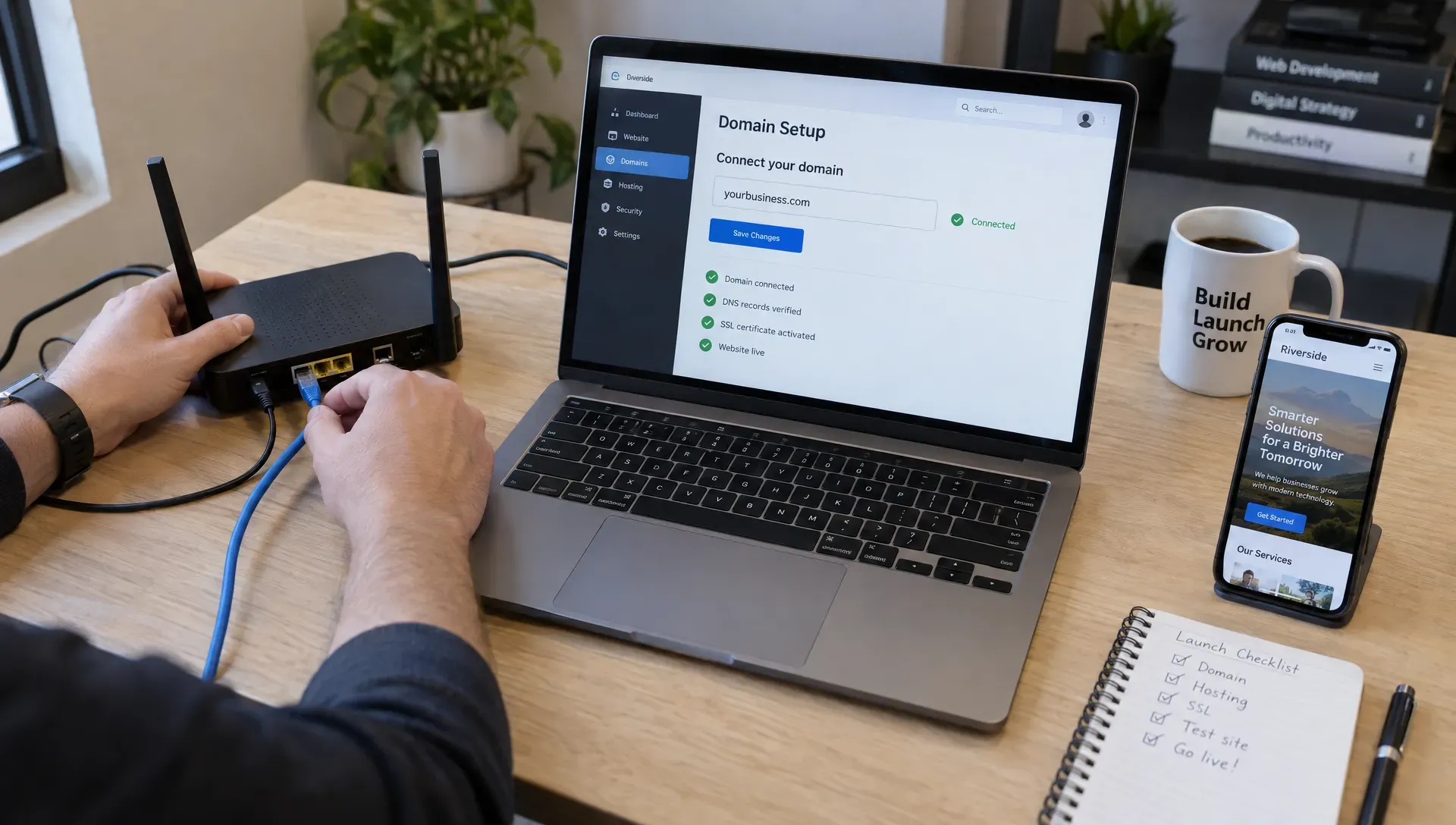
The essentials · 30-second read
A website in a day is a production window, not a full project. It works when almost every decision is made in advance:
- Good fits: a campaign landing page, a waitlist page, a portfolio, an event page or a small informational site.
- Poor fits: a new brand, a structured CMS, e-commerce, a multilingual site or a redesign with organic traffic to protect.
- Copy, images, account access, the lead destination and one decision-maker must be ready before the day starts.
- Reserve time for mobile, form and live-site testing, and treat publication, indexing and visibility as separate milestones.
Summarize this article with AI
A website in a day is realistic when you assemble a tightly scoped site from approved content and an existing visual direction: a campaign landing page, a waitlist page, a portfolio, an event page or a small informational business site. A custom brand, a complex CMS or a migration with search traffic at stake usually needs weeks, not a day.
The useful question is not whether someone can publish pages quickly. It is whether those pages will support your immediate business goal without creating avoidable problems. This guide separates a credible one-day launch from work that needs a longer production window, and gives you a go or no-go checklist to decide.
What does a one-day website launch actually mean?
A one-day launch usually describes the production window, not the entire project timeline. Discovery, copywriting, asset collection and design decisions happen beforehand. The build day then becomes an assembly and validation exercise. If those decisions are still open when production starts, the schedule depends on resolving them quickly rather than on development speed.
Define "launched" before agreeing to the deadline. A launch-ready website needs:
- a working public address on your own domain, served over HTTPS;
- readable layouts on mobile, not only on a desktop mockup;
- one primary action (form, booking, signup) that has been tested end to end.
A preview link or an attractive desktop mockup is a different deliverable.
Publishing also differs from appearing in search results. Google states that requesting a crawl does not guarantee inclusion in search results, and that crawling can take anywhere from a few days to a few weeks. Treat publication, indexing and organic visibility as three separate milestones.
What can a website in a day realistically include?
The strongest candidates have one audience, one main action and very few unresolved dependencies.
| Launch type | Realistic first version | What should already be ready |
|---|---|---|
| Campaign landing page | One offer, supporting proof and a form or booking link | Campaign message, approved copy and a tested destination for leads |
| Waitlist or prelaunch page | Product explanation, signup form and confirmation state | Positioning, assets and access to the email platform |
| Simple business site | A small set of informational pages using shared layouts | Final content, existing brand direction and clear navigation |
| Portfolio or event page | Selected work or event details with one contact or registration action | Approved images, project descriptions or confirmed event information |
These are scope examples, not guaranteed deliverables. A single page with conditional forms, bespoke animation and several approval rounds can require more work than a few straightforward pages built on an established design system.
Some projects rarely fit into one production day, whatever the platform:
| Project | Why one day is not enough |
|---|---|
| New brand identity | Strategy, exploration and approval rounds come before any page can be built |
| Structured CMS (blog, case studies, catalogue) | Content models, templates and editing rules need design and testing |
| Redesign of a site with organic traffic | URL mapping, redirects and content decisions protect existing rankings |
| E-commerce, member area or web app | Payments, accounts and data flows need specification and security testing |
| Multilingual site | Each language needs its own content, review and URL structure |
For a marketing team, the most defensible use case is often a campaign destination built within an existing brand. Reusable components and a clear brief support faster campaign launches without starting every page from scratch. The speed comes from constraints and preparation, not from skipping essential checks.
How long does it take to build a website, then?
It depends less on page count than on how many decisions remain open. A one-day build is the short end of the range because almost every decision is made in advance. Each factor below pushes the timeline longer:
| Factor | Effect on the timeline |
|---|---|
| Copy not written or not approved | Writing and review become part of the build instead of an input |
| No visual direction or design system | Design exploration and approval have to happen first |
| Several decision-makers | Each review round adds waiting time between production steps |
| Integrations (CRM, payments, booking) | Accounts, permissions and test data need setting up and checking |
| Existing site and URLs to replace | Redirects and content migration need planning and verification |
If you only have a date and an idea, the realistic first step is a scoping phase, not a build day. A minimum viable launch can still go live quickly once that scope exists.
What has to be finished before the build starts?
A website in a day depends on decisions made before the production clock starts.
| Input | Who provides it | Why it matters on the day |
|---|---|---|
| Approved copy | Client or copywriter | Layouts depend on real text length and hierarchy |
| Images and brand assets | Client | Placeholders turn into a second production round |
| Account access (platform, domain, tools) | Client | Missing permissions block publishing and integrations |
| Lead destination and confirmation message | Client and sales owner | The main conversion path cannot be tested without it |
| One decision-maker | Client | Disagreements get resolved during the day, not after it |
"We will connect the form later" leaves the main conversion path unfinished. If legal, leadership and sales all need separate sign-off, collect that input beforehand rather than treating it as a final production step.
If the audience, offer or page structure is still uncertain, start by planning the business website. Content and positioning decisions do not disappear when the deadline gets shorter. They either happen before the sprint or interrupt it.
Ready, reduce or reschedule: how to decide
Before commissioning a website in a day, classify the project by readiness rather than by enthusiasm for the deadline.
| Status | Situation | What to do |
|---|---|---|
| Ready | Offer, copy, assets and visual direction are approved. One person decides, access works and the conversion uses an existing, tested tool. | Book a focused production sprint. |
| Reduce | The business deadline is fixed, but some dependencies are unresolved. | Publish only the essential journey, for example an offer page leading to an established booking flow. Move secondary pages to a second phase. |
| Reschedule | The project needs brand strategy, substantial copywriting, complex data structures or migration planning. | Choose a longer build instead of compressing discovery and quality assurance. |
A useful boundary is whether removing a feature preserves the visitor's essential task. Removing decorative animation usually does. Removing the information needed to understand the offer, or the form needed to request it, usually does not.
Write the decision into the scope: what ships, what stays out and what would trigger a delay. This turns an ambiguous speed promise into an agreement both sides can evaluate.
How should the build day be organized?
Delivering a website in a day requires protected time for testing, not just faster page assembly.
- Confirm the scope and access: review the approved content, primary action and exclusions. Verify platform permissions, domain access and integration credentials before making changes.
- Build the core journey: assemble the page structure, place final content and connect the conversion destination. Resolve hierarchy and usability before adding visual polish.
- Review on real devices: check mobile navigation, text wrapping, tap targets, forms and confirmation messages. Send a test submission and confirm that it arrives with the expected information.
- Publish and verify: check the live domain, HTTPS, page metadata, tracking and key links. Record any nonblocking follow-up work with an owner rather than leaving it in chat messages.
Use published standards for the review step rather than personal taste:
| Check | Reference | What to verify |
|---|---|---|
| Tap targets | WCAG 2.2, criterion 2.5.8 (level AA) | Buttons and links are at least 24 by 24 CSS pixels, with the listed exceptions |
| Forms | W3C WAI forms tutorial | Labels, instructions, validation and success and error notifications |
| Loading and stability | Core Web Vitals | LCP within 2.5 seconds, INP of 200 ms or less, CLS of 0.1 or less, at the 75th percentile of page loads |
| Usability | Quick user test | A few people outside the project complete the main action without help |
Core Web Vitals are measured on real visits, so on launch day you can only check lab results. The quick user test does not need a lab either: Nielsen Norman Group reports that a first study with five participants found 85% of the usability problems in its model, while noting that distinct user groups need their own tests.
Do not leave domain configuration until the final minutes. DNS changes and third-party account verification can introduce delays outside the builder's control. Confirm the publishing route beforehand and distinguish a staging release from a public launch.
The day should end with ownership, not just publication. The client needs appropriate account access, a clear editing process and visibility into any recurring platform or integration costs.

Is a one-day website service the right choice?
"Website in a day" and "VIP day" offers are common among freelance designers. They suit some situations well and others badly.
| A one-day service fits when | A longer project fits when |
|---|---|
| You need a focused destination for a campaign, a launch or an event | The site is your main sales channel and must scale with your content |
| Copy, images and brand are ready | Positioning or brand still need work |
| A template or design system is acceptable | You need a custom structure, CMS or integrations |
| There is no existing site to replace, or it has little search traffic | An established site with rankings must be migrated |
Before booking, ask what is included before and after the day (preparation calls, revisions, fixes), who owns the accounts and what recurring costs remain once the day is over.
Where do Webflow, Framer and AI fit?
The platform affects implementation speed, but it does not remove the need for a defined scope.
Webflow or Framer can support a short production sprint when the builder knows the platform and starts with an approved layout or established component system. Neither makes unresolved content, complicated integrations or extensive custom interactions fit into a single day.
AI can help generate an initial structure, draft variations or support routine implementation tasks. Its output still needs review for factual accuracy, accessibility, brand consistency and functionality. Our guide to building a website with AI explains where assistance is useful and where human decisions remain necessary.
Choose the platform for the site's next stage as well as launch day: who will edit content, whether structured publishing is needed and which integrations must stay maintainable. A fast first version is less useful if routine updates immediately require rebuilding it elsewhere.
Which mistakes create avoidable rework?
- Agreeing to a page count without defining complexity. "Five pages" says little about copy length, CMS requirements, forms or interactions. Specify layouts, functionality, approval process and revision limits, and clarify whether the fee includes preparation, platform subscriptions, licensed assets and post-launch fixes.
- Combining a rushed launch with an unplanned replacement of an established site. Google's guide to site moves asks you to map old URLs to new ones and use permanent redirects. If the current website attracts relevant traffic, protecting SEO during the launch matters more than an arbitrary production promise, and a planned website migration is the safer route.
- Cutting essential checks to preserve decorative work. A working form, a readable mobile layout and an appropriate privacy or consent setup come before animation. A known problem on the main visitor journey should block publication, even if the page looks finished.
Your go or no-go checklist
Before committing to a website in a day, confirm that each statement is true.
- The launch has one defined business goal and one primary visitor action.
- Copy, images and brand assets are approved and available in usable formats.
- The agreed scope names the pages, layouts, functionality and exclusions.
- One decision-maker can review and approve work during production.
- Platform, domain and integration access has been verified.
- The publishing plan accounts for any existing website and URLs.
- Time is reserved for mobile review, form testing and live-site verification.
- Account ownership, recurring costs and post-launch responsibilities are documented.
If a statement is false, resolve it before booking the sprint or reduce the deliverable. Do not assume the builder will absorb missing preparation without affecting scope or timing. Then use a fuller prelaunch checklist to validate the implementation itself.
How BeBranded approaches fast launches
BeBranded works in two stages: consulting first, then production. When a deadline is tight, project scoping comes first: we separate what must ship now from what can follow, and check which content, access and approvals are actually ready. Production then follows the scope, whether that is a focused landing page on an existing brand, a custom build with Next.js and Payload, or Webflow when it is the right fit. We would rather reduce the first release than skip testing on the main visitor journey. If you have a date and want to know what can realistically ship by then, book a call with the two founders.
Sources
- 1. Google Search Central: Ask Google to recrawl your URLs · developers.google.com/search/docs/crawling-indexing/ask-google-to-recrawl
- 2. W3C: Understanding WCAG 2.2 Success Criterion 2.5.8 Target Size (Minimum) · w3.org/WAI/WCAG22/Understanding/target-size-minimum.html
- 3. W3C WAI: Forms tutorial · w3.org/WAI/tutorials/forms/
- 4. web.dev: Web Vitals · web.dev/articles/vitals
- 5. Google Search Central: Site moves with URL changes · developers.google.com/search/docs/crawling-indexing/site-move-with-url-changes
- 6. Nielsen Norman Group: Why you only need to test with 5 users · nngroup.com/articles/why-you-only-need-to-test-with-5-users/