How online web design supports faster campaign launches
Development
•
X min
•
Published on
06.09.2026
•
Updated on
09.09.2026
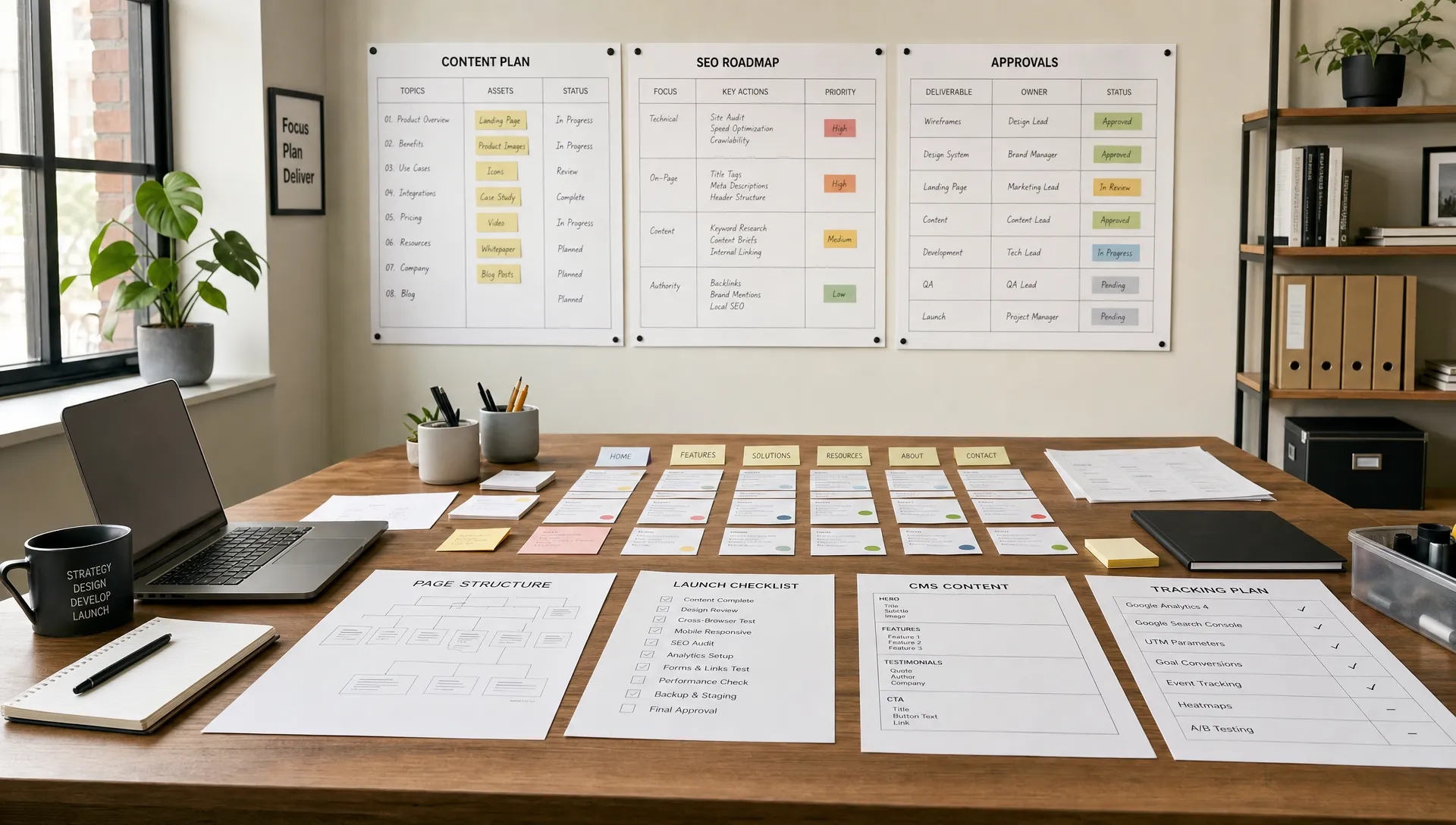
Campaigns often slow down at the website stage. The offer is ready, the media plan is approved and the email sequence is drafted, but the landing page still needs copy, design, development, QA, tracking and final approvals.
Online web design helps when it is treated as an operating system for campaign delivery, not as a last-minute production task. For CEOs, CMOs, founders and marketing managers, the goal is simple: shorten the path from campaign idea to live page without weakening conversion, SEO or brand consistency.
Web design online is the process of planning, designing, building and improving websites through cloud-based tools, no-code platforms and shared workflows.
For campaign teams, this is not the same as using a generic template builder. A strong online web design setup gives marketing, design and development a shared system for launching pages, updating content and measuring performance.
The practical value is speed with control. Instead of rebuilding every page from scratch, teams work from approved layouts, reusable sections, CMS structures, style systems and clear publishing rules.
This matters most when campaign volume increases. A one-off website process may work for a single launch, but it creates friction when a team needs multiple landing pages, event pages, partner pages or paid acquisition variants.
Most launch delays are not caused by design tools. They are caused by unclear ownership, missing decisions and website systems that were not built for marketing execution.
A landing page looks simple from the outside, but it depends on several inputs: positioning, offer structure, copy, visual hierarchy, forms, CRM routing, analytics, SEO basics, responsive behavior and approval flows.
When those inputs arrive late, the website team becomes the bottleneck. This is why the planning work covered in website design and development priorities for growing teams should happen before campaign pressure builds.
The common pattern is a linear handoff. Marketing writes a brief, design creates a mockup, development builds it, stakeholders revise it and tracking gets added at the end. Each handoff creates a delay because the next person discovers what was missing from the previous step.
A faster model is collaborative and systemized. Design and development should not operate as separate silos, especially when deadlines are tight. The workflow explained in how web design and development should work together is a useful foundation for campaign teams that want fewer late-stage surprises.
Use a simple framework before every campaign page build. It reduces ambiguity and gives each team a clear sequence of decisions.
Start by defining what the page must do. Is it meant to capture demo requests, register event attendees, promote a gated asset, support paid search or validate a new offer?
The answer changes the layout, copy depth, form length, proof points and tracking plan. A campaign page for high-intent demo traffic should not be structured like a thought leadership download page.
A useful campaign job statement is short: target audience, pain point, offer, primary conversion and traffic source. If this statement is unclear, the page will likely absorb too many messages.
A page system is a set of approved sections, patterns and content rules that can be reused across campaign pages. It usually includes hero sections, proof blocks, feature sections, FAQ blocks, form areas and thank-you page structures.
This does not remove creative work. It removes repeated structural decisions so the team can focus on the campaign message.
When the website is built in Webflow or Framer with clean components and clear CMS logic, marketers can launch variations faster while staying within brand and technical constraints. This is one reason teams evaluate why Webflow helps marketing teams move faster when campaign velocity becomes a priority.
Tracking should not be added after the page is approved. The team should know which events matter before design begins.
For most campaign pages, this includes form submissions, CTA clicks, scroll depth, source attribution and thank-you page visits. If the page connects to HubSpot, Salesforce or another CRM, the routing and field requirements should be included in the brief.
Campaign speed improves when measurement is part of the build scope, not a separate task. The same principle applies to SEO basics, including metadata, heading structure, indexation rules and page speed checks.
Not every decision must be final before publishing. The team should separate launch-critical decisions from optimization decisions.
Launch-critical decisions include the offer, main CTA, form destination, legal requirements and tracking setup. Optimization decisions include headline variations, section order, social proof selection and supporting visuals.
This distinction helps teams avoid waiting for perfect alignment on elements that can be tested after launch.
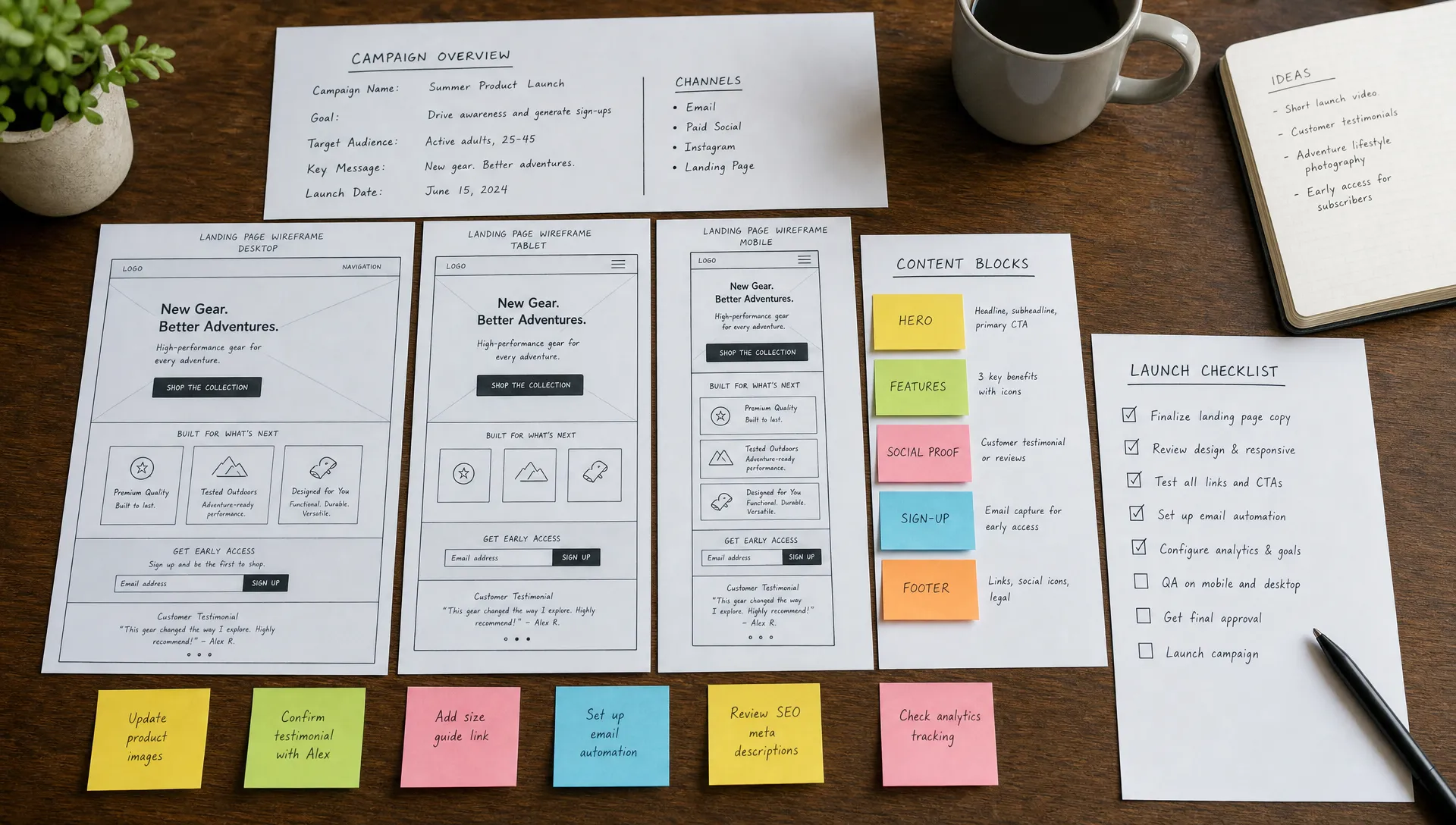
Campaign teams rarely have unlimited time. A predictable sequence keeps a landing page moving even when the offer, audience or channel changes from one launch to the next.
The timeline below assumes a page built from an existing page system rather than from scratch. Teams launching their first properly structured page should expect the early phases to take longer, which is why clarifying how to choose the right first step for a new website before committing to a launch date avoids unrealistic deadlines.
The table sets out a realistic ten business day plan, with the phase, the owner and the deliverable that closes it.
| Day | Phase | Owner | Deliverable |
|---|---|---|---|
| Day 1 to 2 | Brief and campaign job statement | Marketing | Approved brief and offer |
| Day 3 | Wireframe from the page system | Design | Section order and copy structure |
| Day 4 to 5 | Visual design of custom elements | Design | Hero, proof and conversion blocks |
| Day 6 to 7 | Build in Webflow or Framer | Development | Working page with CMS content |
| Day 8 | Tracking and CRM connection | Development, RevOps | Events firing, form routed to CRM |
| Day 9 | QA across devices and browsers | Design, Development | Fixed issues, approved mobile view |
| Day 10 | Stakeholder approval and publish | Approval owner | Live page |
This plan compresses when the page reuses more of the system and stretches when new components or integrations are needed. Either way, naming the owner for each phase removes the most common source of delay: a task with no clear owner.
No-code platforms help campaign teams when they are implemented with structure. The tool alone is not the advantage, the operating model around it is.
A clean Webflow or Framer build can give marketing teams controlled autonomy. They can update copy, publish CMS-driven pages and adjust campaign content without opening a full development cycle for every change.
This is useful for scale-ups and SMBs that need professional design quality but cannot afford slow production cycles. The same logic is covered from a startup angle in why startups use Webflow for no-code website builds.
No-code does not mean no strategy. A weak structure in a no-code platform still creates maintenance problems. Classes, components, CMS fields, responsive rules and integrations need to be planned correctly or the site becomes harder to manage with every new campaign.
Performance also matters. Google’s documentation on Core Web Vitals makes clear that loading performance, interactivity and visual stability are part of the page experience. Campaign pages should be built fast enough to support paid traffic, organic visibility and user trust.
The table below lists the current Core Web Vitals thresholds Google considers good, and why each one matters specifically for a campaign page rather than for the site in general.
| Metric | Good threshold | Why it matters for campaign pages |
|---|---|---|
| Largest Contentful Paint (LCP) | 2.5 seconds or less | Paid traffic is impatient; slow loading increases bounce before the offer is even seen |
| Interaction to Next Paint (INP) | 200 milliseconds or less | Forms and CTAs need to feel responsive to protect the conversion rate |
| Cumulative Layout Shift (CLS) | 0.1 or less | A shifting layout causes mis-clicks on CTAs and forms, which understates real conversion |
The fastest builds start with clear inputs. A short preparation phase often saves days of revision later.
Before design begins, collect the decisions that shape the page. The goal is not to write a long brief, but to remove avoidable uncertainty.
A practical campaign page brief should include these elements:
This checklist also helps agencies and internal teams scope work accurately. If half of these inputs are missing, the launch date becomes less reliable.
Campaign pages can be produced in different ways, and the right model depends on campaign volume, in-house skills and how often the page system needs new components.
The comparison below summarizes the trade-offs for teams deciding how to resource campaign page production going forward.
| Model | Speed for standard pages | Cost predictability | Best fit |
|---|---|---|---|
| In-house team | Fast once trained on the system | High, fixed salary cost | Frequent campaigns, stable volume |
| Agency retainer | Fast, dedicated capacity | Predictable monthly cost | Teams without in-house design or development |
| Hybrid (in-house plus agency) | Fast for standard pages, flexible for peaks | Mostly predictable, variable at peaks | Growing teams with seasonal spikes |
| Freelance or contractor | Depends on availability | Variable, project based | Occasional or one-off campaigns |
Most scale-ups settle on a hybrid model: an in-house owner who maintains the page system and handles day-to-day updates, supported by an agency or contractor for peak campaign periods or larger rebuilds. When production needs change, it is worth revisiting the setup, in the same way teams periodically consider how to plan a website revamp around business outcomes rather than letting the site drift.
Campaign website delays are usually predictable. Avoiding a few recurring mistakes can improve launch speed without lowering standards.
Visual exploration is useful, but it cannot solve an unclear offer. If the team has not agreed on the audience, pain point, promise and CTA, design reviews will turn into strategy debates.
The better sequence is message first, structure second, visual detail third. This keeps feedback focused and prevents stakeholders from reacting to style when the real issue is positioning.
Custom design is useful when the campaign has a unique offer, audience or strategic role. It becomes inefficient when every page requires new layouts, new components and new approval patterns.
Reusable systems reduce production time and protect brand consistency. They also make it easier for marketing managers to brief future campaigns because they know which page patterns already exist.
A page can look approved but still underperform because the CTA is weak, the form creates friction, the headings are unclear or the page loads slowly.
Conversion and SEO need to be considered during structure, copy and build. The services described in web design services that improve conversion and SEO are not separate polish items, they affect how the page works.
Forms, attribution and CRM routing are often treated as technical afterthoughts. That creates late QA cycles, broken reporting and manual cleanup after launch.
If your campaign engine depends on HubSpot, the website should be planned around campaign data, content and CRM workflows from the start. The approach described in designing HubSpot websites around campaigns, content and CRM is especially relevant for teams that need cleaner handoffs between marketing and sales.
Final copy matters, but teams lose time when design cannot start until every sentence is approved. A structured draft is usually enough to begin wireframing.
Use copy fidelity levels. Start with approved messaging, then refine section-level copy, then finalize microcopy, metadata and form labels before QA.
Fast campaign launches depend on knowing where custom work creates value and where it creates drag.
Use custom design for the parts of the page that affect persuasion. This usually includes the hero message, offer framing, proof structure, interactive product explanation, high-value visuals and conversion flow.
Use reusable systems for the parts that need consistency. This usually includes navigation, footer, form patterns, testimonial layouts, FAQ sections, CMS templates and compliance areas.
A simple decision rule works well: customize the message, systemize the mechanics. If a design decision does not materially improve clarity, trust or conversion, it should probably become part of the reusable system.
The table below applies that rule to the elements most campaign pages contain, so marketing, design and development share the same reference during review.
| Page element | Recommended approach | Why |
|---|---|---|
| Hero headline and offer framing | Custom | Directly shapes persuasion and differentiation |
| Proof section (logos, testimonials, metrics) | Custom content, reusable layout | Content changes often; the structure should not |
| Navigation and footer | Reusable | Consistency matters more than novelty here |
| Form | Reusable pattern, custom fields | Reduces QA while matching each campaign's data needs |
| FAQ section | Reusable layout, custom questions | Speeds up the build without losing relevance |
| Thank-you page | Reusable | Rarely affects conversion and benefits from consistency |
This is also how website development needs have changed for growing teams. The site is no longer just a brochure, it is a production layer for marketing. The priorities described in what website development needs to support in 2026 reflect that shift.
Use this checklist before your next campaign page build. It is designed for marketing teams that need speed without losing control.
This checklist works because it turns a vague request into a controlled workflow. It gives marketing, design and development the same view of what is needed before launch.
What is web design online for campaign launches? Web design online is a cloud-based approach to planning, designing, building and updating campaign pages using shared tools, no-code platforms and structured workflows.
How does online web design make campaign launches faster? It reduces repeated decisions by using reusable sections, clear briefs, CMS structures, predefined design systems and controlled publishing workflows.
Is no-code web design suitable for serious B2B campaigns? Yes, when it is built with proper structure, responsive design, technical SEO, integrations and QA. The platform matters less than the quality of the system behind it.
Should every campaign landing page be custom designed? No. Custom design should be reserved for strategic messaging, proof and conversion moments. Reusable systems should handle repeated layout and production needs.
When should tracking and CRM requirements be defined? They should be defined before design and development begin. Late tracking decisions often cause QA delays and unreliable campaign reporting.
What should a marketing team prepare before briefing a web design agency? Prepare the campaign objective, audience, offer, CTA, traffic source, proof points, form requirements, SEO rule, analytics needs and approval owner.
Faster campaign launches do not come from rushing design. They come from clearer decisions, reusable systems, clean builds and a website setup that supports marketing execution.
Online web design gives campaign teams a practical way to reduce bottlenecks. When the page system, CMS, tracking and approval process are ready, each new launch becomes easier to scope, build and improve.
If your team needs a Webflow or Framer website that supports faster campaign execution, BeBranded can help you design, build and optimize a high-performing site in two to four weeks.