Building a website: a practical plan for first-time founders
Development
•
X min
•
Published on
06.09.2026
•
Updated on
29.09.2026

Building a website for the first time is easy to treat as a production task. Pick a template, write a few pages, add a contact form and publish. That route often creates a site that exists but does not help the business.
A practical plan starts with decisions before design. For a founder, the site should explain the offer, reduce uncertainty, support sales conversations and give visitors one obvious next step.
This guide gives you a structured way to plan, build and launch a first website without overbuilding the first version.
A founder website has a job before it has a visual style.
It should answer four basic questions for a new visitor: what you offer, who it is for, why your company is credible and what the visitor should do next. If those answers are unclear, the site will struggle even if the design looks polished.
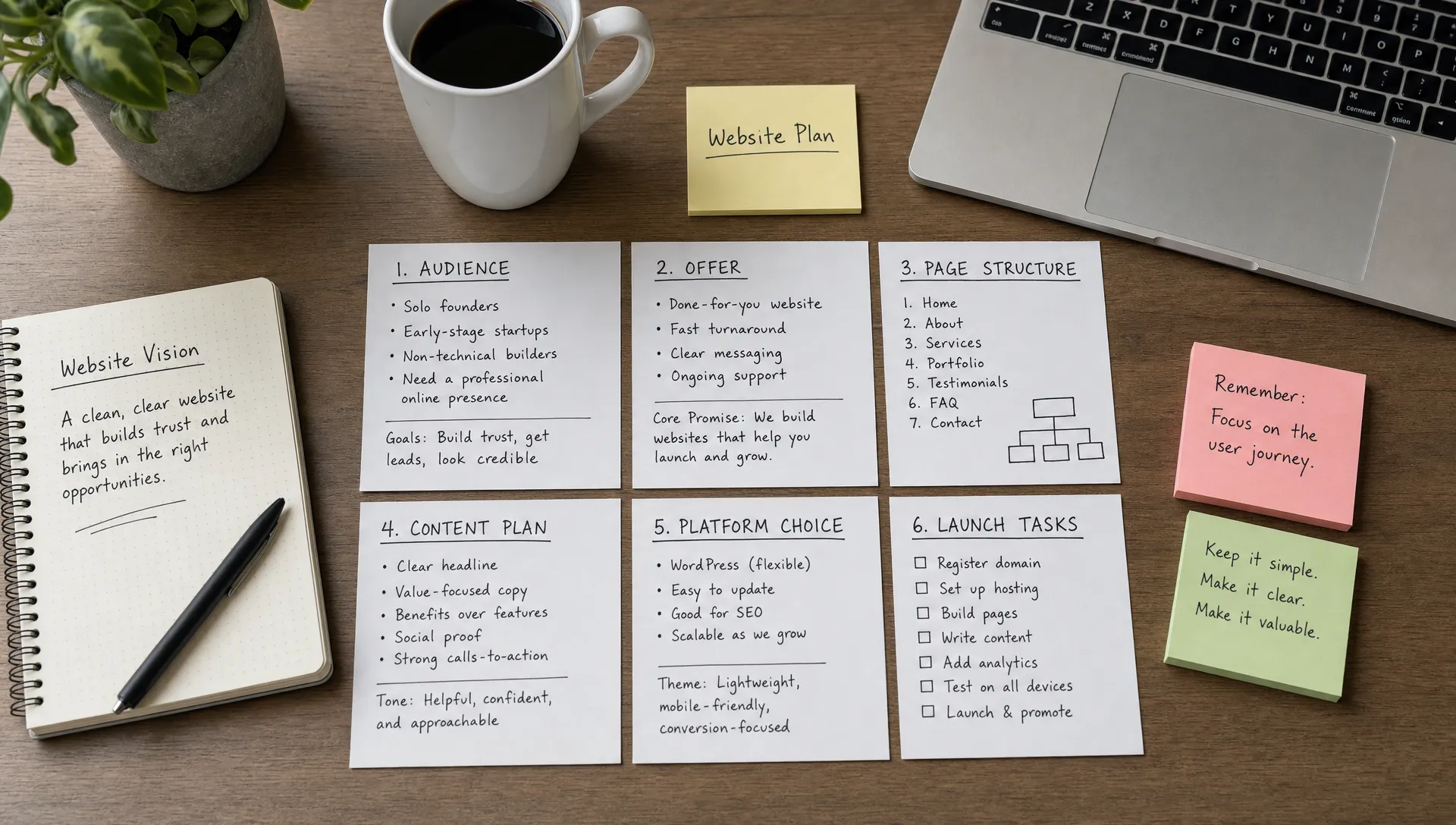
A website brief is the short document that defines these decisions before production starts. It should cover the business goal, audience, offer, core pages, content needs, platform choice and launch criteria.
Information architecture is the way your pages, navigation and content are organized. A conversion path is the sequence that moves a visitor from interest to action, such as reading the offer, checking proof and requesting a call.
Use a simple framework to keep the project focused.
The goal is not to plan every future feature. The goal is to make the first version clear, credible and easy to improve after real visitors interact with it.
| Phase | Founder decision | Output |
|---|---|---|
| Brief | What should the website achieve? | One-page project brief |
| Structure | Which pages are needed? | Sitemap and navigation |
| Content | What should each page say? | Draft copy and proof assets |
| Build | Which platform and setup fit the business? | Designed and developed website |
| Launch | What must be checked before publishing? | QA checklist and tracking setup |
| Improve | What will be reviewed after launch? | Update plan based on traffic, leads and feedback |
This framework helps you avoid two common extremes: launching a thin site with no strategic thinking or spending months on a first version that is too large for the stage of the company.
Start with the business result the website should support.
For a first-time founder, the primary outcome is usually lead generation, demo requests, sales support, early credibility or investor due diligence. Pick one main action and design the site around it. Secondary actions are fine, but they should not compete with the main path.
Your audience definition should be specific enough to guide content. A useful sentence is: we help [audience] achieve [outcome] without [main friction]. This is not final copy, but it helps you cut pages, sections and messages that do not serve the visitor.
If you sell to more than one audience, avoid building separate journeys too early. Start with the audience that is closest to revenue or strategic validation, then expand the site once the message is proven.
If you need to turn these decisions into a written specification, this guide to writing a website requirements document gives you a template you can adapt to a first project.
A first founder website usually benefits from a compact structure.
The site should have enough pages to explain the business without forcing visitors through unnecessary navigation. Start with core pages, then add content types only when there is a clear operational need.
The table below summarizes the role of each core page. Use it as a filter: if a page does not have a clear purpose in this list, it probably does not belong in the first version.
| Page | Main purpose | What it must include |
|---|---|---|
| Home | Explain the company in a few seconds | Offer, audience, proof and one primary call to action |
| Offer | Detail what the visitor receives | Scope, process, deliverables and who it is for |
| Proof | Reduce doubt before contact | Testimonials, results, work samples or founder credibility |
| About | Build trust in the team | Company story, people and reason for existing |
| Contact or demo | Capture the next step | Short form, calendar link or clear contact route |
| Legal | Meet market requirements | Privacy policy, terms and required legal notices |
If you need a deeper breakdown of navigation, CMS planning and page relationships, BeBranded's guide to starting a website with the right structure expands on this planning step.
Design becomes easier when the message is already clear.
Write rough copy before choosing layouts. You do not need final polished text, but each page should have a clear argument. The homepage should not be a collection of nice sections. It should guide visitors from recognition to trust to action.
Use this sequence for core pages:
Proof does not have to mean public case studies on day one. If you do not have customer stories yet, use founder experience, process transparency, product screenshots, early user feedback, partner credibility or detailed explanations of how you work.
Choosing a platform is an operating decision, not only a design decision.
A first website can be built with a general website builder, Webflow, Framer, WordPress or custom code. The right choice depends on who will edit the site, how often content changes, whether you need a CMS, what integrations are required and how much design control matters.
No-code can shorten production, but it still requires structure, responsive design decisions, technical QA and ownership. A fast build with weak content architecture usually creates rework later.
| Operating need | What to look for |
|---|---|
| Founder or marketer edits copy often | Clear editor experience and reusable page sections |
| Blog, insights or resources are planned | CMS fields, categories and SEO controls |
| Leads must enter a CRM or email tool | Reliable forms and integration options |
| Brand design matters | Flexible layout and responsive controls |
| Site will grow after launch | Scalable page structure and maintainable components |
The platform should fit the way the business will run the site after launch. A founder site is not finished when it is published. It becomes part of sales, marketing and hiring operations.
If you are hesitating between two visual platforms, BeBranded compares Webflow and Framer on design control, CMS needs and team autonomy. For a broader view of content management options, read the guide to the best CMS for website creation.
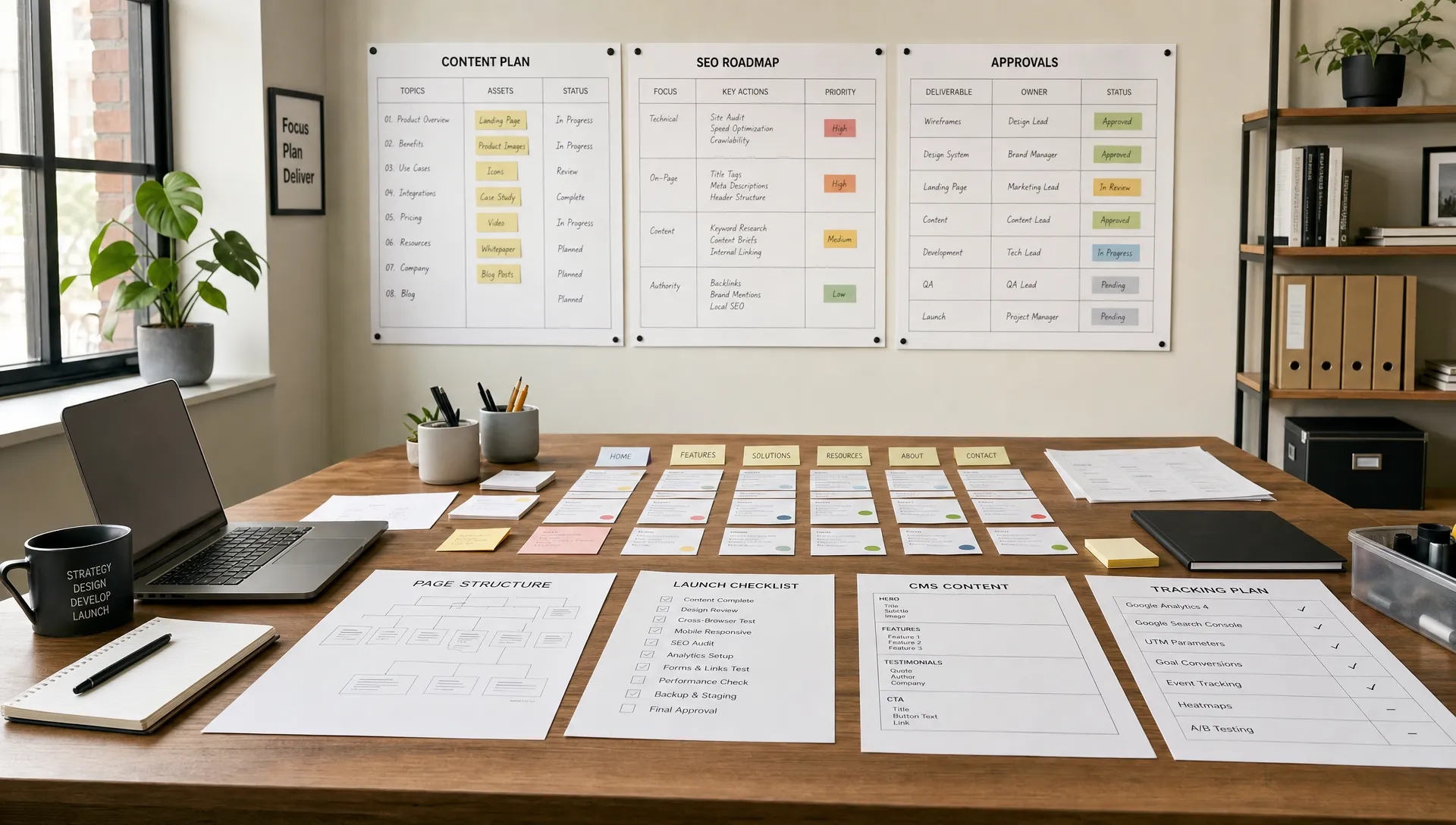
Technical setup should not be left for the final hour.
SEO for a new website starts with clarity. Each important page should have a clear purpose, a descriptive title tag, a useful meta description, readable headings, crawlable content and internal links where they help visitors. Google's Search Essentials are a useful reference for understanding how Google frames crawlability, indexability and search quality.
If you build on Webflow, the complete guide to SEO on Webflow covers metadata, redirects, sitemaps and structured content in more detail.
Analytics should be installed before launch, not after the first campaign. At a minimum, track traffic sources, form submissions, key button clicks and important conversion paths. Without baseline measurement, you cannot tell whether changes improve the site or only make it look different.
Accessibility also belongs in the build process. The Web Content Accessibility Guidelines cover many details, but founders can start with clear labels, readable contrast, keyboard-friendly navigation, useful alt text and forms that explain errors clearly.
Your first website will change once prospects start using it.
A CMS is the content management system that lets non-developers update structured content, such as blog posts, case studies, team members, jobs or resources. If you plan to publish recurring content, define CMS fields before design so the content stays consistent.
Reusable components matter as much as individual pages. If every new section requires a custom layout from scratch, small updates become slow. A clean component system helps the founder or marketing team improve messaging, publish pages and test ideas without rebuilding the site.
Plan ownership as part of the launch. Decide who can edit copy, who approves changes, who monitors forms, who checks analytics and who handles technical updates. A website without ownership becomes outdated quickly.
Ownership does not end at launch either. Updates, security checks, backups and performance reviews need a routine, which is covered in BeBranded's complete guide to website maintenance.
Cost and delivery time depend mostly on scope, not on the tool.
A compact site with a clear brief is faster and cheaper than a broad site with unresolved decisions. BeBranded's article on how much a website costs explains the main price drivers, so you can compare quotes on the same basis.
The table compares four common ways to build a first website. It is not a ranking: the right choice depends on how much time you can spend and how much control the site needs.
| Approach | Founder effort | Design control | Best when |
|---|---|---|---|
| Template built by yourself | High: you handle structure, copy and setup | Limited to the template | The offer is simple and the budget is very tight |
| Freelancer | Medium: you brief and review | Good, depending on the person | You need a defined scope and one main contact |
| Specialist agency | Low to medium: you validate key decisions | High, with a maintained component system | The site supports sales and will keep evolving |
| Custom code | Medium: you manage technical choices | Very high | You have specific technical requirements and an internal team |
Whatever the route, keep the brief, the page list and the launch checklist under your control. Those documents make it easier to change supplier or platform later.
First-time website projects often go off track for predictable reasons.
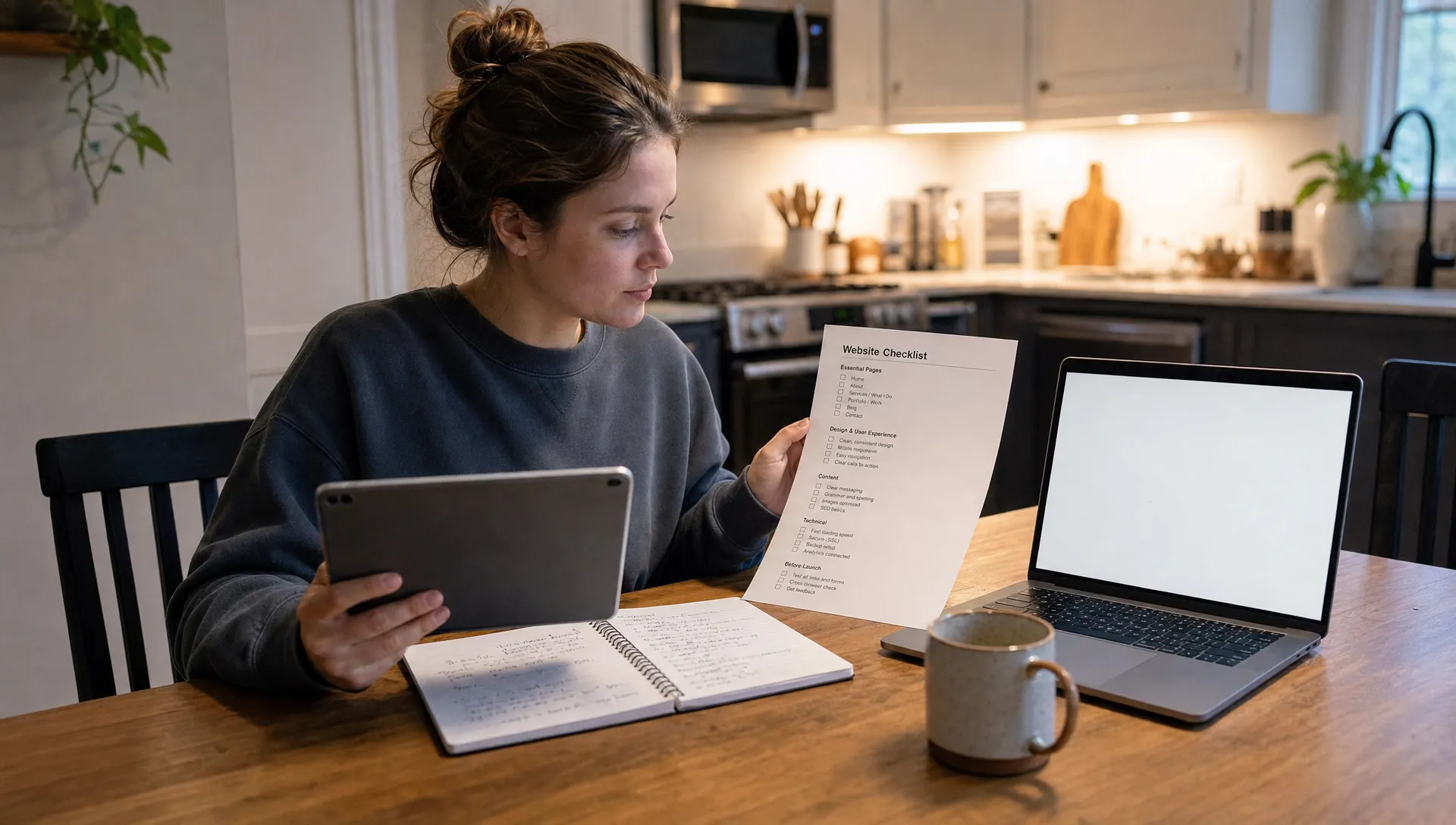
Use this checklist to keep the first version controlled.
The 18 checks below fall into six areas. The table shows who usually owns each area, which helps you assign responsibility before launch rather than during the final week.
| Area | What to verify | Typical owner |
|---|---|---|
| Message and offer | Primary goal, audience, one-sentence offer, primary call to action | Founder |
| Structure and content | Required pages, draft copy, proof points, one next step per page | Founder and copywriter |
| Design and usability | Navigation on desktop and mobile, forms, calendar links, notifications | Designer or agency |
| SEO and tracking | Title tags, meta descriptions, headings, alt text, internal links, analytics and conversion events | Marketer or agency |
| Performance and compliance | Page speed, responsiveness, basic accessibility, legal pages, privacy | Developer or agency |
| After launch | Owner for edits, technical updates and a first review | Founder |
Here is the full list, in the order you can work through it.
For a fuller release review, use BeBranded's checklist before you launch alongside your project QA.
How much does a first founder website need to include? Start with the pages required to explain the offer, build trust and capture the next step. Many first versions can stay compact if the message is clear and the contact path works.
Should I use a template for my first website? A template can be useful if your needs are simple and you can adapt the structure to your offer. Avoid forcing your message into a template that was built for a different business model.
Do I need SEO before launch? Yes. You do not need a large SEO program from day one, but technical basics, clear page structure, metadata and indexability should be handled before publishing.
When should I add a blog or resource section? Add recurring content only when you have a clear audience, topics you can sustain and a reason to publish. A neglected blog can make a young company look less active.
What is the difference between a landing page and a website? A landing page is usually focused on one campaign or one offer. A website gives visitors a broader view of the company, offer, proof, team and next steps.
How do I know if my website is working? Check whether qualified visitors understand the offer, take the intended action and raise fewer basic questions in sales conversations. Analytics, form quality and customer feedback should all inform improvements.
A first website does not need to include every future idea. It needs to communicate clearly, support the current business goal and be easy to update as the company learns.
The practical next step is to turn your website idea into a one-page brief covering audience, offer, proof, pages, platform and launch checks. If you want an execution partner to turn that brief into a Webflow or Framer website, BeBranded can help you move from plan to launch in 2 to 4 weeks.