


Fimo hosts sites built in code (Next.js, Astro…) with a native visual editor and SEO and GEO agents. Free plan, then Starter $99 and Pro $299 a month, plus usage.
- A hosted platform for sites built with Next.js, Astro, SvelteKit, React Router, TanStack or Vite: the code stays in your Git repository, Fimo stores and versions the content.
- A native visual editor: click any text, heading, button, link, image or video on the page, change it and publish. Design changes go through the chat or a coding agent.
- SEO, GEO, content and translation agents run on a schedule and propose larger changes for approval. Free plan, then Starter at $99 and Pro at $299 a month, plus credits, agent-hours and bandwidth.
- Our verdict: well designed, and a real option for a marketing team with no developer. If your team already pays for Claude, the agents are a second AI bill for work your assistant can already do.
Summarize this page with AI
Fimo is one of the platforms clients now ask us about when they want to leave Webflow or give their marketing team control of a site built in code. We have looked closely at the product and talked with its founders, and we run our own site on Payload with Claude, so we know the alternative well. This page answers the questions people actually ask: what Fimo is, whether it is free, what it costs in 2026, how its visual editor and agents work, and when it is worth it. Prices and features were checked on fimo.ai on 26 November 2026.
What is Fimo?
Fimo is a hosted platform for websites built in code. It describes itself as "the autonomous website platform for marketers". In practice, it does three things on top of a site made with Next.js, Astro, SvelteKit, React Router, TanStack or Vite:
- It makes the content editable in a native visual editor, and stores and versions every text, image and link.
- It hosts the site, with a preview for every branch and every change before it goes live.
- It runs AI agents for SEO, GEO, content, performance, accessibility and translation, on a schedule or when something changes on the site.
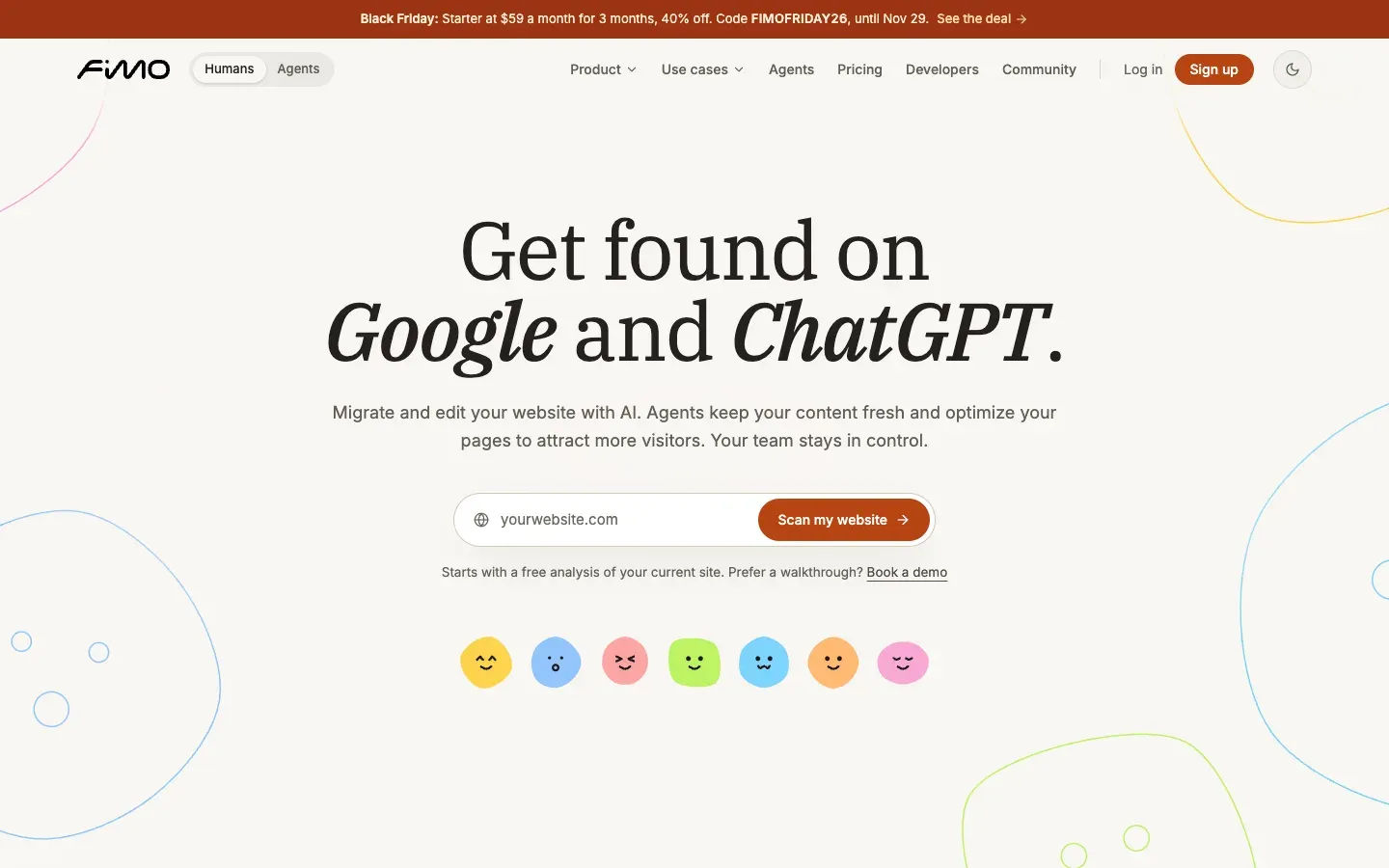
Fimo was launched in 2026 by the team behind Strapi, the open source headless CMS. That matters: the people building it know content management well. The company listed on the site is Strapi, Inc., in San Francisco.
Fimo focuses on websites, not full applications. A client area, a calculator with logins or a product feature belongs in an application framework, such as Next.js with Payload.
How Fimo works
There are three ways in:
- Connect an existing site. A developer, or a coding agent such as Claude Code, runs
npx fimo@latest initin the project. The repository, its history and its GitHub origin stay where they are; Fimo adds itself as a second remote. The content becomes editable and a first preview opens. - Start from your address. You type the address of your current site. Fimo scores the homepage for search engines and AI assistants, compares you with competitors, then rebuilds the homepage in a new Fimo site with the issues fixed. Only the homepage: the rest of the site is a separate job.
- Build with an agent. Coding agents can create a Fimo site without an account through fimo.new, and a human claims the project within 72 hours to publish it.
From then on, the team works in Fimo Studio: it edits pages, switches agents on, approves their proposals and publishes. Developers keep working in the code as before.
The visual editor
Fimo's visual editor is native and works on the live preview. A marketer clicks what they want to change and types. On the page, by clicking, you can change:
- texts, headings and buttons;
- links;
- images with their alt text, and video;
- page titles and descriptions for search;
- translations;
- new entries, such as posts or products.
What the visual editor does not do is design. Colours, fonts, spacing, layout, new sections and new kinds of pages go through Fimo's chat ("make this section two columns"), a coding agent or a developer. That is the main difference with Webflow, whose Designer lets a designer move sections on a canvas.
Behind the editor, Fimo is a full CMS: collections and single pages, relations between entries, several languages, built-in forms, a media library with AI-written alt text, roles (Admin, Member, Can comment, Can view) and a version history where any version can be restored.
The agents
The agents are what Fimo sells hardest. There is one per expertise:
- SEO: reads Google Search Console, works the searches a page almost ranks for, fixes broken links, writes meta titles and descriptions, adds internal links, checks canonicals, sitemap and redirects.
- GEO: makes pages readable by AI crawlers (GPTBot, ClaudeBot, PerplexityBot), adds structured data and reshapes pages so ChatGPT, Perplexity and AI Overviews can quote them.
- Content: refreshes outdated pages, writes new ones from a brief, translates, and proposes what to merge, redirect or retire.
- Performance, accessibility and compliance: checks speed, alt text and the rules you set.
Each agent runs on a schedule (weekly on Free, daily on Starter) or, on Pro, the moment something changes on the site. Small fixes go live on their own; changes that need a decision land as a proposal with a preview. Every run works on its own copy of the site, with its own server, database and media, so the live site is untouched while it runs.
Fimo pricing in 2026
Fimo bills one plan per organisation, hosting included, with unlimited sites and members. Only usage is metered: AI credits, agent-hours and bandwidth. Prices on fimo.ai/pricing on 26 November 2026, in US dollars before tax:
| Plan | ||
|---|---|---|
| Free | Price $0 | What it includes Weekly SEO and GEO agents, 5,000 credits, 2 agent-hours, 5 GB, no custom domain |
| Starter | Price $99/month | What it includes All agents daily, custom domain, roles, 20,000 credits, 30 agent-hours, 50 GB |
| Pro | Price $299/month | What it includes Agents on every change, custom agents, 99.9% SLA, 60,000 credits, 100 agent-hours, 200 GB |
| Enterprise | Price On quote | What it includes Above about 1 million visits a month, SSO and SAML, audit logs |
Beyond the allowance, credits cost $4 per 1,000, agent time $0.80 per hour and bandwidth $0.40 per GB. Fimo also offers an agency plan on quote, with usage pooled across client sites.
Credits pay for the AI that Fimo runs: agent runs, edits made in Fimo Studio and image generation. Fimo states that building the site with your own coding agent runs on your own subscription and never uses its credits. In other words, the subscription pays for hosting, the editor and above all the agents.
Use cases
- A marketing team without a developer that inherits a site built in code and needs to change copy, images and pages every week.
- A site built with Claude Code, Cursor or Lovable that nobody maintains after launch: Fimo adds an editor, hosting and agents that keep the SEO hygiene clean.
- Programmatic SEO: one template, hundreds of pages generated from data and kept current by the agents.
- A multilingual marketing site where translations must stay in sync on every publish.
Pros and cons
Advantages
- The visual editor is native and works on any site Fimo connects, with no plugin to build.
- Agents are ready to switch on, on every plan, with a preview before anything important goes live.
- Hosting, previews and version history are included, and every run gets its own copy of the site.
- No per-seat pricing: the whole team can edit.
- The code stays in your repository, and developers keep their workflow.
Drawbacks
- A second AI bill. If your team already pays for Claude, ChatGPT or Cursor, the agents bill credits for work your assistant can already do on a site in code, when you ask it.
- The price climbs with usage. Starter at $99 a month is far above the hosting of a comparable site on Payload, and credits, agent-hours and bandwidth add up beyond the allowance.
- No design canvas. Layout changes go through the chat or a developer.
- Websites only. Logins, client areas and product features need an application framework.
- A young platform, launched in 2026: the product moves fast, and it has less history than Webflow or Payload.
Who it's for
Fimo makes sense for a marketing team that runs a site built in code on its own, has no developer at hand and no AI tool of its own, and wants hosting, editing and SEO maintenance in one subscription. It also fits sites with hundreds or thousands of generated pages, where scheduled agents have enough to do to pay for themselves.
Who it's not for
Fimo is not the best choice for a team that already pays for Claude and works with a developer or an agency: on a site of 50 to 500 pages, the agents rarely find enough to justify a second AI bill. It is not for designers who want to build pages visually, where Webflow remains stronger, nor for a site that needs logins or an application.
Fimo vs Payload
Both give a team a CMS on top of a site built in code. Payload is open source and lives in your application, with the content in your own database; visual editing comes from plugins (we use our own), and the only bill is hosting. Fimo is hosted, with a native visual editor and agents included, from $99 a month. The question that decides it: do you already have an AI assistant, and someone to drive it? Read our full comparison: Payload vs Fimo.
Fimo vs Webflow
For content, the two are close: Webflow's Editor and Fimo's visual editor both let marketers change text and images without a developer. The gap is design: Webflow's Designer is a canvas, Fimo has none. Webflow bills per site and per seat, from $25 a month with the CMS; Fimo per organisation and usage, from $99. Read our full comparison: Webflow vs Fimo.
Fimo alternatives
- Payload: open source CMS inside a Next.js app, free to self-host, for teams with a developer or an agency.
- Webflow: the visual builder with hosting and CMS, for design-led teams.
- Framer: a fast visual builder for small marketing sites.
- Contentful: a hosted headless CMS for larger content teams, without agents or hosting of the site itself.
How we approach Fimo with clients
When a client hesitates between Fimo and Payload, we look at three things: who will edit the site every week, whether the team already pays for an AI assistant, and how many pages the site really has. Most B2B marketing sites we work on have a few dozen to a few hundred pages and a team that already uses Claude: Payload, with our visual editing plugins, wins on cost and ownership. When the team has neither a developer nor an AI tool, Fimo is a sensible choice, and the migration work is the same either way: every URL, redirect and collection has to come across. See our website migration service.
Getting started with Fimo
- Scan your current site on fimo.ai to get the free SEO and GEO report on your homepage.
- Check the framework: Fimo connects Next.js, Astro, SvelteKit, React Router, TanStack and Vite sites. A Webflow or WordPress site has to be rebuilt in code first.
- Connect the site with
npx fimo@latest init, or let Fimo rebuild the homepage and plan the rest of the migration. - Start on Free, switch on the SEO and GEO agents, and read what they propose for a few weeks before paying for Starter.
- Compare the bill with what you already pay for AI and hosting before you commit.