

Brand style guide: plainly explained.

What a brand style guide is, what it contains (logo, colours, type, tone) and why it keeps your design system consistent across every touchpoint.

Design · Updated Aug 21, 2026

DEFINITION

A brand style guide is the reference document defining how a brand looks and sounds (logo, colours, typography and tone) so every asset stays consistent.

CATEGORY

Design

RELATED

Design System, Color Palette

Summarize this page with AI

01

What is a brand style guide?

A brand style guide (also called brand guidelines or a visual identity manual) is the single reference document that sets the rules for how a brand is expressed. It gathers the logo and its variations, the colour palette, the typography, the imagery style, iconography and the tone of voice, so that anyone creating an asset (a website, a deck, a social post or an ad) produces something that looks and feels like the same brand.

02

What a brand style guide contains

  • Logo: primary and secondary versions, clear space, minimum size and misuse examples.
  • Colour palette: primary, secondary and neutral colours with HEX, RGB and sometimes CMYK values.
  • Typography: type families, weights, sizes and hierarchy (headings, body, captions).
  • Imagery & iconography: photo direction, illustration style and icon set.
  • Tone of voice: how the brand writes and speaks: vocabulary, personality, do's and don'ts.
  • Layout rules: spacing, grids and component usage.
03

Why it matters

Consistency builds recognition and trust. A clear guide removes guesswork, speeds up production and keeps a brand coherent as more people and agencies contribute. It is also the foundation every design system builds on when the brand moves to digital products.

04

Brand style guide vs design system

A brand style guide defines the brand's look and voice; a design system turns those rules into reusable, coded UI components. The guide is the "why and what", the design system is the "how" in production. Strong digital brands maintain both and keep them in sync.

05

The brand style guide at BeBranded

When we design a website or product, we start from (or help build) your brand guidelines, then translate them into a Webflow-ready design system: colours as variables, a type scale and reusable components. That link between brand and build is what keeps a site on-brand and easy to scale. See our Design and Design system services.

FAQ

Questions about Brand style guide.

Another question?

Write to us
What is a brand style guide?
It is the reference document that defines a brand's visual identity and tone (logo, colours, typography, imagery and voice) so every asset stays consistent.
What is the difference between a brand style guide and a design system?
The style guide defines the brand's look and voice; the design system turns those rules into reusable, coded UI components used in production.
What should a brand style guide include?
At minimum: logo usage, colour palette, typography, imagery style, iconography, tone of voice and basic layout and spacing rules.
Do I need a brand style guide for a small business?
Yes, even a one-page guide keeps your website, social media and documents consistent and more professional as you grow.
Who creates the brand style guide?
Usually a designer or branding agency, working with the founders to capture the brand's positioning, personality and visual choices.
How is a brand style guide used in a Webflow project?
Its colours, type scale and components are translated into Webflow style variables and reusable classes, so the live site matches the brand exactly.

Related

Related terms, and where to go next.

BeBranded
Development

Figma to Webflow: plugin or Client-First rebuild in 2026

Figma to Webflow plugin or manual Client-First rebuild? Comparison, recommended workflow, and real-world scenarios to ship fast without sacrificing quality.

Read the article
How to easily create circular text on your Webflow site
Webflow

How to easily create circular text on your Webflow site

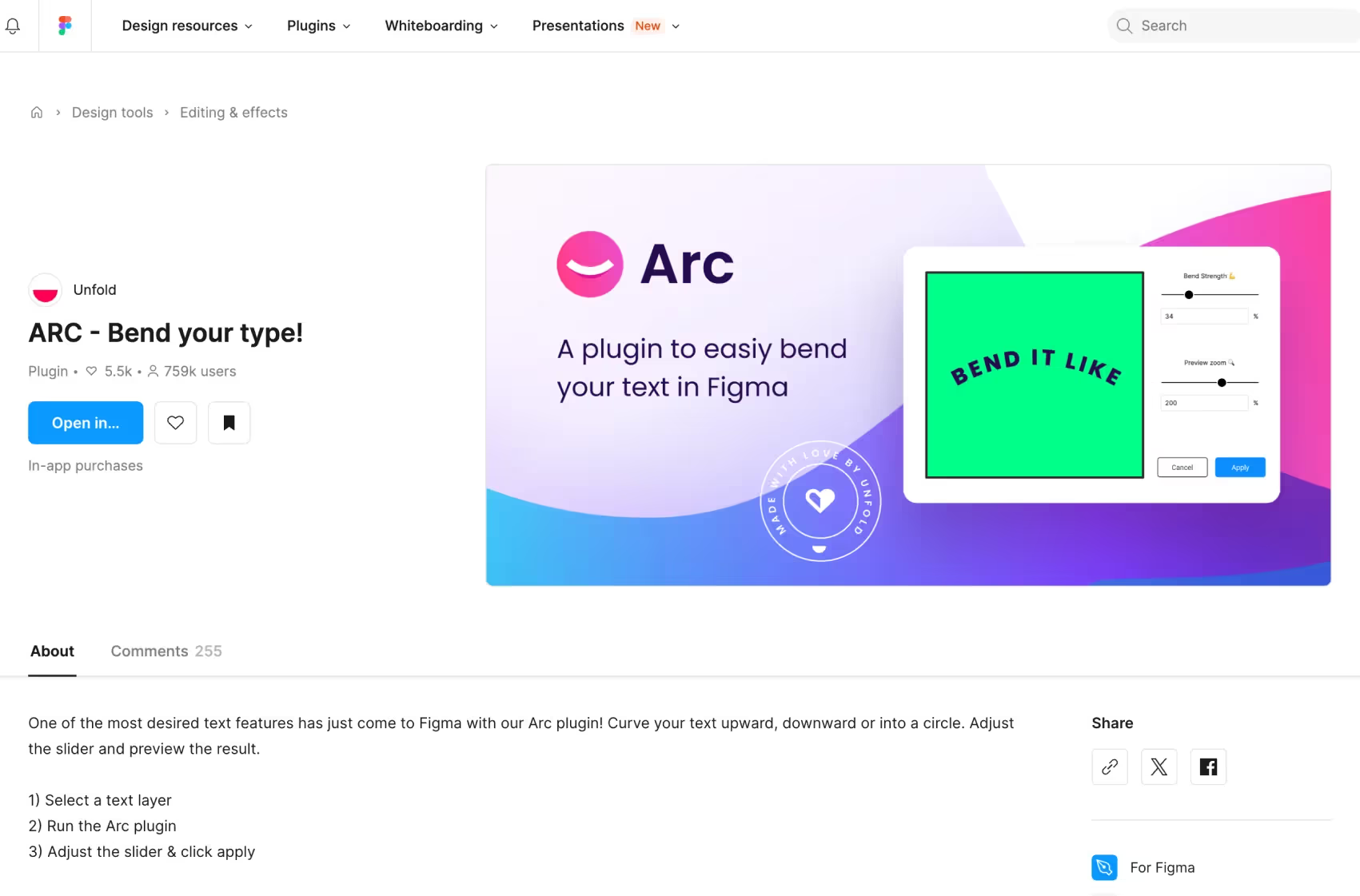
Discover how to add a creative touch to your website with circular text using the Figma "Arc" extension. Follow our guide to enhance your site.

Read the article

Illustration for the article “How to find the best website designer for your project”
Development

How to find the best website designer for your project

Find the best website designer for your project with a clear evaluation framework, practical checklist, common mistakes and FAQs.

Read the article

Let’s talk

Tell us what you want to build.

Thirty minutes with the people who will work on your project. You leave with a clear view of the scope, the timeline and the next steps.

What happens next

  1. 1A 30-minute callWe listen to your goals, your constraints and your context.
  2. 2A clear scopeWe map what is worth doing first, and what it takes.
  3. 3A costed proposalYou decide, with no commitment and no sales pitch.