Webflow vs WordPress: for most business and marketing websites in 2026, Webflow is the better choice thanks to its design control, speed, and built-in security and hosting, with no plugins to maintain. WordPress still wins for very large blogs, content-heavy publishing, complex plugin-driven functionality, or teams already invested in it. The full comparison below breaks down each factor so you can decide with confidence.
Choosing the right platform for your website is one of the most crucial decisions you'll make when building an online presence. Whether you're a freelancer, business owner, e-commerce entrepreneur, or agency, selecting between Webflow and WordPress can significantly impact your site's performance, scalability, and ease of management.
Both platforms dominate the website-building industry, but they cater to different needs and user experiences. WordPress has long been the most popular CMS, powering over 40% of websites worldwide, thanks to its open-source flexibility, vast plugin ecosystem, and strong community support. On the other hand, Webflow has rapidly gained popularity as a modern, no-code visual website builder, providing designers and marketers with full creative control without needing extensive coding knowledge.
However, the choice isn't just about popularity: it's about what fits your project best. Factors like ease of use, SEO, customization options, pricing, security, and maintenance play a crucial role in determining which platform will work for you in 2026.
In this in-depth comparison, we'll break down Webflow vs WordPress across various categories, highlighting their strengths and weaknesses so you can make the best choice for your business or personal website. Whether you're aiming for a polished design, seamless content management, robust SEO, or e-commerce capabilities, this guide will help you choose the right platform for your specific needs.
Webflow vs WordPress: the quick comparison
Criteria
Webflow
WordPress
Design control
Full, visual, custom
Theme and page-builder based
Learning curve
Steeper, made for pros
Beginner-friendly, more to manage
SEO
Advanced, built-in, clean code
Strong, but plugin-dependent
Performance
Fast, managed hosting and CDN
Depends on hosting and caching
E-commerce
Built-in, design-first
WooCommerce, highly scalable
Security and maintenance
Managed, automatic updates
Manual updates and plugins
Hosting
Included
Separate, self-managed
Best for
Design-led marketing sites
Content-heavy sites, complex plugins
1. Webflow vs WordPress: an overview
What is Webflow?
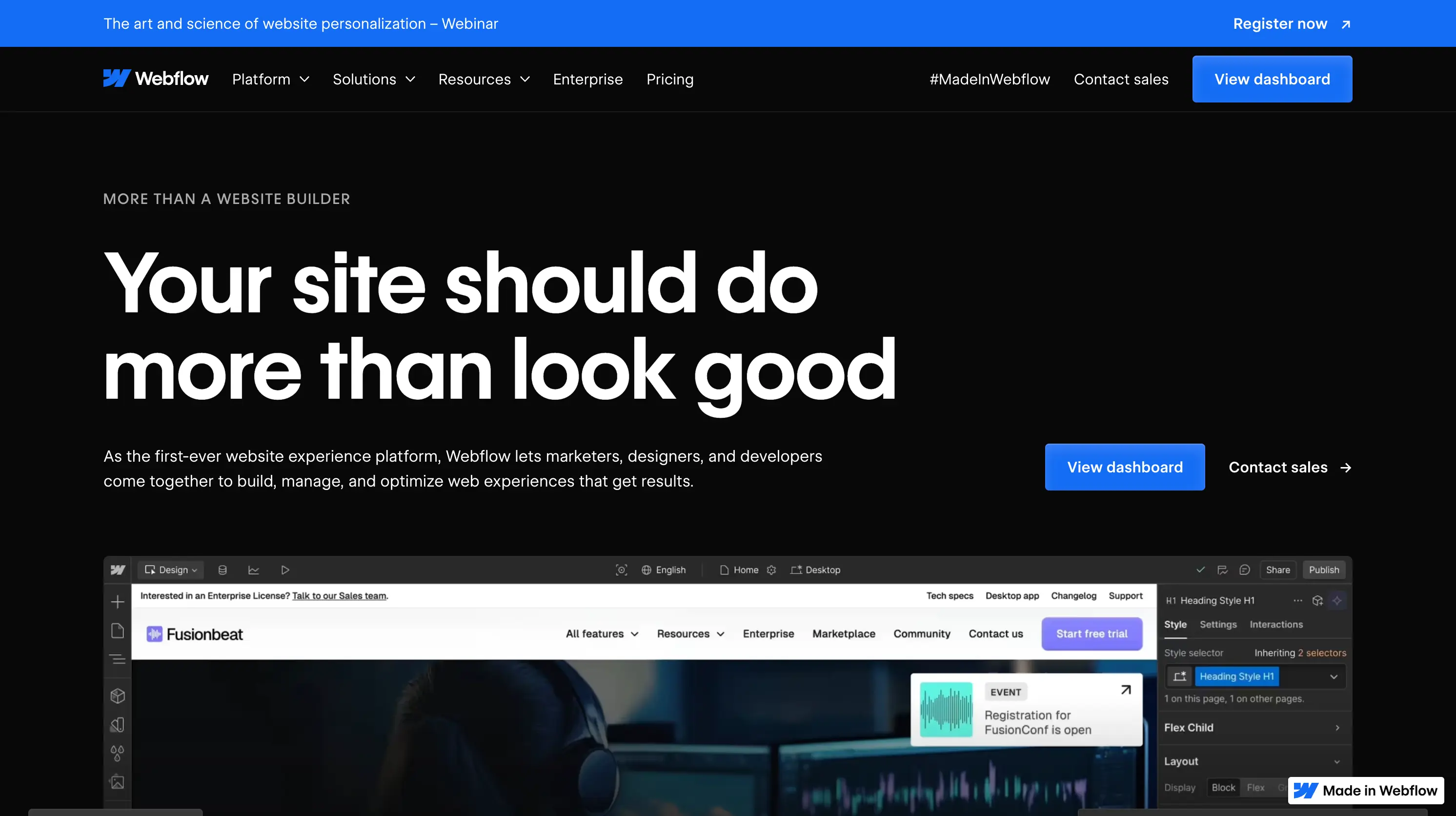
Webflow is an advanced no-code website builder that empowers users to create fully responsive, high-performance websites without the need for coding. It blends the visual simplicity of drag-and-drop tools with the power and flexibility of a content management system (CMS), making it an excellent choice for designers, developers, and marketers seeking more creative freedom and control over their sites.
Unlike traditional website builders, Webflow generates clean, semantic HTML, CSS, and JavaScript in the background, allowing for greater customization and a developer-friendly structure. This makes it ideal for businesses, startups, and creative professionals who want custom-built websites without relying on pre-made templates or extensive third-party plugins.
Key features of Webflow
Powerful visual editor: a full drag-and-drop design system that gives complete creative control without needing to code.
Built-in CMS: manage dynamic content like blog posts, portfolios, and product catalogs directly from the Webflow dashboard, without additional plugins.
Advanced animations and interactions: create smooth animations, hover effects, and scrolling interactions natively, offering a refined user experience (UX).
E-commerce integration: a fully integrated e-commerce solution, eliminating the need for third-party platforms like WooCommerce or Shopify for small to mid-sized stores.
High-performance hosting: powered by AWS-based infrastructure and a global Content Delivery Network (CDN), ensuring fast loading speeds and reliable uptime.
SEO and security built in: automatic sitemaps, clean HTML, structured metadata, SSL encryption, and customizable URL structures make Webflow highly SEO-friendly out of the box.
No plugin dependency: unlike WordPress, which relies on multiple plugins for additional functionality, Webflow has native solutions for design, performance, and SEO, reducing security risks and maintenance efforts.
Who is Webflow for?
Webflow is perfect for design-focused professionals, agencies, startups, and businesses that want a custom-built, scalable website without worrying about technical maintenance or security risks.
By removing the need for plugins and external tools, Webflow simplifies website creation while still offering enterprise-level customization and flexibility.
What is WordPress?
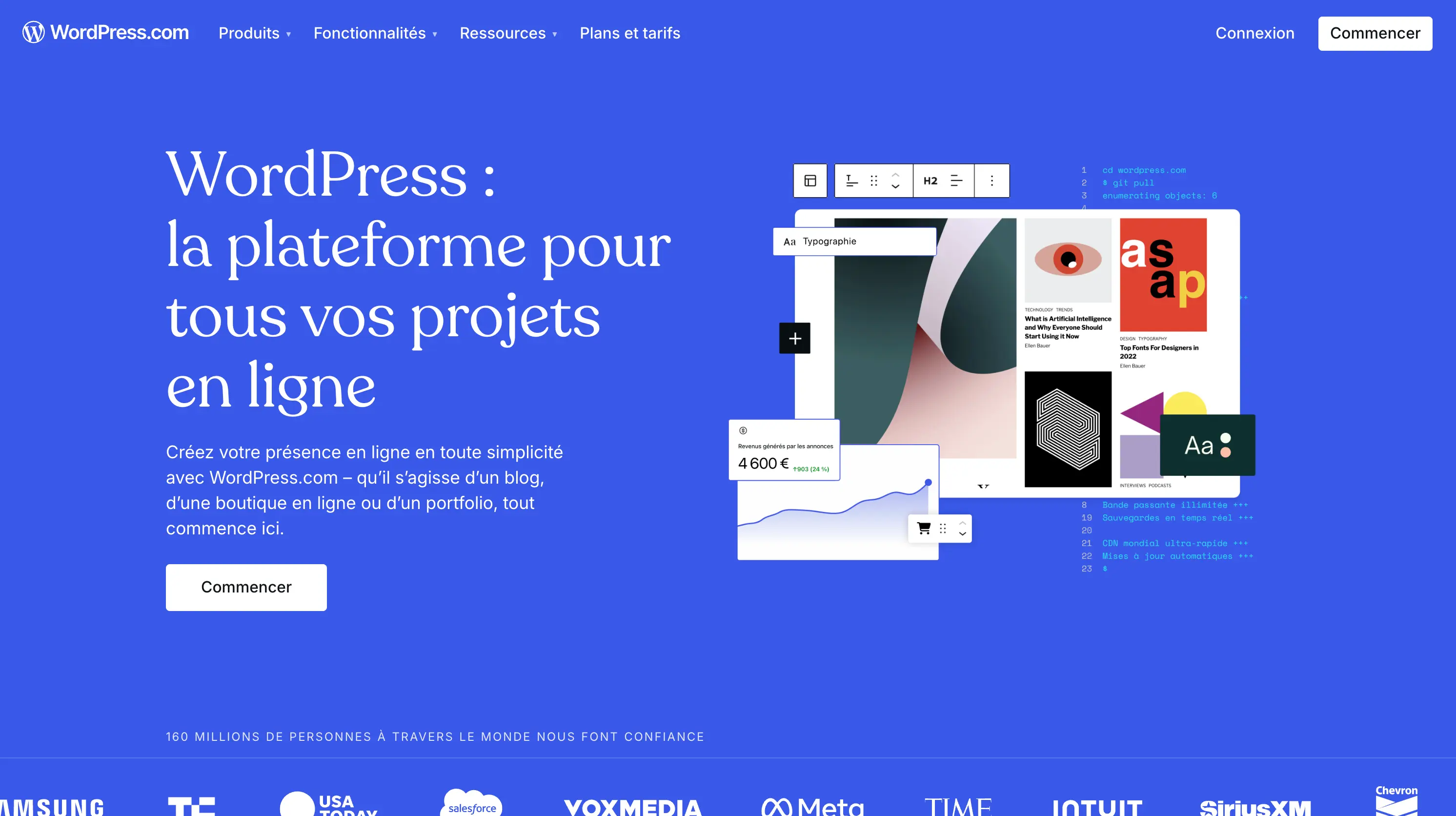
WordPress is the most widely used content management system (CMS) in the world, powering over 40% of all websites. As an open-source platform, it offers great flexibility through a vast ecosystem of themes, plugins, and third-party integrations. Whether you're building a simple blog, a business website, or a large-scale e-commerce store, WordPress provides the foundation to create, customize, and scale your site with ease.
Unlike no-code platforms like Webflow, WordPress requires some technical management, including hosting, security updates, and plugin maintenance. However, its massive developer community and extensive library of resources make it a powerful, adaptable choice for businesses of all sizes.
Key features of WordPress
Extensive customization: choose from thousands of free and premium themes to design your site, or build a completely custom solution using custom code.
Extensive plugin ecosystem: access over 59,000 plugins to add functionality, from SEO tools (Yoast SEO, Rank Math) to advanced performance optimization (WP Rocket).
WooCommerce for e-commerce: the leading e-commerce plugin, WooCommerce, transforms WordPress into a fully functional online store, supporting unlimited products, payments, and integrations.
Gutenberg block editor: a modern drag-and-drop editor for easier page building, though many users prefer third-party page builders like Elementor or Divi for more flexibility.
Self-hosted or managed options: choose between WordPress.org (self-hosted with full control) or WordPress.com (a managed solution with fewer customization options).
Large developer and support community: with millions of users and contributors worldwide, WordPress has an extensive support network, including forums, tutorials, and dedicated agencies.
Scalable and enterprise-ready: suitable for everything from small personal blogs to enterprise-level websites, making it a versatile option for long-term growth.
Who is WordPress for?
WordPress is best suited for content-driven websites, businesses, and e-commerce stores that require maximum flexibility, advanced customization, and third-party integrations. It's a solid choice for bloggers, agencies, and enterprises looking for a scalable, feature-rich solution with full ownership over their website and data.
Although WordPress requires regular updates and maintenance, it remains one of the most powerful and cost-effective platforms for building highly functional and fully customizable websites.
2. Webflow vs WordPress: feature comparison
When choosing between Webflow and WordPress, it's essential to evaluate how they compare in terms of ease of use, design flexibility, SEO, e-commerce capabilities, pricing, security, and support. Each platform has its strengths and trade-offs, making one more suitable than the other depending on your specific needs.
Ease of use
Webflow:
Features a drag-and-drop visual editor, allowing users to create custom layouts without coding.
Provides real-time visual editing, meaning changes are reflected instantly on the live preview.
Has a steeper learning curve, especially for beginners unfamiliar with CSS and HTML principles.
Best suited for designers and advanced users who want complete creative freedom.
WordPress:
More beginner-friendly, especially for non-technical users.
The Gutenberg block editor simplifies content creation, but page builders like Elementor or Divi are often needed for advanced designs.
Requires managing themes, plugins, hosting, and updates, which can add complexity over time.
Easier to set up and maintain if using a managed WordPress hosting solution.
Verdict: WordPress is better for absolute beginners, while Webflow is ideal for users seeking advanced design capabilities.
Design and customization
Webflow:
Fully customizable with a powerful visual editor, enabling pixel-perfect designs.
Provides native support for animations, interactions, and flexible layouts.
Unlike WordPress, Webflow does not rely on themes or plugins, offering greater creative control.
Limited by the fact that it's not open source, meaning customization is restricted to what Webflow allows.
WordPress:
Thousands of themes and plugins allow for extensive customization.
Offers custom CSS and PHP for developers who want full control over their site.
Many premium themes offer pre-built templates, making it easier for non-designers to launch a professional site.
Customization can be more challenging without coding knowledge.
Verdict: Webflow for creative flexibility, WordPress for plugin-based customization and advanced coding options.
Includes hosting and security, reducing the need for external services.
Costs can increase over time as you scale your website.
WordPress:
Free open-source CMS, but requires additional costs for hosting, domain, premium themes, and plugins.
Hosting can range from $5–$30/month, with premium themes averaging $50–$100.
Can be cheaper initially but may become costly if using premium themes and plugins.
Verdict: WordPress for overall cost-efficiency, but Webflow includes hosting and security, making pricing more predictable. For a numbers-based comparison over time, see our analysis of the real cost of Webflow vs WordPress over 24 months.
Security and maintenance
Webflow:
Fully managed security and automatic updates, eliminating maintenance concerns.
Built-in SSL, DDoS protection, and fast CDN ensure security without extra setup.
No need for third-party security plugins.
WordPress:
Requires manual updates for themes, plugins, and core software.
Security depends on hosting provider and security plugins like Wordfence or Sucuri.
More susceptible to security breaches if not properly maintained.
Verdict: Webflow for hands-free security and maintenance, WordPress requires active management to remain secure.
Support and community
Webflow:
Provides official customer support via email and chat (for premium plans).
Webflow University offers extensive video tutorials and documentation.
Smaller community compared to WordPress.
WordPress:
Massive global community with millions of developers, designers, and users.
Official WordPress forums, documentation, and third-party tutorials provide extensive resources.
Support depends on hosting providers and plugin/theme developers.
Verdict: WordPress for community support and third-party resources, Webflow for dedicated official support.
Final verdict: Webflow vs WordPress
After evaluating both platforms based on key factors, here's a side-by-side comparison of which platform excels in each area:
Ease of use: WordPress for beginners, Webflow for designers.
Design and customization: Webflow, which offers superior creative flexibility and visual design control.
SEO and performance: Webflow, with built-in SEO tools and optimized performance.
E-commerce: WordPress (WooCommerce), more scalable and cost-effective.
Pricing: WordPress, a free CMS with lower entry costs but potential add-on expenses.
Security and maintenance: Webflow, with fully managed hosting, security, and automatic updates.
Support and community: WordPress, with vast community support and extensive third-party resources.
Choose Webflow if:
You want a modern, no-code website builder with full creative control and an intuitive visual editor.
You need an all-in-one solution with built-in hosting, security, and SEO optimization.
You prioritize design freedom and want a pixel-perfect, visually engaging website.
You prefer a hassle-free, subscription-based model that eliminates the need for manual updates and maintenance.
Choose WordPress if:
You require maximum flexibility with access to thousands of themes, plugins, and third-party integrations.
You're creating a content-heavy website, blog, or news platform that needs advanced content management.
You want a cost-effective solution, where the core CMS is free, and you have more control over hosting and scalability.
You need robust e-commerce capabilities and plan to build an online store with WooCommerce.
Conclusion
Both Webflow and WordPress are powerful website-building platforms, but the best choice depends on your specific needs, budget, and technical expertise.
Webflow is perfect for designers, agencies, and businesses looking for a polished, easy-to-maintain solution with built-in hosting, security, and SEO. If you prioritize design flexibility and a no-code experience, Webflow is the right choice.
WordPress remains the best option for content-heavy sites, blogs, and e-commerce stores, offering extensive flexibility, customization, and scalability through its vast library of themes and plugins.
Before making a final decision, consider testing both platforms to see which one aligns best with your workflow and long-term goals.
Need help launching your website? Contact our Webflow agency for expert Webflow development.
Which is better for beginners: Webflow or WordPress?
WordPress is generally easier for beginners because of its user-friendly dashboard, pre-built themes, and large community support. However, Webflow provides a visual drag-and-drop builder, which can be intuitive for designers but has a steeper learning curve. If you prefer a ready-to-use solution, WordPress is ideal, whereas Webflow is better suited for those who want full design control.
Is Webflow better than WordPress for SEO?
Both platforms offer strong SEO capabilities, but Webflow has built-in SEO features like clean HTML, automatic sitemaps, structured data, and fast-loading pages. WordPress requires SEO plugins like Yoast SEO or RankMath to optimize content. If you want simplified, native SEO optimization, Webflow is a great choice. For advanced SEO control with third-party tools, WordPress is more flexible.
Can I use Webflow for e-commerce, or is WordPress (WooCommerce) better?
Both platforms support e-commerce, but the choice depends on your needs: Webflow E-commerce is easier to use and fully integrated, but it has higher transaction fees and fewer features for scaling a large store. WordPress + WooCommerce offers greater customization, no transaction fees, and extensive plugin options, making it better for large e-commerce businesses. If you need a simple, visually appealing store, go with Webflow. If you want full control over product management, payments, and scalability, WordPress (WooCommerce) is better.
Which platform is more cost-effective: Webflow or WordPress?
WordPress is generally more cost-effective upfront because the core CMS is free, and hosting can start as low as $5/month. However, premium themes, plugins, and maintenance costs can add up. Webflow has a subscription-based pricing model that includes hosting, security, and updates, starting at $14/month. If you want predictable costs with built-in hosting, Webflow is a good option. If you prefer full budget control and open-source flexibility, WordPress is better.
Does Webflow require coding knowledge like WordPress?
No, Webflow does not require coding, but understanding HTML, CSS, and JavaScript can help unlock its full potential. WordPress also doesn’t require coding but may involve custom CSS, PHP, or plugins for deeper customization. If you want a purely visual editing experience, Webflow is a better choice. If you’re comfortable using themes and plugins for customization, WordPress is more flexible.
Which platform is better for long-term scalability?
Webflow is great for design-driven projects, agencies, and small-to-medium businesses that want a maintenance-free experience. However, it may not be the best choice for large, complex websites that require deep integrations. WordPress is better for scalability, especially for high-traffic websites, large content databases, and extensive third-party integrations. If you plan to build a small-to-medium site with a polished design, Webflow is ideal. For large-scale websites with high customization needs, WordPress is the best long-term choice.
Here you can find articles on No-Code tools, tips and tricks, and case studies for specific business sectors. We post regularly to help you get the most out of your next project.