Webflow SEO checklist: everything to check before publishing
SEO
•
X min
•
Published on
02.05.2024
•
Updated on
18.08.2026

Publishing a Webflow site without an SEO check means starting with an invisible handicap: poorly indexed pages, duplicate content, heavy images, missing tags. Nothing spectacular to the naked eye, but weeks of lost visibility. The good news: everything can be verified in an hour with a clear method.
At BeBranded, a Webflow agency, this checklist is our mandatory step before every launch, for our own sites and for our clients'. It covers page settings, the domain, indexing, images, performance, internal linking and tracking. Follow it in order: each step prepares the next.
In short: before publishing a Webflow site, check every page's metadata, configure the primary domain and block indexing of webflow.io, structure your headings, convert images to WebP with alt text, take care of internal linking, add structured data, then connect Google Search Console and Google Analytics 4.
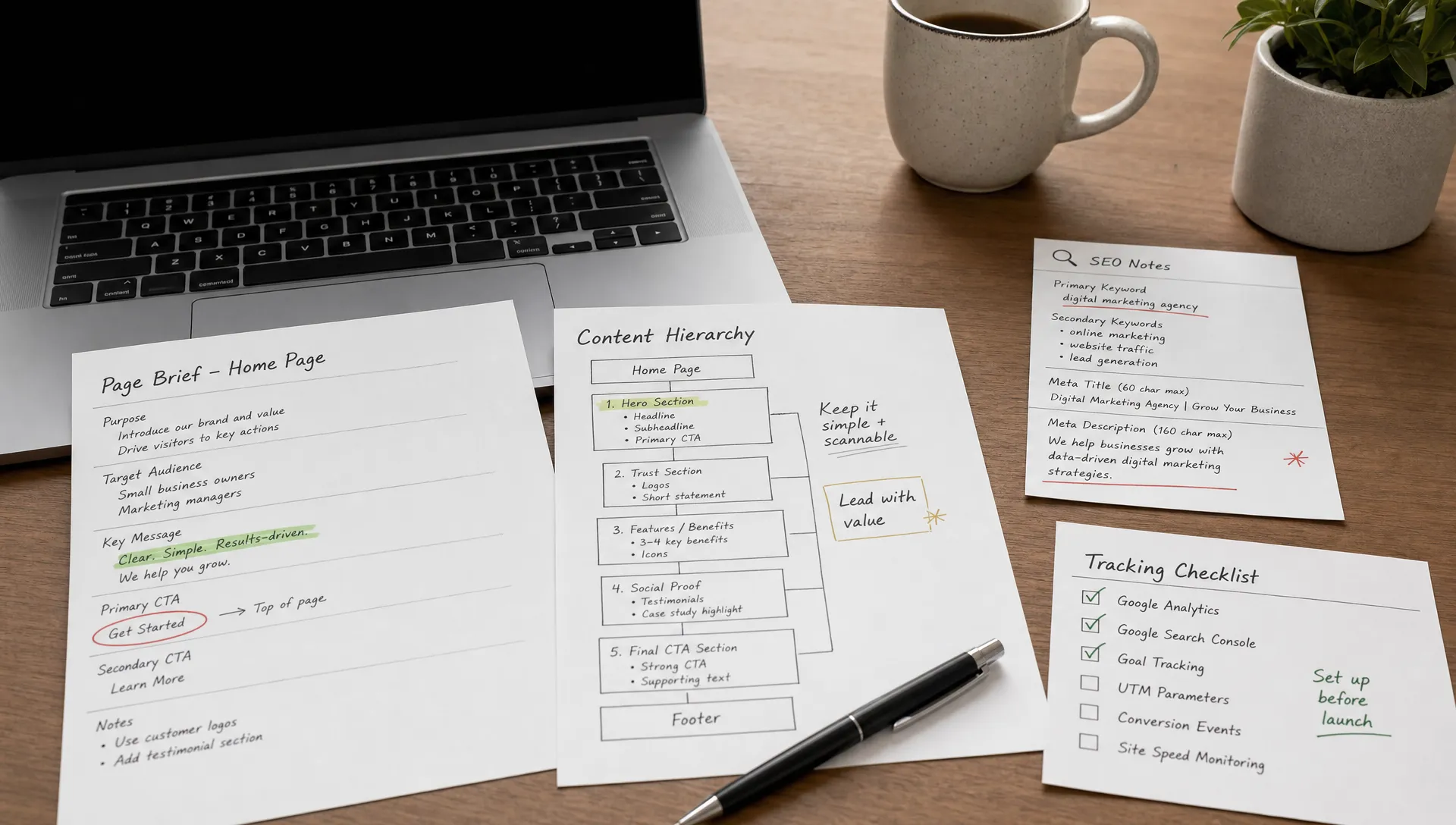
The first step is configuring the essential settings of every Webflow page. The title tag should not exceed 60 characters and the meta description should stay under 160 characters: beyond that, Google truncates the display in results. Every page needs a unique title and description that contain the page's main keyword and invite the click.
Also add an Open Graph image per page, or at minimum a site-wide default. It shows up when your pages are shared on social networks and in some search results: a share with a clean visual generates far more engagement than a bare link. For CMS pages, like blog articles, connect the collection's SEO fields so every item automatically generates its own metadata.
Domain configuration is the most frequently rushed step, and the most expensive one to get wrong. Define your primary domain, with or without www, so every variant 301-redirects to a single version. Otherwise Google sees several versions of your website and dilutes your authority across them.
In the site settings' SEO tab, three points need checking.
Also think about the robots.txt file to guide crawlers. Our free robots.txt generator gives you a clean base in a few clicks. And if your site replaces an older one, mapping 301 redirects is mandatory: our guide on migrating without losing traffic details the complete method.
Search engines read your page like an outline: the heading hierarchy must be logical. One single H1 per page announcing the main topic, then H2s for major sections and H3s for subsections. In Webflow, check each heading's tag in the element settings: text that looks like a heading is not necessarily tagged as one.
On the content side, every page should answer one precise search intent, with the main keyword in the H1, in the first paragraph and naturally throughout the body. No stuffing: natural coverage of the semantic field matters more than repetition. To go deeper on strategy, our complete Webflow SEO guide covers the whole method.
Images are the first cause of slowness on most sites. Three reflexes to systematize before publishing.
For fonts, upload them into Webflow rather than loading them from an external service: you gain speed and GDPR compliance. Then measure the result with PageSpeed Insights: the Core Web Vitals should be green on mobile and desktop. If bandwidth climbs, our article on optimizing bandwidth in Webflow lists the concrete levers.
Before publishing, check that every important page receives at least one internal link from another page: an orphan page is invisible to search engines. Link anchors should be descriptive, not “click here”. On a blog, each article should point to 3 to 10 related pieces, and your strategic pages should receive links from several articles.
For outbound links, two checks: external links to sites you do not commercially endorse can be set to nofollow, and all external links should open in a new tab so they do not interrupt the visit. Use the occasion to hunt down broken links, which degrade the experience and waste crawl budget.
Schema.org structured data helps Google understand the nature of your pages and unlocks rich results: FAQ, breadcrumbs, organization, articles. In Webflow, you add it via custom code, page by page or dynamically for CMS collections. Our guide to adding Schema.org markup in Webflow provides ready-to-use templates.
If your site is multilingual, check the hreflang tags: each page must declare its language versions so Google serves the right language to the right visitor. With Webflow's native localization this is handled automatically; with another approach, our multilingual FAQ schema shows how to mark up an international site cleanly. Finally, think about AI engines: an llms.txt file makes your site easier to read for ChatGPT, Perplexity and other answer engines.
A site without measurement is a site you cannot improve. Before going live, connect two tools. Google Search Console first: add the property, verify it, submit the sitemap and watch the coverage report during the first weeks. That is where you will see rising queries, excluded pages and crawl errors.
Then Google Analytics 4, to track real visitor behavior: page views, traffic sources, conversions. Define your conversion events from day one, such as contact form submissions, to measure what actually matters. On a European market, also verify that your consent manager covers these tools.
Here is the essential list to check before every release, in order, with the matching tool.
| Step | What to check | Where / with which tool |
|---|---|---|
| Metadata | Title ≤ 60 characters, description ≤ 160, Open Graph image | Webflow page settings |
| Domain | Primary domain set, 301 redirect of variants | Site settings, Publishing tab |
| Indexing | webflow.io non-indexable, sitemap active, canonical correct | SEO tab + Search Console |
| Structure | A single H1 per page, logical H2/H3 hierarchy | Webflow Designer, audit panel |
| Images | WebP format, alt texts, lazy loading | Webflow + image to WebP tool |
| Performance | Core Web Vitals green on mobile and desktop | PageSpeed Insights |
| Linking | No orphan pages, descriptive anchors, broken links fixed | Manual audit or crawler |
| Structured data | Schema.org in place, hreflang if multilingual, llms.txt | Custom code + rich results test |
| Tracking | Search Console verified, sitemap submitted, GA4 with conversions | Search Console + GA4 |
SEO is not a one-shot exercise: this checklist is a ritual to repeat for every important page and every redesign. The sites that perform are the ones whose foundations stay clean over time, not the ones optimized once and forgotten.
To work with the detailed point-by-point version, our complete checklist is available here: the BeBranded Webflow SEO checklist. And if you prefer an outside eye, our team can audit your website before launch and hand you the exact list of fixes to make.