


The essentials · 30-second read
Apollo.io pairs a B2B database (240M+ contacts) with outreach tools. Free plan with no time limit; paid plans from $49 a month (Basic) and $99 (Professional).
- Apollo.io combines a database of 240M+ contacts and 30M+ companies with sequences, a dialer, enrichment and AI agents.
- Free plan with no time limit. Basic from $49 a month and Professional from $99 in the pricing page data; Custom on quote. Credits are pooled and do not roll over.
- Connects to CRMs and email, with a Chrome extension; the site claims 600,000+ companies and 200+ integrations.
- Our verdict: a strong all-in-one for outbound. Check data quality on your market and GDPR obligations before sending at scale.
Summarize this page with AI
Apollo.io is often the first tool a startup tries when it starts outbound sales: a huge B2B database, email finding, sequences and a dialer, all in one place, with a free plan to begin. The same breadth makes it easy to misuse. This page explains what Apollo.io does in 2026, how its pricing and credits work, when we recommend it to clients, and what to check before you send thousands of emails.
01What is Apollo.io?
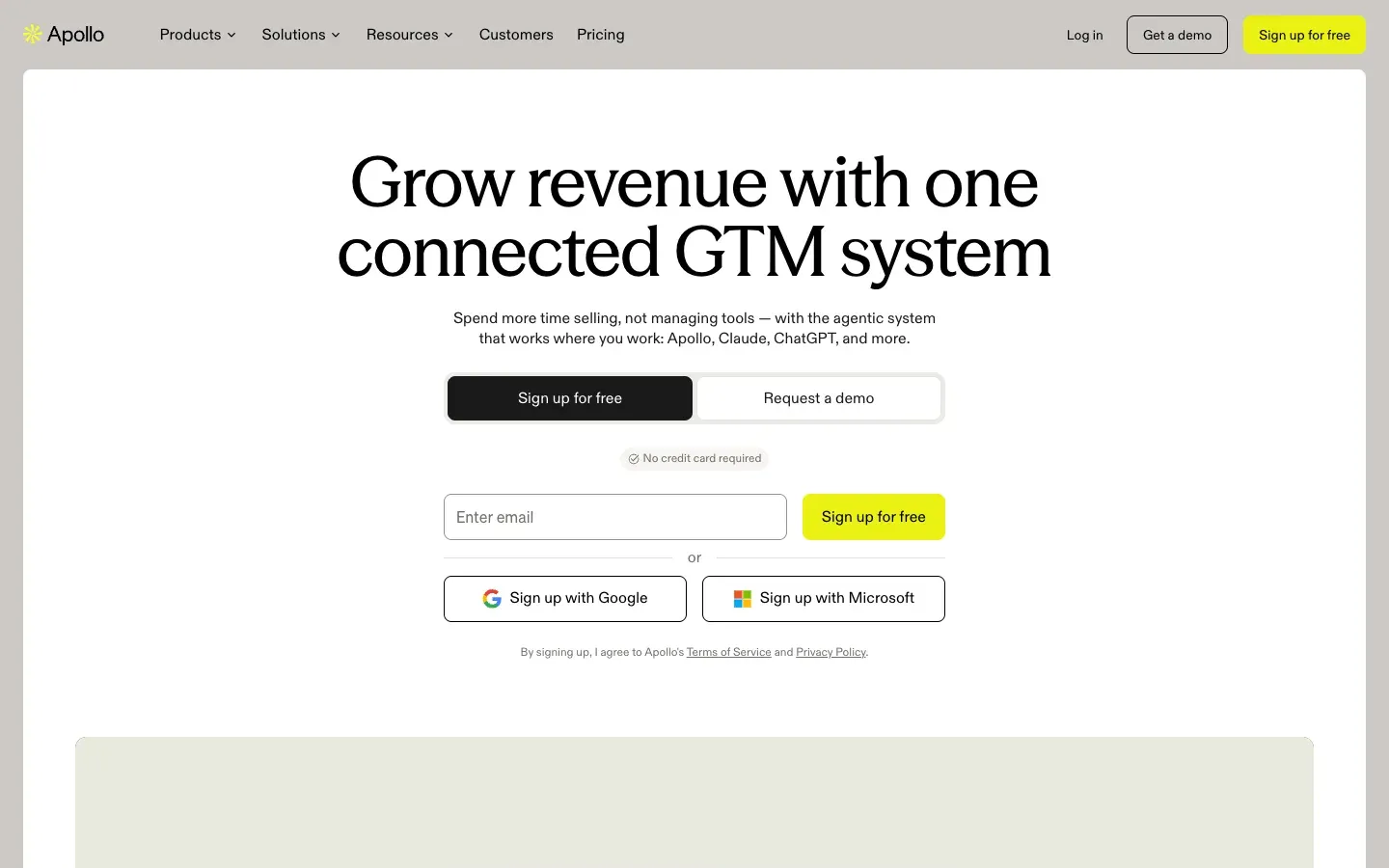
Apollo.io is a B2B sales platform that presents itself as an AI go-to-market platform. It brings together data (contacts and companies), AI agents and outreach tools. The site claims a database of more than 240 million contacts and 30 million companies, and more than 600,000 companies using Apollo.
The typical workflow is simple: you search the database with filters (job title, industry, company size, location), you reveal emails and phone numbers with credits, you add contacts to a sequence of emails and calls, and you track replies and meetings. Apollo also enriches the records already in your CRM, and its Chrome extension shows contact data while you browse other sites.
Note the name: Apollo.io is not Apollo GraphQL, a developer tool for APIs. They are unrelated companies.
02How we use Apollo at BeBranded
Apollo is not part of our own stack. We meet it in client projects, usually in two forms: a sales team that uses Apollo for prospecting and wants its data to flow cleanly into the CRM, or a founder who asks whether Apollo is the right first tool for outbound.
What we recommend:
- Start with the target, not the tool. Define the companies and roles you want to reach. Apollo's filters are only as good as this definition.
- Connect Apollo to the CRM from day one. Without a clean sync, contacts get duplicated, and nobody knows who was contacted. This is a typical CRM integrations project, with HubSpot, Pipedrive, Attio or folk.
- Protect the sending domain. Send prospecting emails from a dedicated domain or subdomain, warm it up and keep volumes reasonable.
- Check the legal basis. In Europe, cold B2B emails need a lawful basis, clear information and an easy opt-out.
When prospecting workflows involve several tools (enrichment, scoring, CRM, Slack alerts), we connect them in an automation project rather than adding another subscription.
03Key features
- B2B database: search contacts and companies with detailed filters, and reveal verified emails and phone numbers.
- Enrichment: fill in missing fields in your CRM records, with waterfall enrichment for more complete data.
- Sequences: multi-step campaigns of emails, calls and tasks, with replies tracked.
- Dialer: call prospects from Apollo, including a Parallel Dialer, and call recording on Professional.
- AI agents and assistant: research accounts, build lists, write and follow up messages.
- Meetings and deals: a meeting scheduler and deal management for small teams.
- Chrome extension: see Apollo data inside other tools and on websites, including Gmail.
- Deliverability tools and an Apollo MCP server for AI assistants.
04Use cases
A founder starting outbound
A founder wants to test a market by reaching 200 decision makers. Apollo's free plan is enough to build a first list and send a small sequence from Gmail. What to know: personalise the first lines and track replies manually before scaling; volume without targeting burns the domain.
An SDR team running daily prospecting
A team of sales development reps needs lists, sequences and calls every day. Professional adds higher credit limits, AI features, call recording and advanced CRM integrations. Set per-user credit caps so one rep does not consume the team's pool.
Enriching an existing CRM
A company has thousands of contacts with missing titles or phone numbers. Apollo enrichment fills the gaps. Check field mapping first, so Apollo does not overwrite data your team entered by hand.
Inbound lead qualification
A form on the website captures a name and an email. Enrichment adds the company, size and role, so leads can be routed to the right person. This works well with a form tool like Tally and an automation in Make or n8n.
Account-based campaigns
A team targets a short list of key accounts. Apollo helps map the buying committee in each account and coordinate emails and calls. Keep the list small and the messages specific.
05Integrations
Apollo advertises more than 200 integrations. Its pricing page lists core integrations on Basic and advanced CRM integrations on Professional, plus connection to Microsoft Office or other email providers on Professional (the Free plan connects only Gmail accounts). API access is part of the Custom plan. For other tools, automation platforms such as Zapier, Make or n8n can pass data between Apollo, forms, Slack and your CRM.
06Apollo.io pricing in 2026
Prices checked on apollo.io/pricing on 14 November 2026, in US dollars. The visible pricing table is rendered in the browser; the figures below come from the price data published in the page itself, which lists them as monthly prices.
| Plan | |||
|---|---|---|---|
| Free | Price listed $0 | For whom (per Apollo) Exploring Apollo, founders, light usage | Notable features No time limit, email connections limited to Gmail |
| Basic | Price listed $49/month | For whom (per Apollo) Individual sellers doing regular outbound | Notable features Email sequencing, core integrations |
| Professional | Price listed $99/month | For whom (per Apollo) Full-time reps | Notable features Higher credit limits, AI features, call recording, advanced CRM integrations, Microsoft and other email providers |
| Custom | Price listed On quote | For whom (per Apollo) Teams with custom volumes | Notable features SSO, advanced security, dedicated support, API access |
Billing works monthly (cancel anytime, higher monthly cost) or yearly (paid upfront at a discount). Credits are pooled across the team, granted at the start of each cycle and expire at its end without rolling over; extra credits can be bought as an add-on. All seats on an account share the same plan, and a single action is capped at 10,000 records on lower plans.
Is Apollo.io free? Yes, with no time limit, but with limited credits and Gmail-only email connection. It is enough to test the database and run small campaigns. Real outbound at volume needs Basic or Professional, and the total cost depends on seats and on extra credits, so model your monthly volume before choosing.
07Pros and cons
Advantages
- Database, enrichment and outreach in one tool.
- A free plan with no time limit to test the data.
- Detailed filters to build precise lists.
- AI agents and a dialer included in the same workflow.
- Many integrations and a Chrome extension.
Drawbacks
- Data quality and coverage vary by country and segment: test your own market before committing.
- Credits expire each cycle and do not roll over.
- Easy to send too much: deliverability and reputation suffer if sequences are not controlled.
- Legal obligations for cold email in Europe are on you.
- Advanced CRM sync and API access require higher plans.
08Our verdict
Who it's for
- Startups and SMEs launching or running outbound sales.
- SDR teams that want lists, sequences and calls in one place.
- Revenue operations teams enriching a CRM.
- Founders validating a B2B market quickly.
Who it's not for
- Businesses selling to consumers.
- Teams without a clear target or message: the tool will amplify the problem.
- Companies that only need email finding: a lighter tool is cheaper.
- Organisations unable to manage GDPR obligations for prospecting.
09Apollo.io alternatives
| Tool | |||
|---|---|---|---|
| Apollo.io | Best for Database and outreach in one tool | Free plan Yes | Paid from $49/month (Basic) |
| lemlist | Best for Personalised multichannel campaigns | Free plan Trial | Paid from Paid plans |
| Hunter | Best for Finding and verifying emails | Free plan Yes | Paid from Paid plans |
| Reply.io | Best for Sequences and sales engagement | Free plan Trial | Paid from Paid plans |
| PhantomBuster | Best for Scraping and automating lead sources | Free plan Trial | Paid from Paid plans |
| HubSpot | Best for CRM with sales sequences | Free plan Yes | Paid from Paid plans |
Our rule: choose Apollo if you need the data and the outreach together. Choose Hunter if you only need to find emails, lemlist if you already have lists and want highly personalised campaigns, and HubSpot sequences if your team lives in the CRM.
10Apollo vs lemlist
Apollo's core is data: a large database with filters, enrichment and credits, with outreach built around it. Lemlist's core is outreach: personalised multichannel campaigns (email, LinkedIn, calls) and deliverability. Many teams combine them, building lists in Apollo and running campaigns in lemlist, but that means two subscriptions and a sync to maintain. A small team usually starts with one: Apollo if finding contacts is the bottleneck, lemlist if getting replies is.
11Getting started with Apollo.io
- Write your ideal customer profile: industries, company sizes, countries and roles.
- Test the data on a sample of 50 to 100 contacts in your market and check bounces before buying a plan.
- Set up a dedicated sending domain with SPF, DKIM and DMARC, and warm it up.
- Connect the CRM and decide which tool owns each field.
- Build a short sequence (three to four steps) with a clear, specific message and an easy opt-out.
- Review results weekly: replies, meetings, bounces and unsubscribes, and adjust targeting before volume.
Want Apollo, your CRM and your website forms to work as one system? We set this up in our CRM integrations and automation projects, and can audit your current sales process first in a process audit.